 @Cole47
How to screenshot instagram "boom" photo without sc indicator I don't know did you know, when you screenshot someone "boom" photo, he will recive notification and have a litlle indicator next to photo you screenshoted. example:
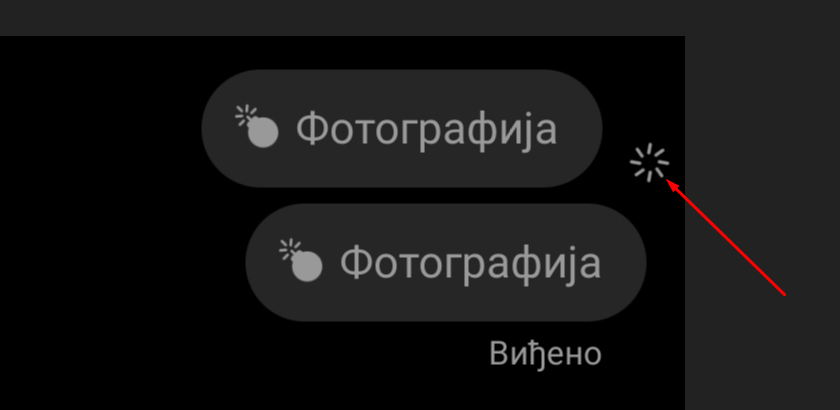
First photo has been screenshoted without this using method, on 2nd one I used. (both photos has been screenshoted) 1.Screen recorder You will need some kind of screen recorder, download it on play store. (You may have some integreted screen recorder in your phone, looks like me)
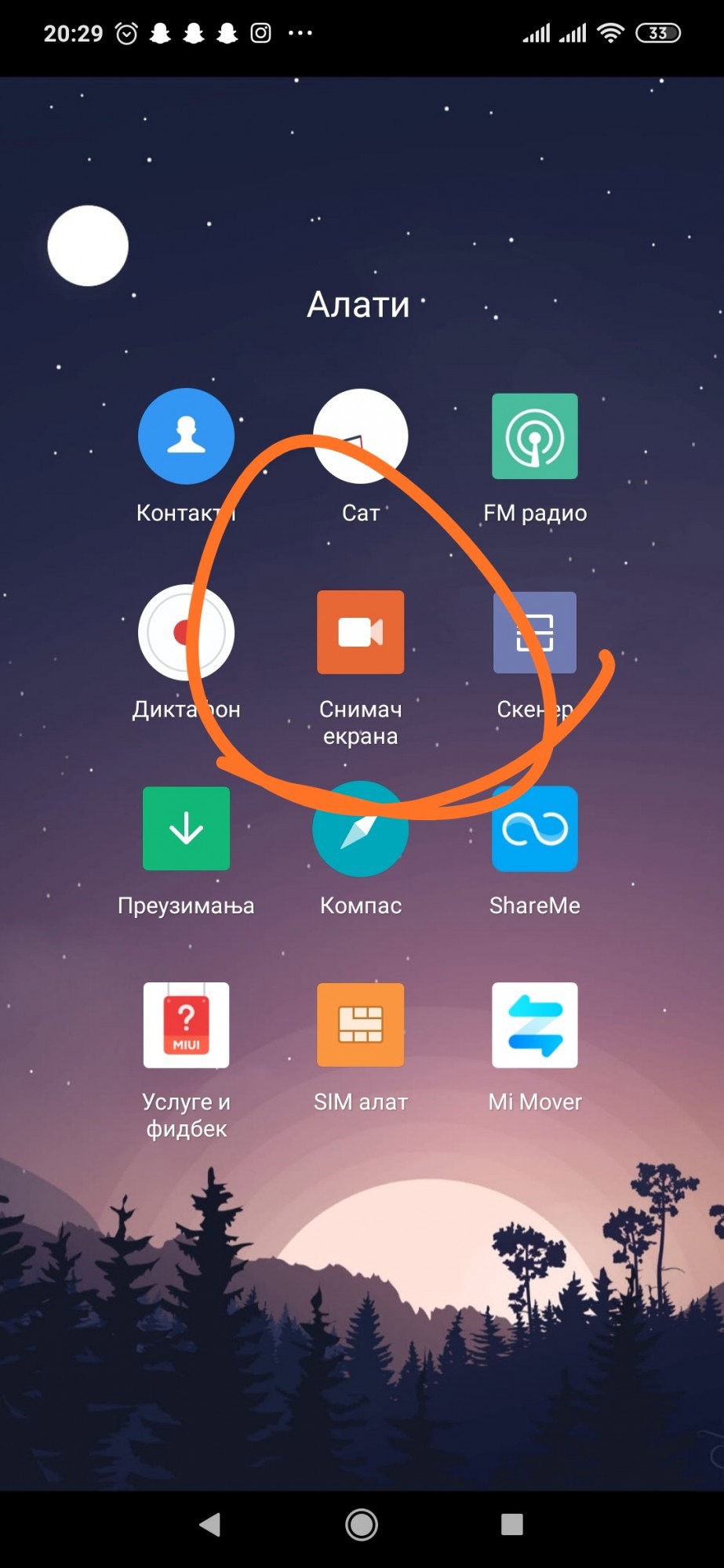
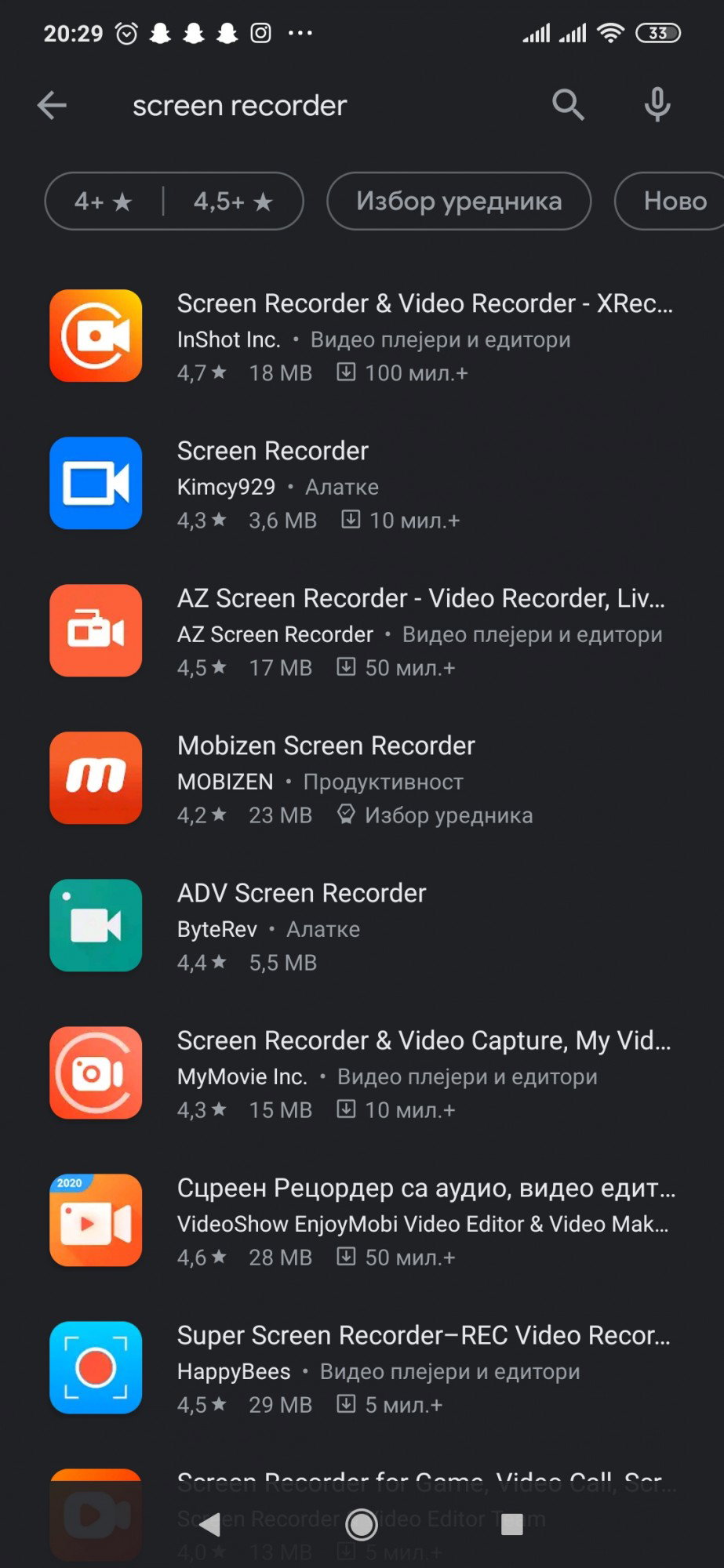
But if you dont have, you can download it on play store, just type "screen recorder" and pick one of free for you:
2. Start recording When you recieve photo message, start recording and get in instagram 3. Open picture. Open picture and wait to exipre, than close instagram and stop recording. 4. Open video. Open video that you have been record in previous step, and screenshot photo from video xD. You will get screenshot but interlocutor will not see screenshot indicator(looks like 2nd message on picture No.1) 5. Enjoy! If you like this post, don't forget to like it and check my profile for other themes. :) Recommended: **How to hide seen and typing indicator on facebook!** https://read.cash/@Cole47/how-to-hide-seen-and-typing-indicator-on-facebook-e2651fae
6 comments
Hvala na edukativnom članku.Uvek nešto naučim.
Ne, hvala Vama na dobrim objavama :D
Šta ne?.Ništa nisam naučila?
"Ne" u smislu "Nema potreba za zahvaljivanjem" samo skraceno napisano
hahaha ,ja se baš iznenadih!
You're welcome !