 @BitcartCC
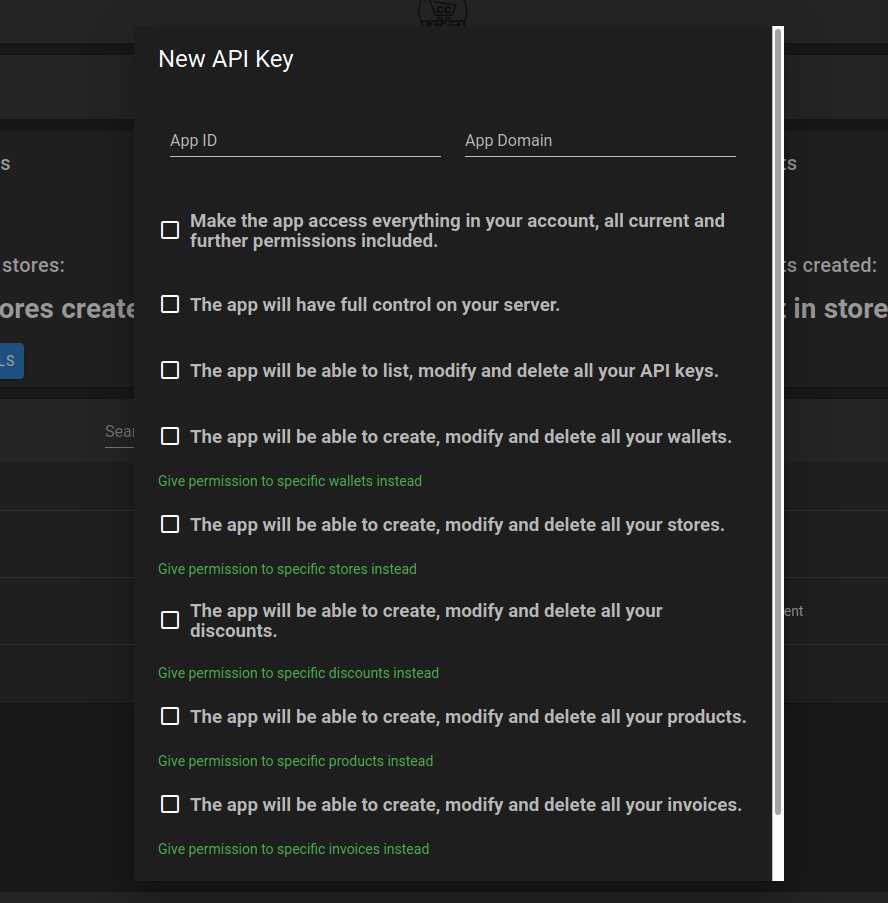
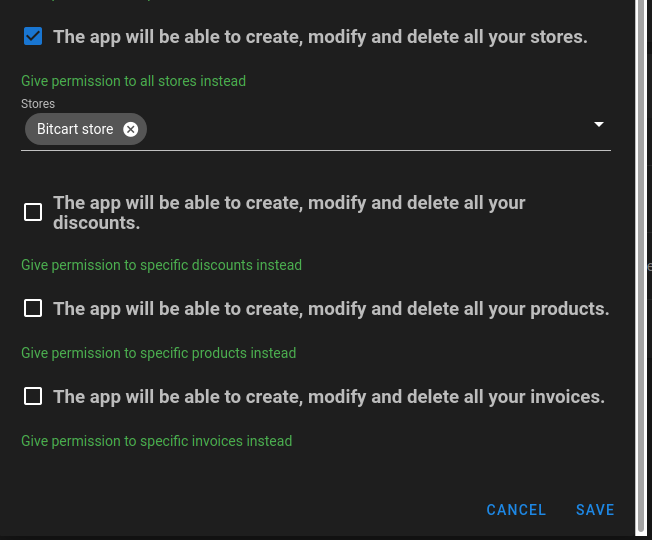
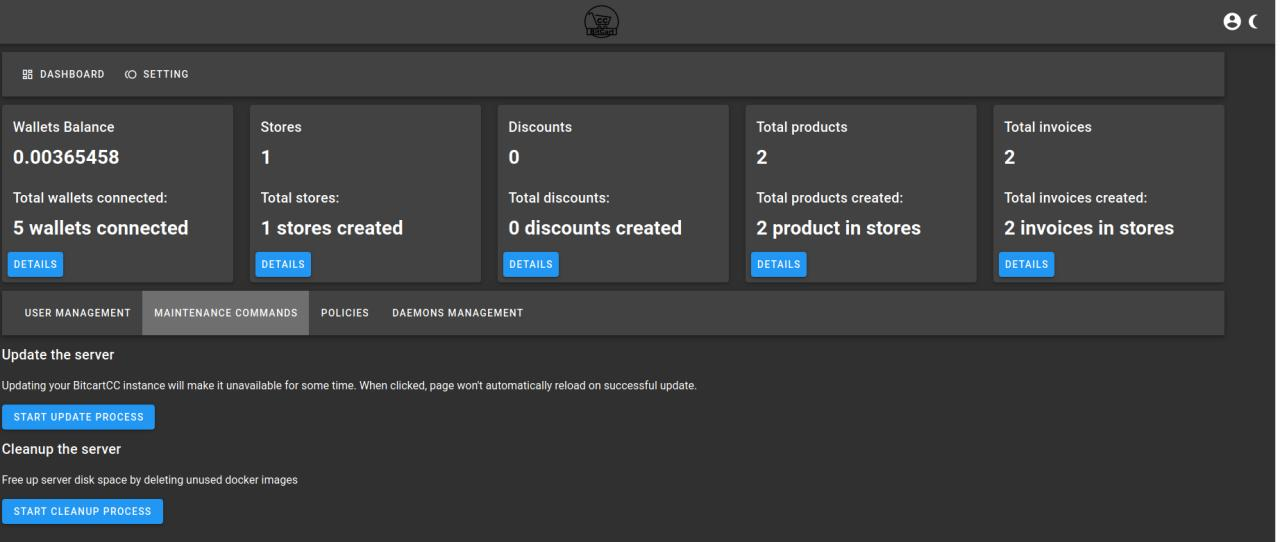
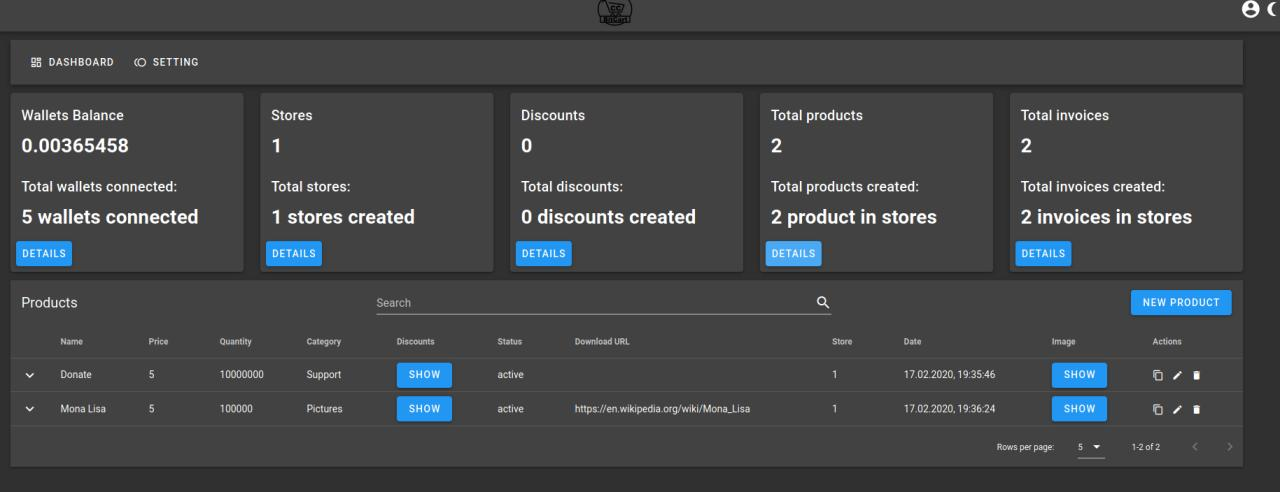
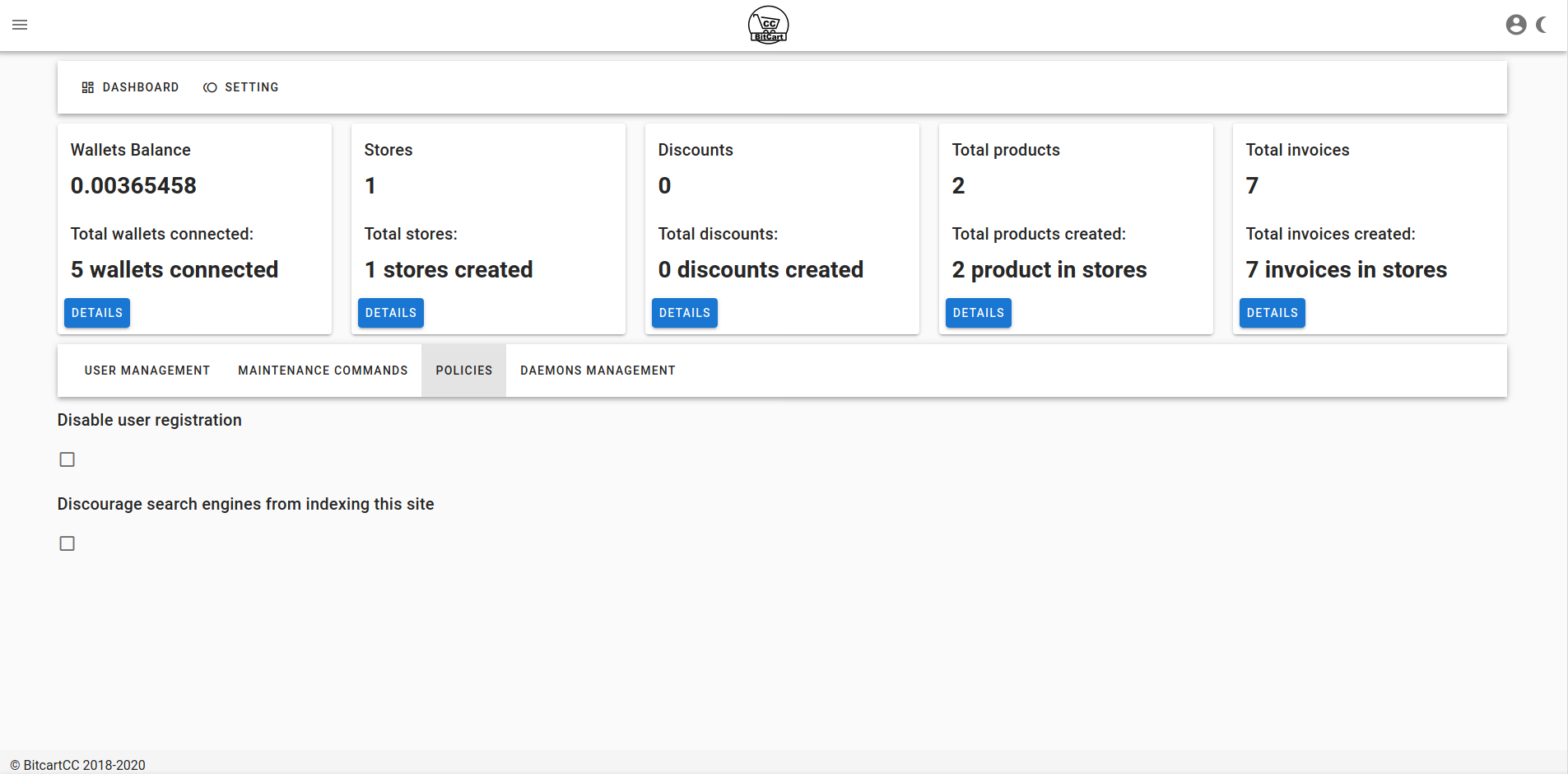
BitcartCC Updates Summary August 2020 BitcartCC has gone through a few updates since our last updates summary. https://read.cash/@BitcartCC/bitcartcc-update-api-keys-management-less-configuration-more-features-d546eb75 Here is the new summary: Multiple deployments on one server support Now it is possible to run multiple BitcartCC instances on one server! In that case you can configure your domains yourself. If built-in nginx reverse proxy is disabled (`export BITCART_REVERSEPROXY=none`), by default admin is available outside from port 3000, store from port 4000 and API from port 8000. You can now customize those ports by setting `BITCART_COMPONENT_PORT` environment variable, where COMPONENT is the name of the component(like `ADMIN`, `STORE`, `BACKEND`, `BITCOIN`, `BITCOINCASH` etc.) By default cryptocurrency daemons aren't exposed outside even if no reverse proxy is enabled for security. If you really need to expose it to the outside, set `BITCART_COIN_EXPOSE` environment variable to true. In addition to this, initial setup of multiple deployments on one server is now easier too! You just need to pass deployment name to `setup.sh` Like so: `./setup.sh --name demo` `./setup.sh --name second` It will save settings in separate files for each deployment name, and launch docker-compose under specified project name, so all start/stop/update scripts, and admin panel's update feature will work on any amount of instances you run on one server! For example, see how it is set up in our demo: Documentation updates Our docker deployment options are now fully documented: https://docs.bitcartcc.com/deployment/docker Also first third-party hosting was set up for public usage. To view full list of third-party BitcartCC hosting, and their advantages and disadvantages, please read: https://docs.bitcartcc.com/deployment/thirdpartyhosting A tutorial on how to upgrade manual deployment was added: https://docs.bitcartcc.com/deployment/manual#upgrading-manual-deployment Walktrough was updated to include information about new features: notification providers and templates, see more below: https://docs.bitcartcc.com/bitcartcc-basics/walkthrough#notification-providers https://docs.bitcartcc.com/bitcartcc-basics/walkthrough#templates Notification providers support BitcartCC now supports different notification providers: telegram, slack, gmail, gitter and more! Setup notification providers, connect them to your store and receive notifications about new orders in your favourite services! You may have a question: is it possible to customize notification message, or email message sent to customers? The answer is: yes of course. See next section! Templates The long awaited templates customization feature has been added to BitcartCC. It is now possible to change template used by email message sent to customers, or notification providers template, or even create custom ones! You can write completely custom templates via powerful templating language Jinja2 https://jinja.palletsprojects.com/en/2.11.x/templates/ In each store and product there will be an option to choose a custom template. How it works: When sending email, two templates are used: shop and product. Shop template is used for displaying general store information, logos, thank you message and anything else. Shop template may optionally include products list. Products list is a list of templates rendered for each product individually. Product template determines how each product is displayed. When selecting template to use, here is the order how templates are picked up: 1) If this product or store has template selected, it will be used 2) If it has no template selected, default global store or product template will be used (named `store` or `product`), if exists 3) If none of templates above are customized, default templates are used https://github.com/MrNaif2018/bitcart/tree/master/api/templates Below is a group of screenshots showing how to customize templates: BitCCL language for checkout flow automation is now in alpha BitCCL is a simple Python-like language with lots of built-in functions and events, helping automate orders processing in BitcartCC. It is not yet integrated into main BitcartCC deployment system, but it is available as a standalone compiler and Pypi package currently. https://pypi.org/project/bitccl/ Why was it created We know that processing orders, especially in large quantities is hard. But often many orders in online shops could processed automatically. Or in physical shops, sometimes there are needs to call some API to add a new record about order into database of the shop. So instead of hiring a programmer or developing a custom API, merchants and users could just use built-in BitCCL language to easily express what they want to automate. Why python was chosen as base Python is almost fully English. That way non-technical users can understand it too with good documentation. There are no required types of objects, no additional writing. By adding a lot of built-in functions, actual programming would be led to a minimum, as built-in functions would cover many use cases. But if they do not, programmers could use the language just as they use Python to create any complex workflow. Another great feature of BitCCL is that, some snippets directory may be created, so that users can copy ready snippets to implement some processing features. Why isn't a graphical interface used for it instead Possible automations that are possible to do with a graphical interface are limited to graphical interface editing possibilities. But a Python-like, English-like language is unlimited in possibilities, as it is actually a programming language. Example use case Let's say you have a product in your BitcartCC store, which is used to provide access to your instance. Usually, when someone buys access to your instance, you would open admin panel, register a new user and give credentials to the user by sending them to his email provided, for example. But if there are lots of orders it's hard to keep up. By using BitCCl, you can write a small script: `@on(ProductBought(1))` `def func(product):` `user = register_user(product.buyer_email, password(8))` `send_email(product.buyer_email, template("bought", {"email": user.email, "password": user.password}))` This small script means: When someone has bought a product with id 1 (id can be copied in admin panel), execute function `func`. Product that was bought is passed to the function. We register a user by using email customer has left during checkout as new user's email, and an unique password of length 8 as a password. Then we send email to customer. But we don't write email text ourselves, we use `bought` template that we can create from templates page on admin, passing email and password to it. Bought template could look like so: `Thank you for your purchase!` `Login credentials:` `Email: {{ email }}` `Password: {{ password }}` `The password was generated automatically, please change it after logging in.` That way, all the order processing will be done by your BitcartCC instance, and you can just rest and drink a cup of coffee! (: Tor support BitcartCC now supports Tor as an easy way to run BitcartCC behind a NAT. By default tor support is disabled. You need to enable it by running: `export BITCART_ADDITIONAL_COMPONENTS=tor; ./setup.sh` After enabling it, your admin and store will display an onion icon in the toolbar, showing that there is onion version of that site available. By clicking on it any time you'll be redirected to onion version of your store or admin. To open onion sites you need tor browser. When opening your admin panel, store or API by domain, onion version will be suggested by the browser. Admin panel also has a new page called services, which will display information about your hidden services. When enabling tor support btc and bch daemons automatically use tor proxy for connections. Tor, if used incorrectly might be dangerous, and it is almost impossible to make all API calls use onion only. So tor support is mostly for convenience, because that way it is possible to run BitcartCC instance on your local PC without buying static ip address, configuring router, buying domain and so on. BitcartCC Admin Panel's checkout page improvements Checkout page in admin panel can be used by custom integrations. But before, it was looking as an admin panel, and users could even discover admin panel pages. Now it is more focused, having only needed details. It now has invoice expiration counter. Also, as checkout page is now improved, it is now possible to use it in other sites! Each admin panel has `modal/bitcart.js` script, which can be integrated in other pages and used to open checkout window as an iframe. https://admin.bitcartcc.com/modal/bitcart.js Example usage of that feature can be found at https://bitcartcc.com donation button (code) https://github.com/MrNaif2018/bitcart-site/blob/master/pages/index.vue#L79 Also it is now possible to change invoice expiration time from default 15 minutes to any needed value! Admin panel editing improvements Editing in admin panel is now easier! When adding a new invoice, it is shown first in the list and not last. All objects are now sorted by insertion order, last added is shown first. Also a reload button is added to reload current page's data if needed. Upgraded core daemons BCH daemon now uses Electron Cash 4.1.0, allowing imports of BIP39 seeds. Electrum is in progress of updating to 4.0.2 Other notable changes Here is a list of changes across releases, which are also important, but couldn't fit into other categories: Admin panel image now weights almost two times less than before (423->256 MB)! Hidden details are now formatted correctly, so for example your xpub won't be spread across 12 lines :D Fixed a rare bug when worker started before database and couldn't work afterwards, it now starts after backend (so when database is up) Reduced image size of store image for approximately 209 megabytes Reduced image sizes of all daemons by 40-80 megabytes Now daemons data is finally persistent, so no need to wait for resync after you reboot your server. To open data directory on your server, run `cd /var/lib/docker/volumes/compose_bitcoin_datadir/_data/` for bitcoin, replace `bitcoin` with coin's component name If using custom deployment, also replace `compose` with your custom deployment name. Disabled lightning by default to reduce memory usage, it can still be enabled for needed coins by running export COINNAME_LIGHTNING=true ./setup.sh Where `COINNAME` is coin code. Fixed custom deployments, so now docker stack is not named `-deploymentname`, but `deploymentname` as it should be. Card stats fixed, on mobile one card takes full screen (more readable), and on desktop the bug with cards of different heights is fixed. Profile and change theme buttons are shown on mobile too now Important data model update, each model now has `user_id` stored directly, improving performance a lot by avoiding SQL joins, and fixing many rare bugs Nginx version isn't disclosed anymore for better security It is now possible to change exchange rates provider when using core daemons, by running: `export COINNAME_FIAT_EXCHANGE=exchange` Where `COINNAME` is coin symbol (btc, bch, ltc, gzro, bsty) and exchange is exchange to use, for example (CoinGecko, CoinDesk and others) Default exchange used for fiat rates is CoinGecko for all daemons. When enabling tor support btc daemon switches to CoinDesk because of cloudflare blocking tor. Also it is now possible to enable proxy (socks4 or socks5 proxies) for daemon, by running: `export COINNAME_PROXY_URL=proxyurl` `proxyurl` is in format `protocol://[username:password@]host[:port]` Changes in docker generator: `load_env.sh` script was added, which is useful in custom deployments (multiple instances on same server) Usage: `source load_env.sh` It was added because with multiple deployments on one server environment variables get mixed, via this script current deployment directory is used to load environment variables It is now possible to run a custom version of generator with setup scripts Via `BITCARTGEN_DOCKER_IMAGE` custom image can be used for generating, if `mrnaif/docker-compose-generator:local` name is used, image is built from source Components without images are removed first to not conflict with other generator rules Generator now produces reproducible results Image sizes of admin panel and store are now decreased even more! Admin: Before: 329 MB uncompressed, 81 MB compressed After: 125 MB uncompressed, 36 MB compressed Store: Before: 313 MB compressed, 85 MB compressed After: 118 MB compressed, 36 MB compressed It now takes only a second or two to download updated image! BitCCL version 0.0.4 released! Built-in HTTP Client and BitcartCC SDK, new events and plugin system! We now have contributor guidelines set up for all our repositories! SDK methods are now tested better Conclusion So here is the summary of changes in BitcartCC. BitcartCC is improving and looking forward to contributors to join our welcoming community and have fun implementing new ideas and learning new tech! Links Telegram group https://t.me/bitcartcc Official site https://bitcartcc.com Github https://github.com/MrNaif2018/bitcart


+21 more