 @Arpan
Play Mobile Games On PC Without Emulator - ApowerMirror Crack
You can play any mobile games on your pc . For that you need to install the app **ApowerMirror .** This is a paid app . But you can get the **premium version for free .** ****Step -1 :**** Go to the link below https://drive.google.com/file/d/1Hbob43_ItBWw-2pfOcS0upMnCuCwgvCd/view ****Step-2:**** Click the download button
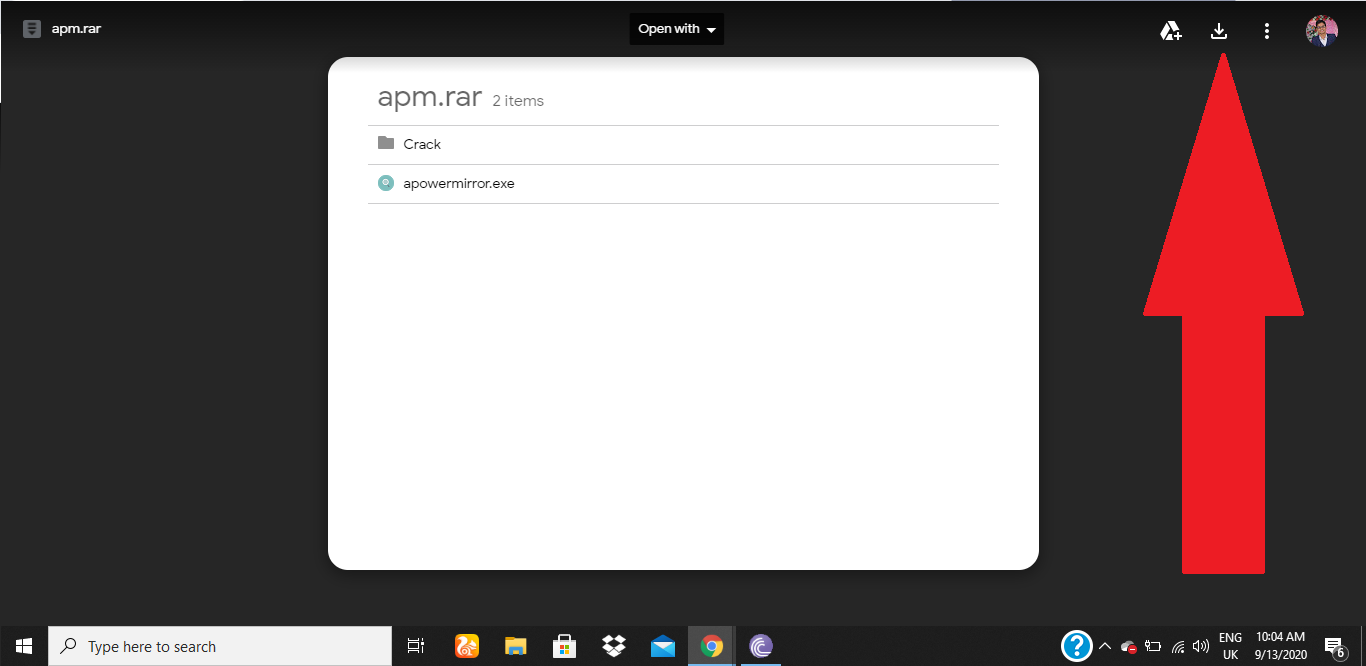
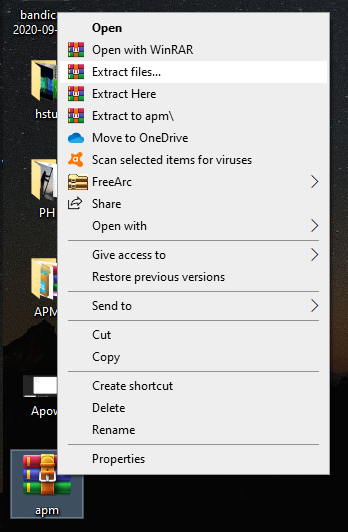
****Step-3:**** Then extract files using any extracting app
****Step-4:**** Download the apowermirror application
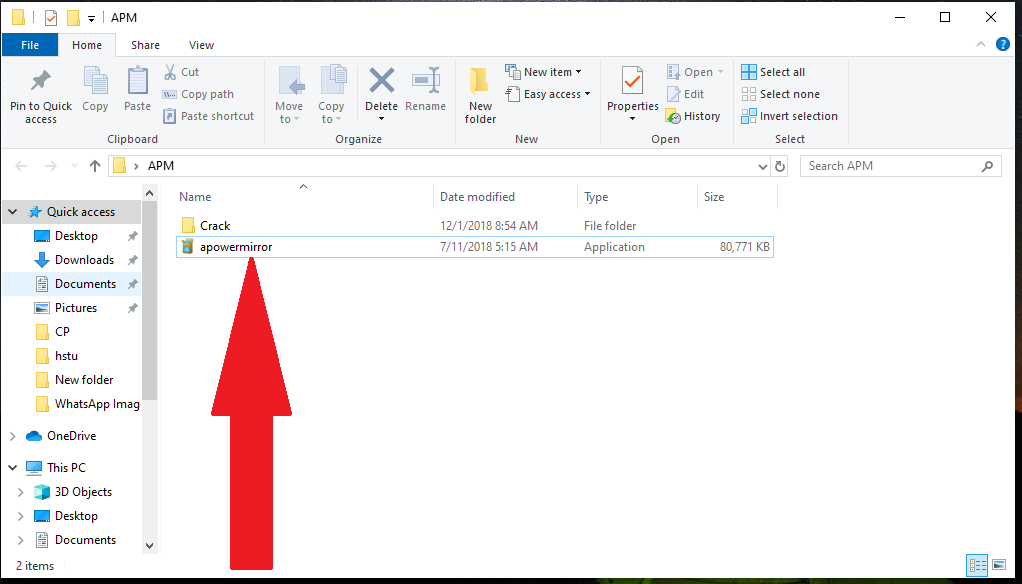
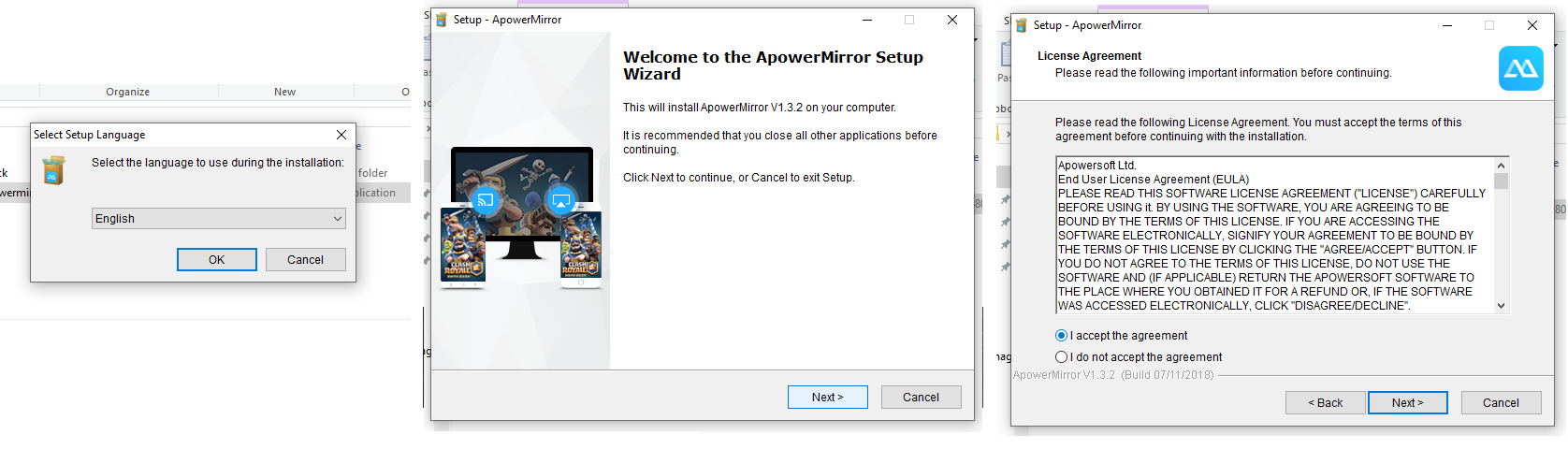
Remember the location you select for the app

****Step-5:**** Go to the crack file and copy 'Apowersoft.CommUtilities'
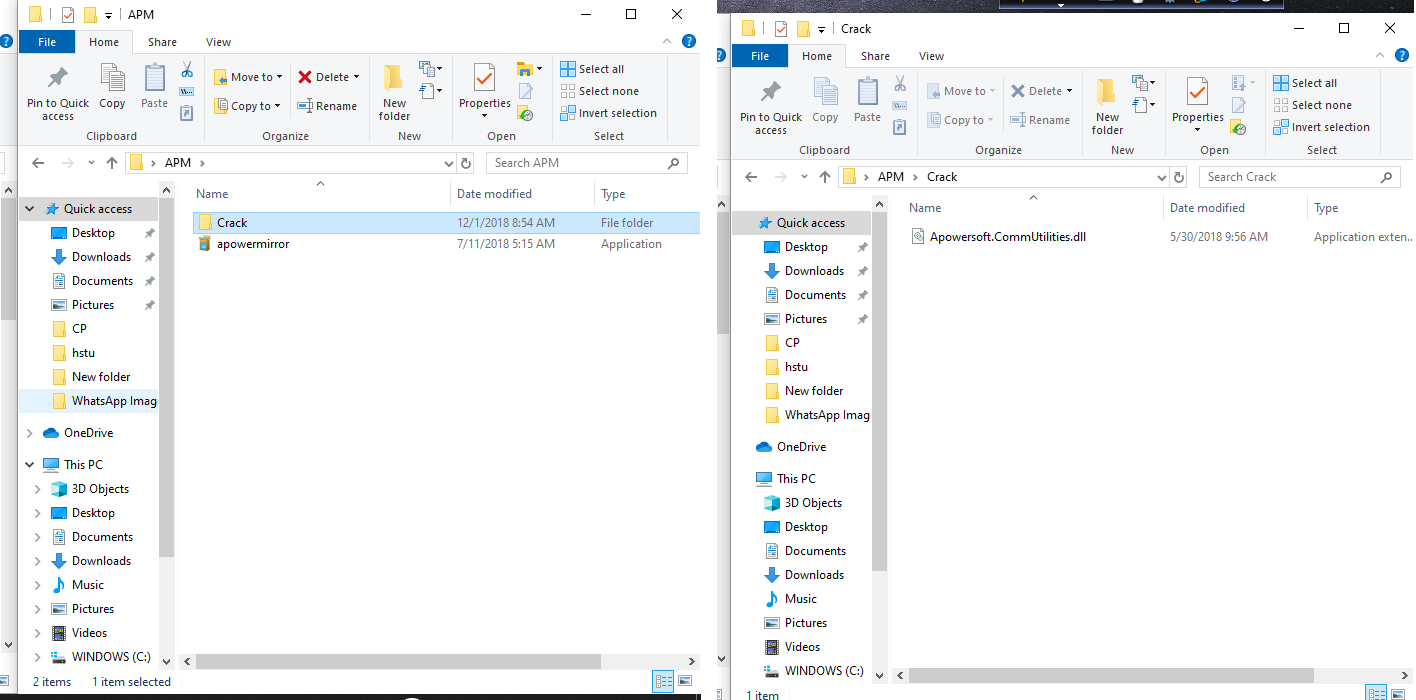
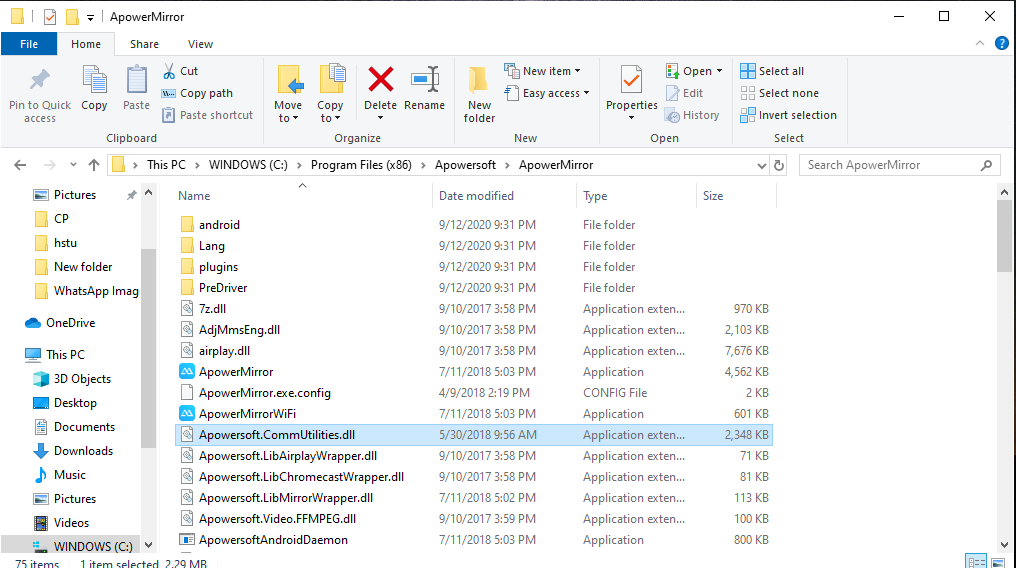
****Step-6:**** Paste the "Apowersoft.CommUtilities" file in the location of ApowerMirror which i previously told to remember .
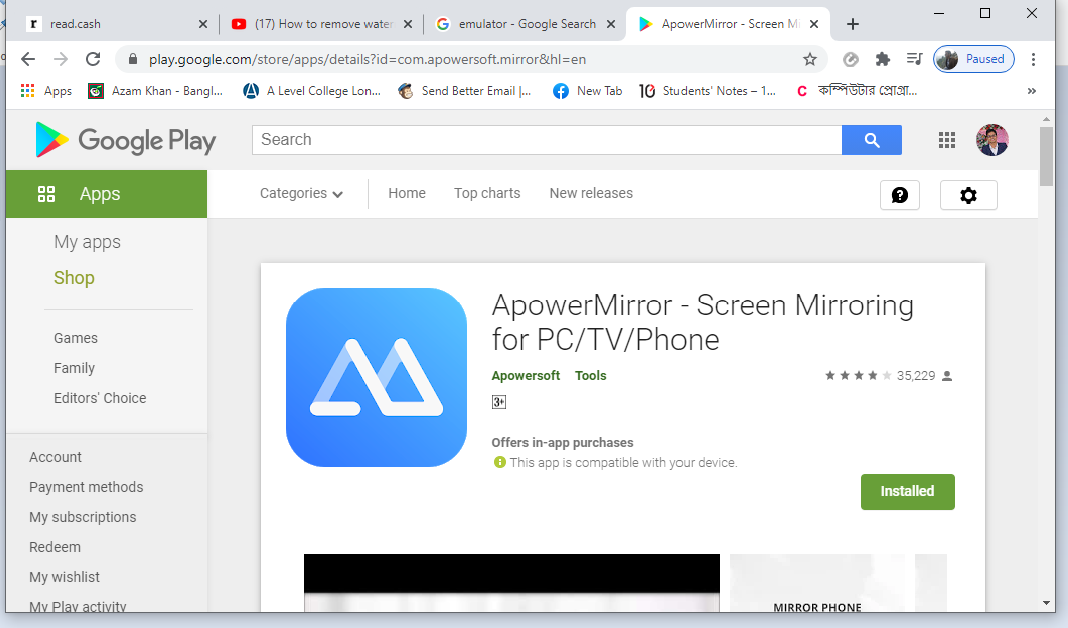
****Step-7:**** Install ApowerMirror App on your mobile
**## You need to Turn on USB Debugging on your mobile** Now you can use **ApowerMirror Premium Version** for free . No watermark and full screen . You can add keyboard shortcuts to play games like PUBG , FreeFire etc. Thank you so much for reading this article . If you like this than please Like and Subscribe !!!

4 comments
Good one! Reminded me I want to do this for a while for some games. Now I will have a lot at it. Cheers!
Playing mobile games on pc is really interesting and fun . I enjoy it so much . But to play smoothly , you need a mobile with good processor .
I think my computer will be alright for mobile games. I didnt try yet. Thanks for the tip.
Please give me feedback about the gameplay !