 @wakeupkitty
edited
more from that month
@wakeupkitty
edited
more from that month
PhotoGrid
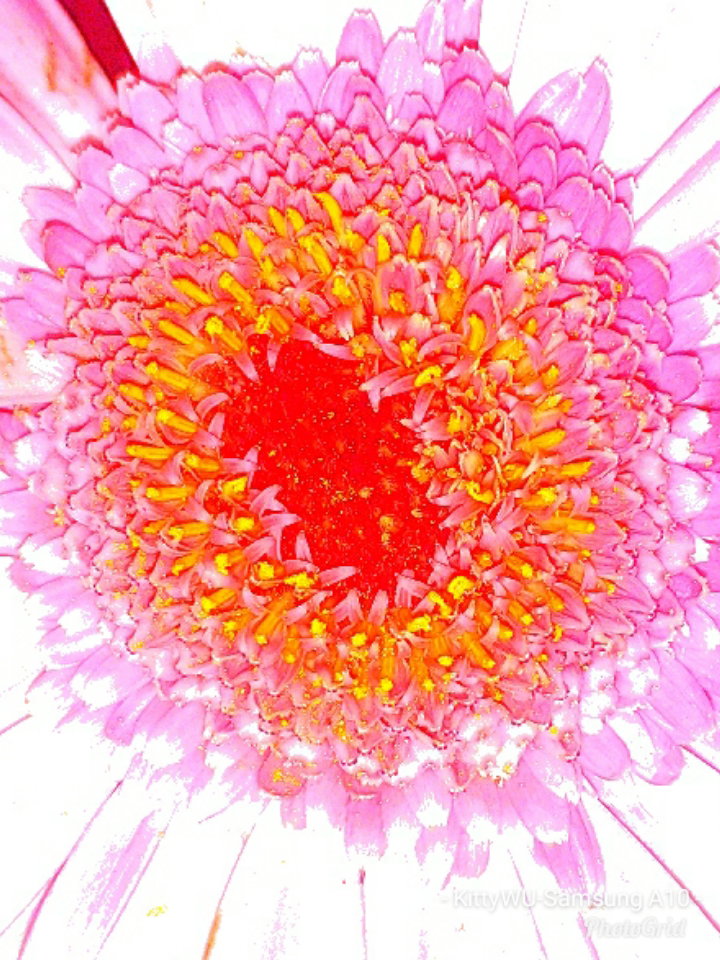
PhotoGrid is a free tool that can be found in the Play Store. You can edit your photos with it. I mainly use it to make my photos smaller and add my name and mobile phone its name to it. I use it thanks to a friend who mainly sends me online cards (collages plus text) with it. There's a paid version as well but I don't need it.
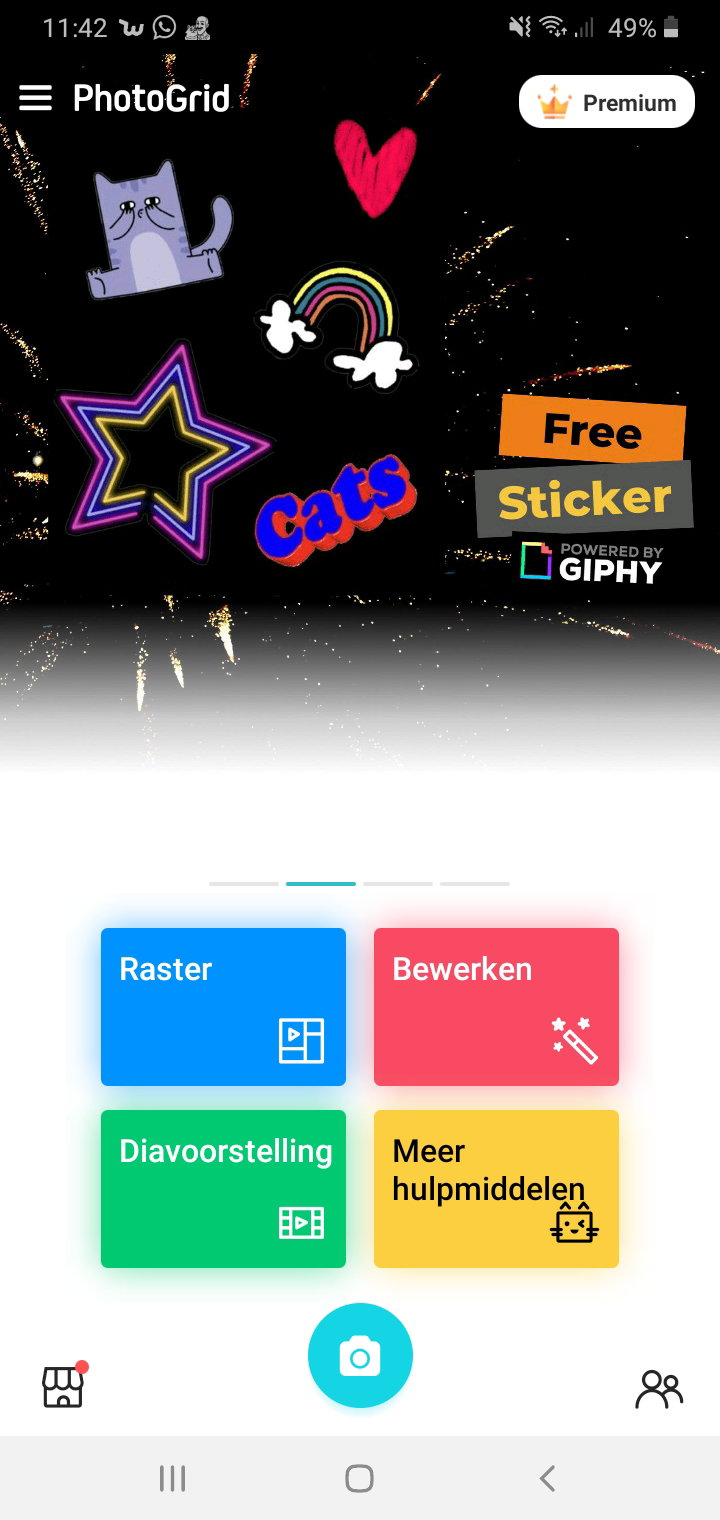
This is what PhotoGrid looks like with me. Be aware free means advertisement pops up. You can pick one of the 4 options given but to be honest, I do not see much difference and what I need it for It is actually too much. I click on the red button because with that I can: Change the size of the photo Add my name/name of the phone (they call it watermark) Save the photo.
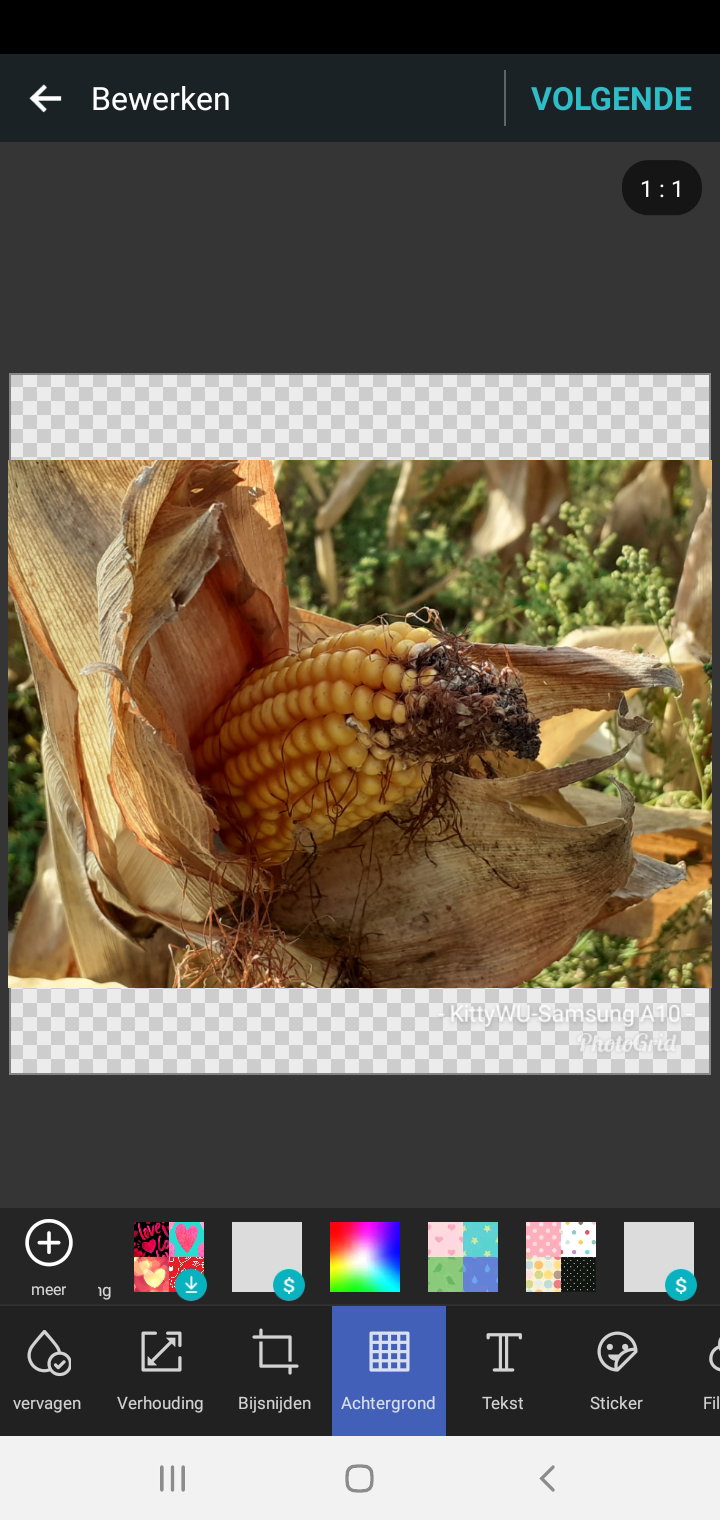
I used my photo of corn. If you like you can add a background to it. It's possible to pick one of the given backgrounds or use your own photos. I do not need a background because I like my photo the way it is.
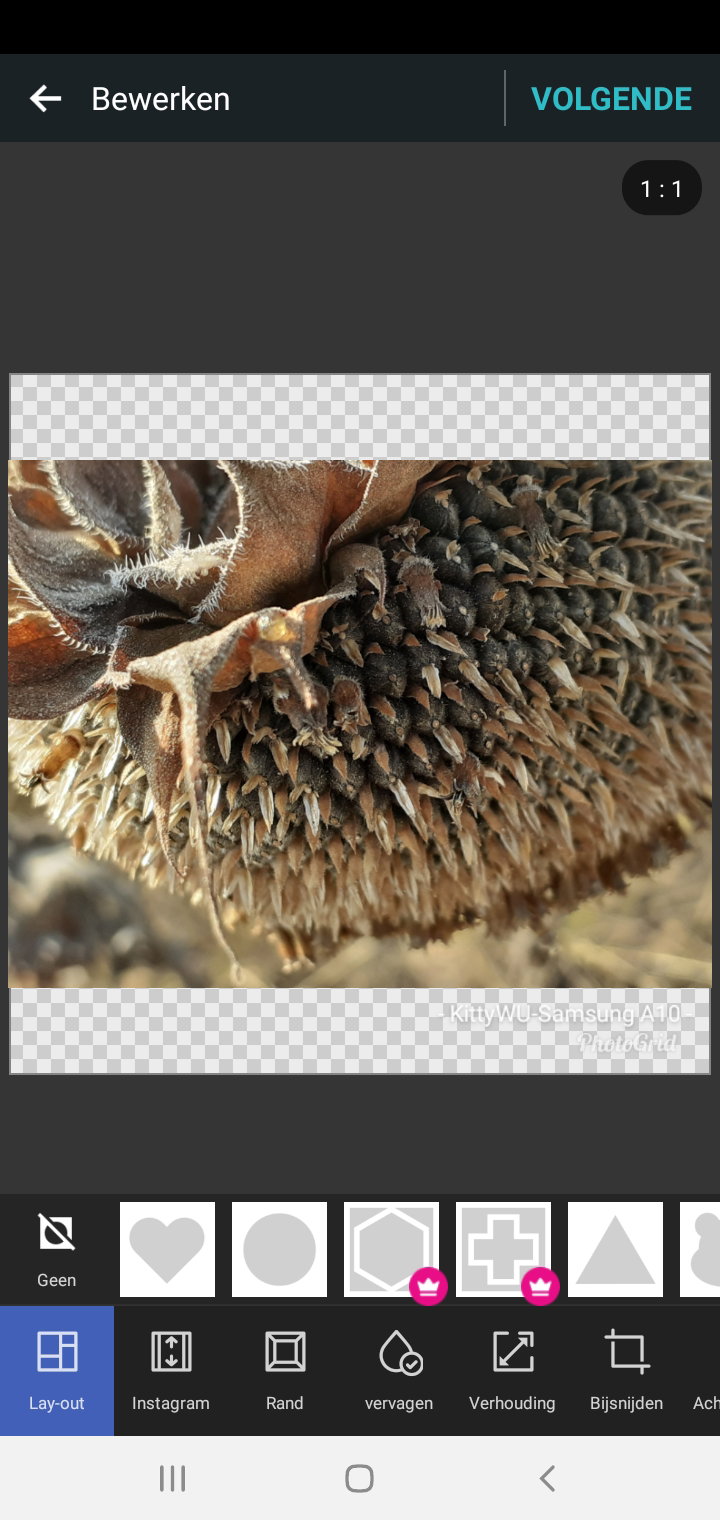
Here I choose the photo of a dying sunflower. If you are crazy about different shapes you can pick one out of the options given. Like said I use a free version which means for some options you need to pay.
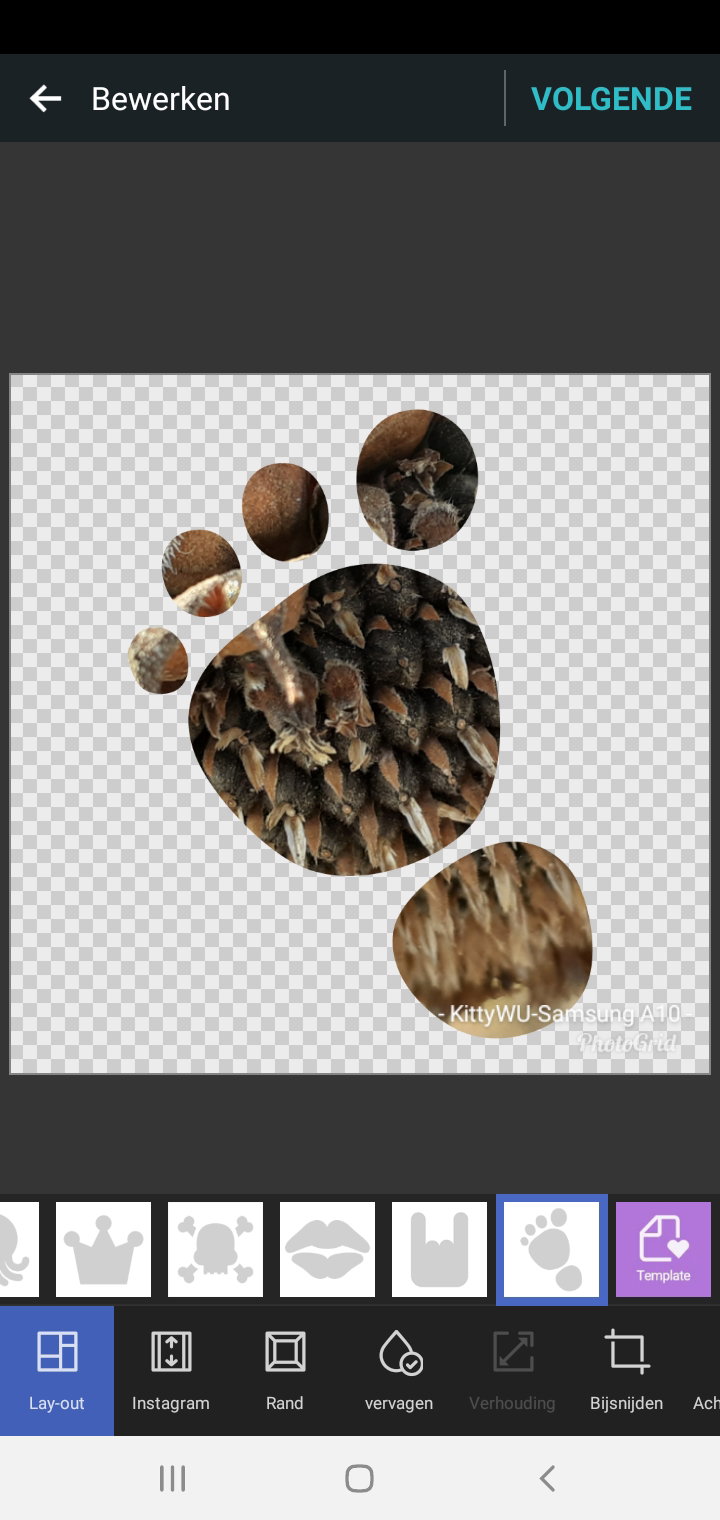
Let's pick the foot. It's free and we only do this for show.
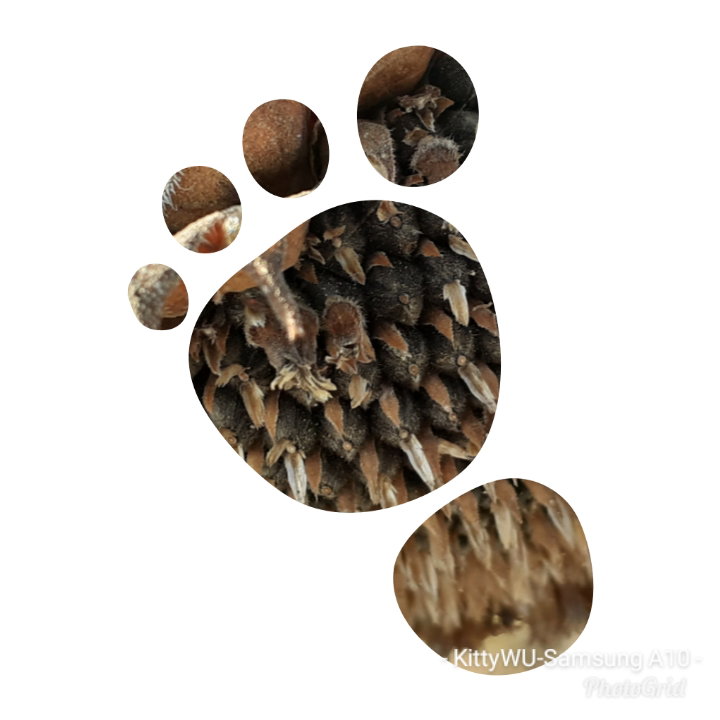
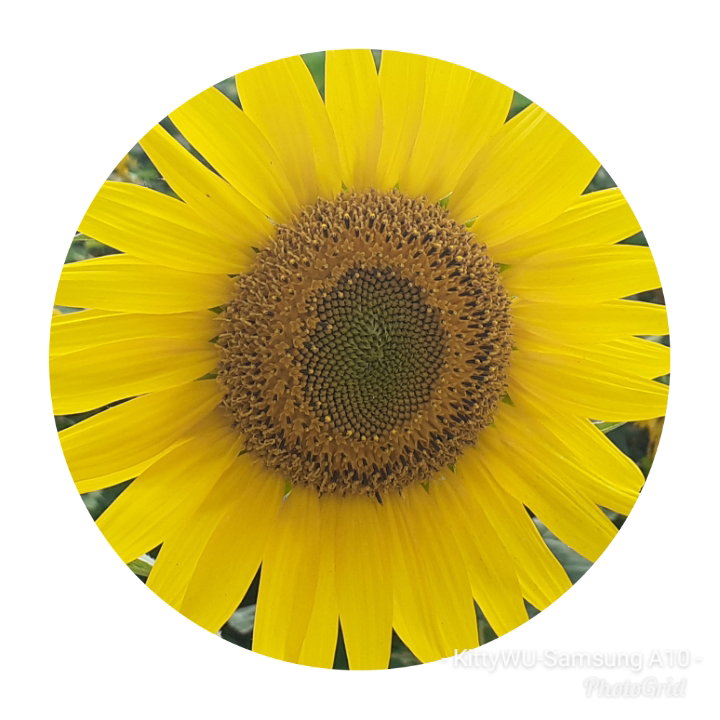
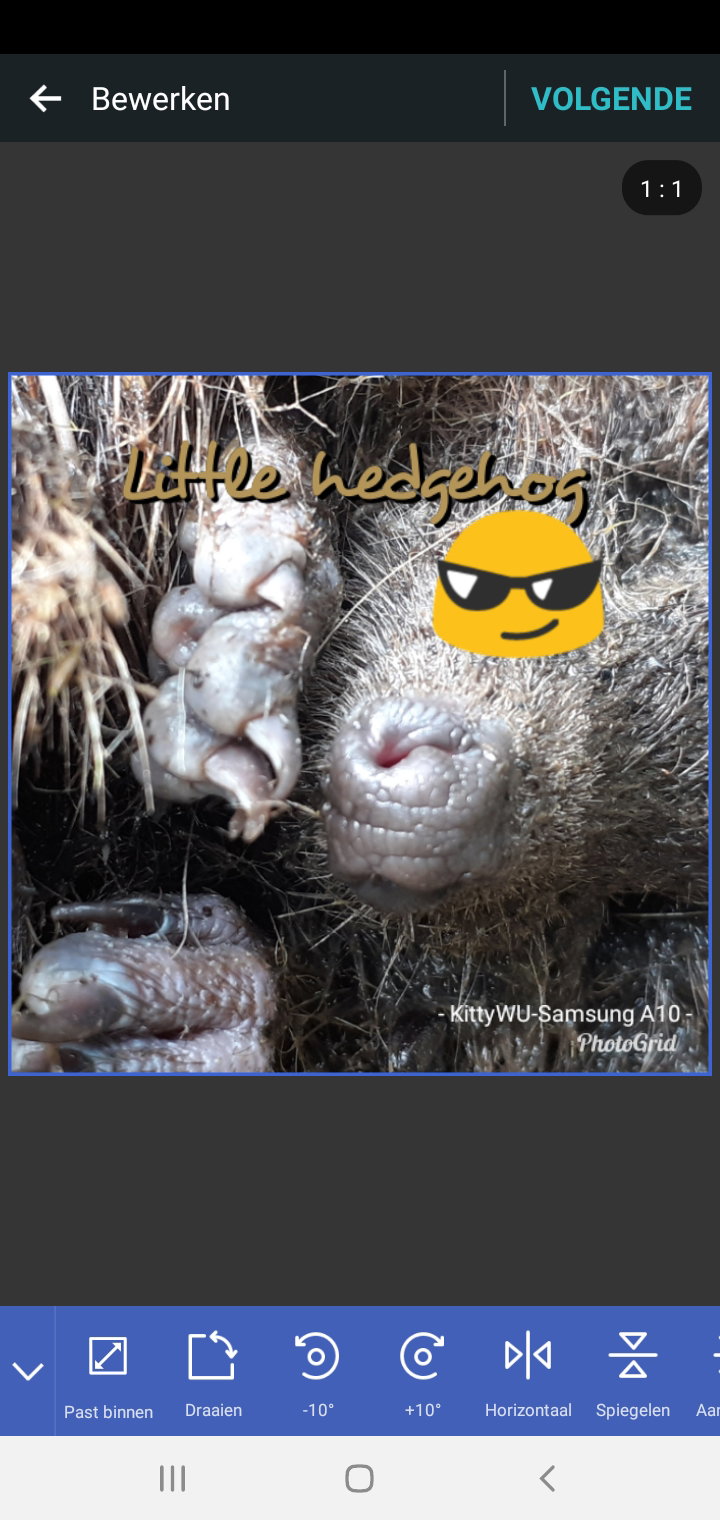
PhotoGrid gives you the option to add stickers on your photo, add text to it and you can cut out something. I can not tell you how the cutting out works. I gave it a try but the whole photo disappeared.
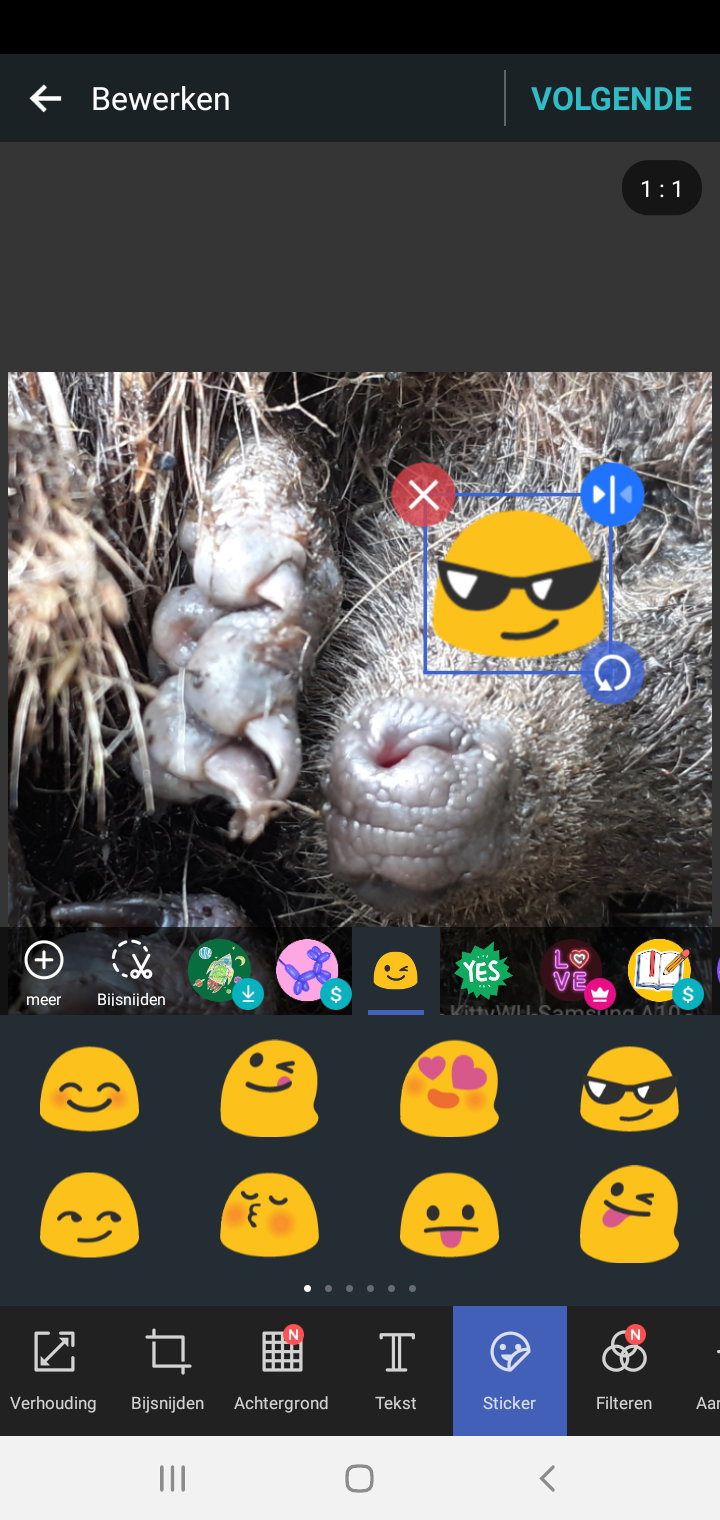
There isn't much you can change about the sticker but if it comes to the text on a photo you can choose the font you like and color.
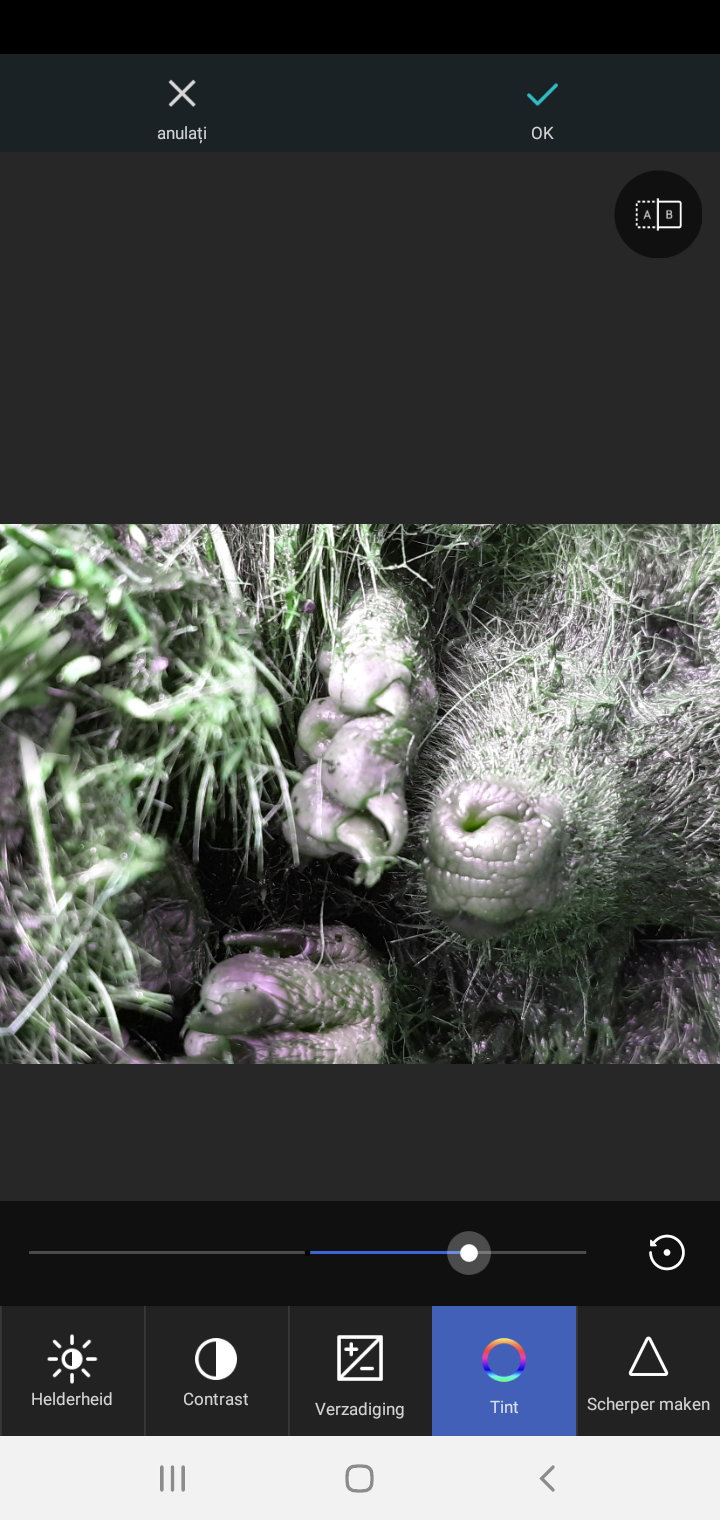
As we know in each photo can be found color back. This can be an interesting option to give a photo an extra touch. I discovered "green" in my hedgehog photo.
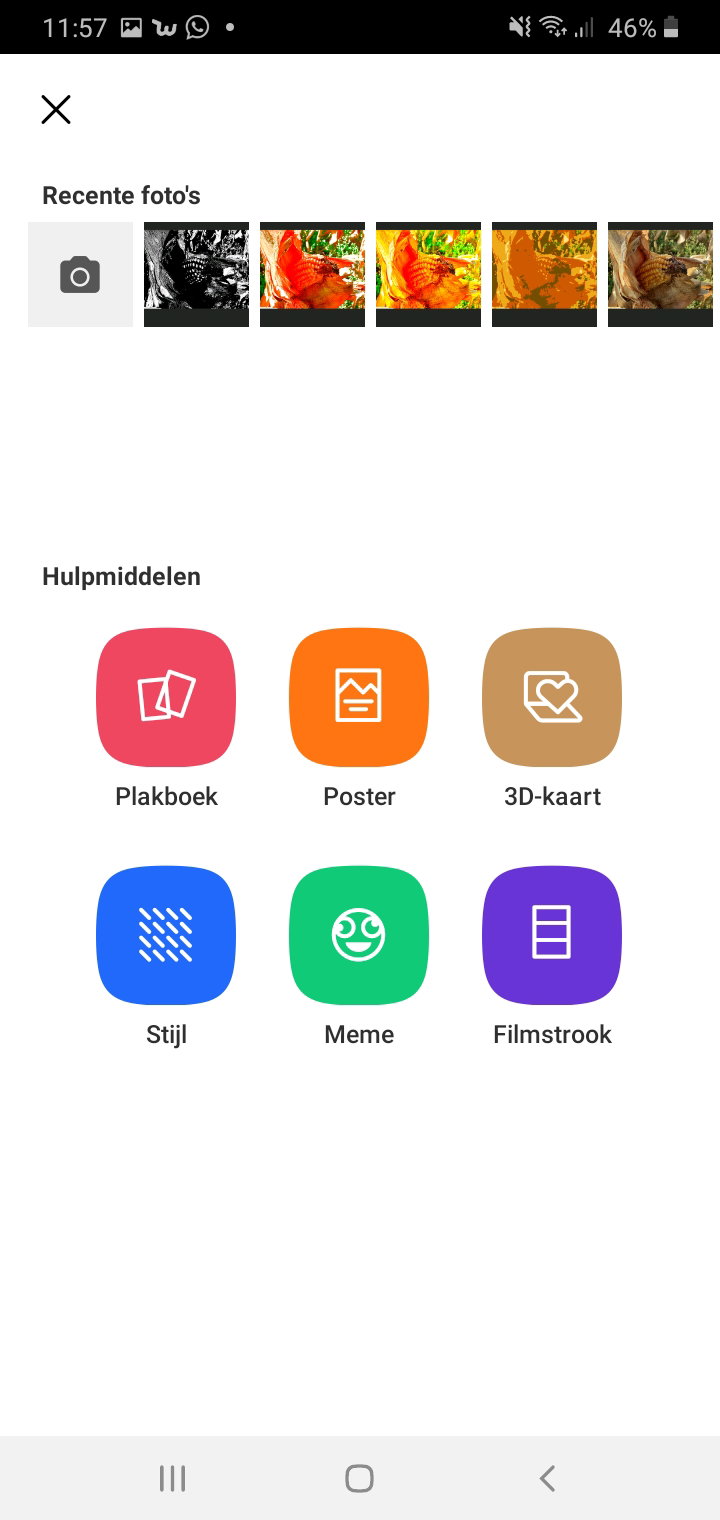
**What more can PhotoGrid bring us?** If you click at the yellow part more, easy, options are shown. You can make a scrapbook (collage) or a meme. Basically it is all the same. You choose one or more photos, if you like a background or text and you change the photo it's size/model/color if you like. Most of it is just clicking a button and you see the result.
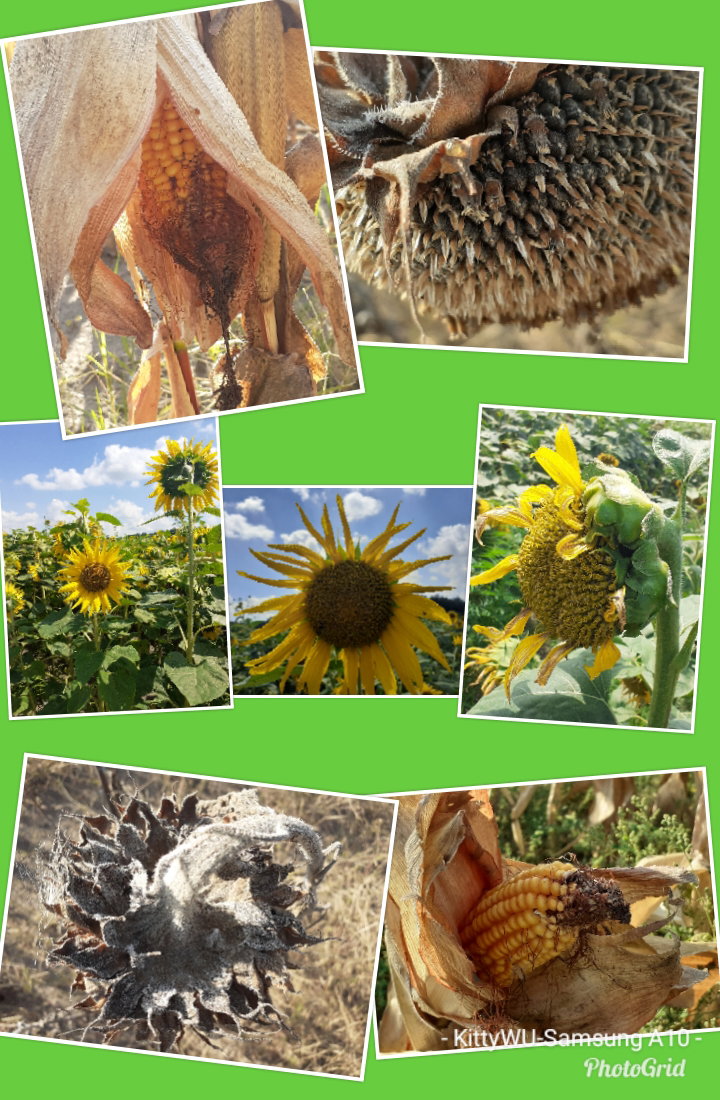
Photos can be easily changed if you choose one of the options given in effects. *Same corn photo it just looks different.*
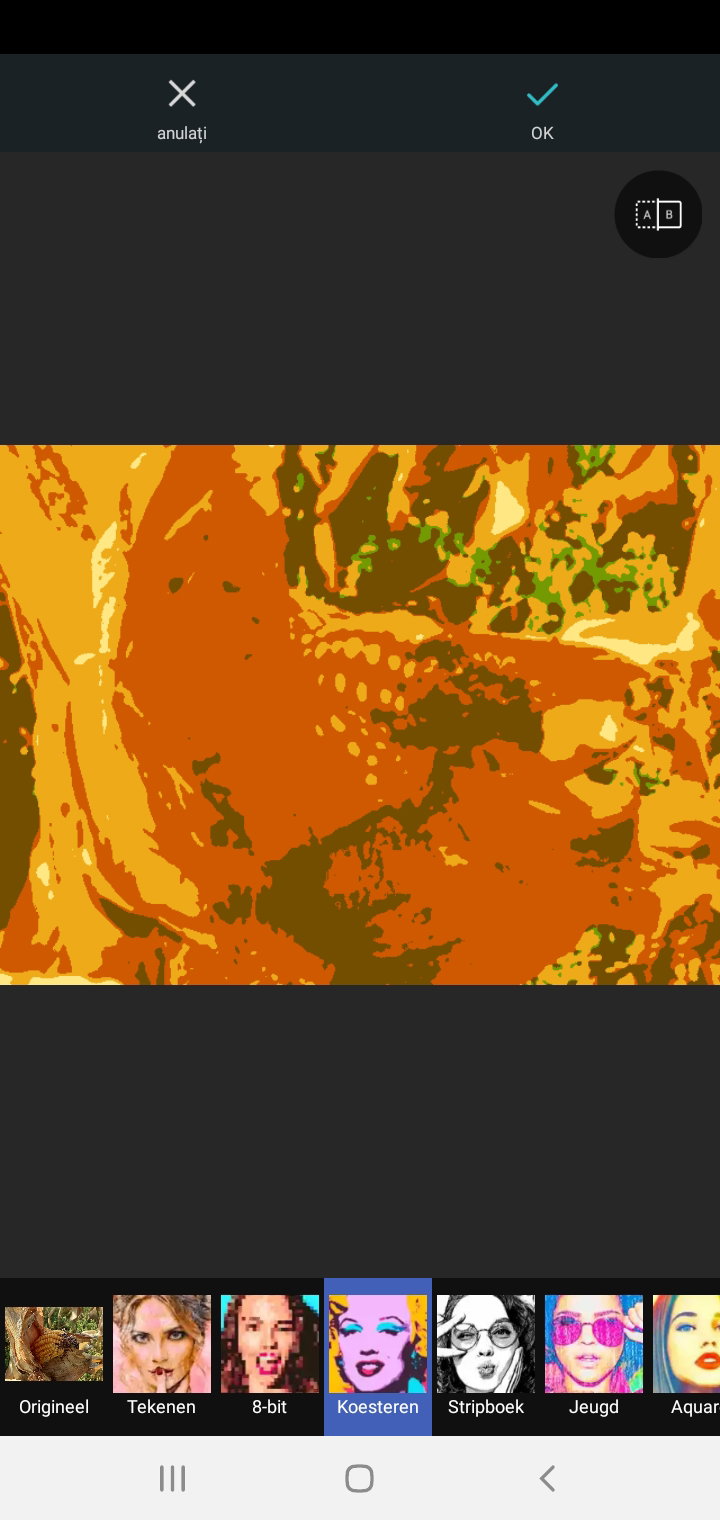
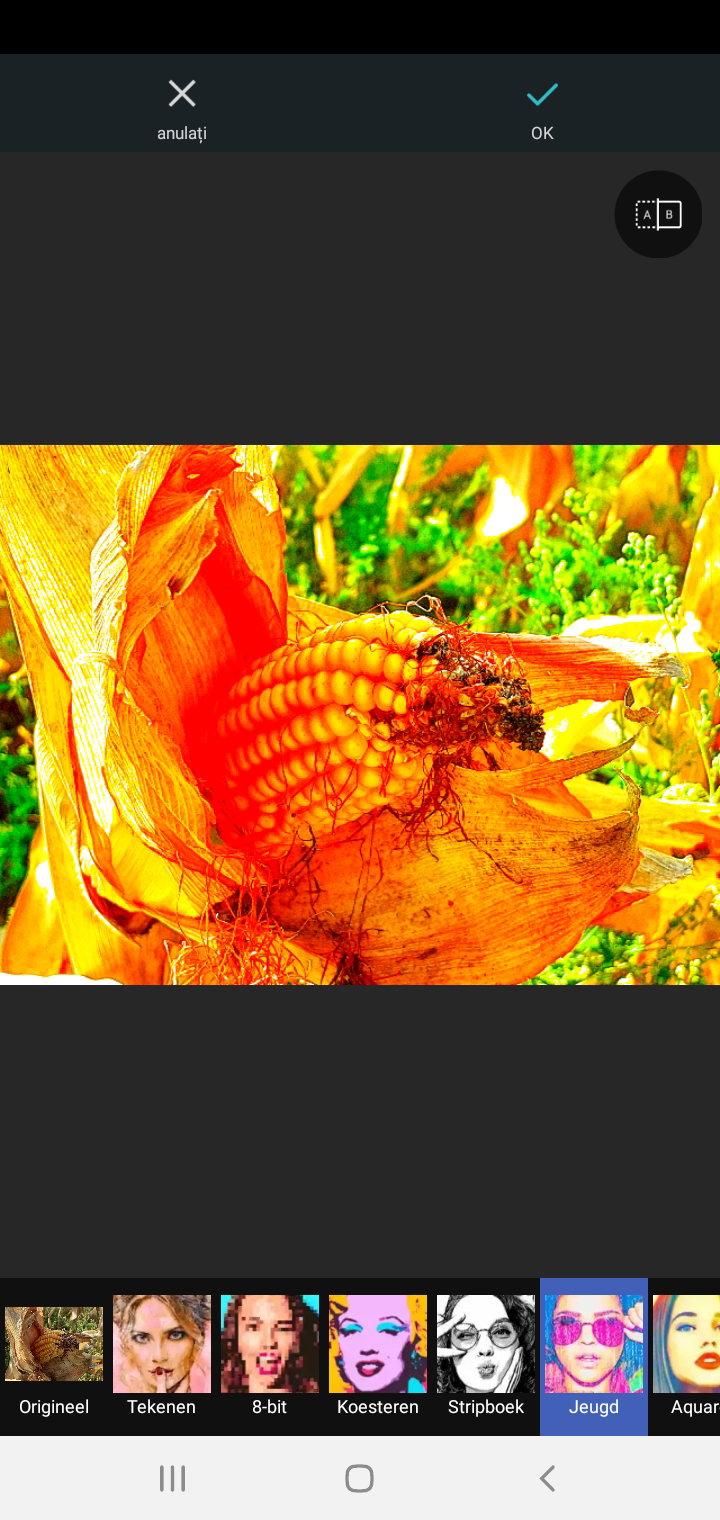
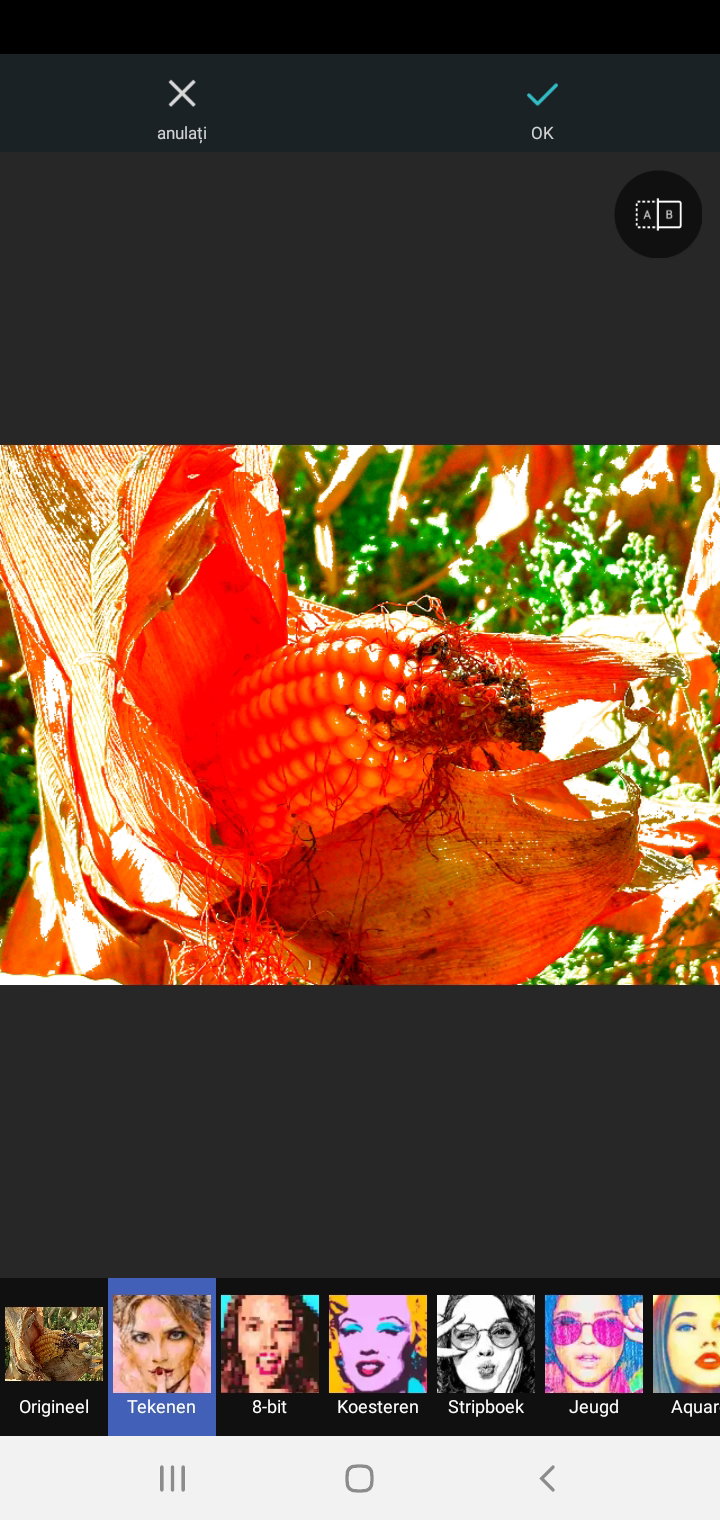
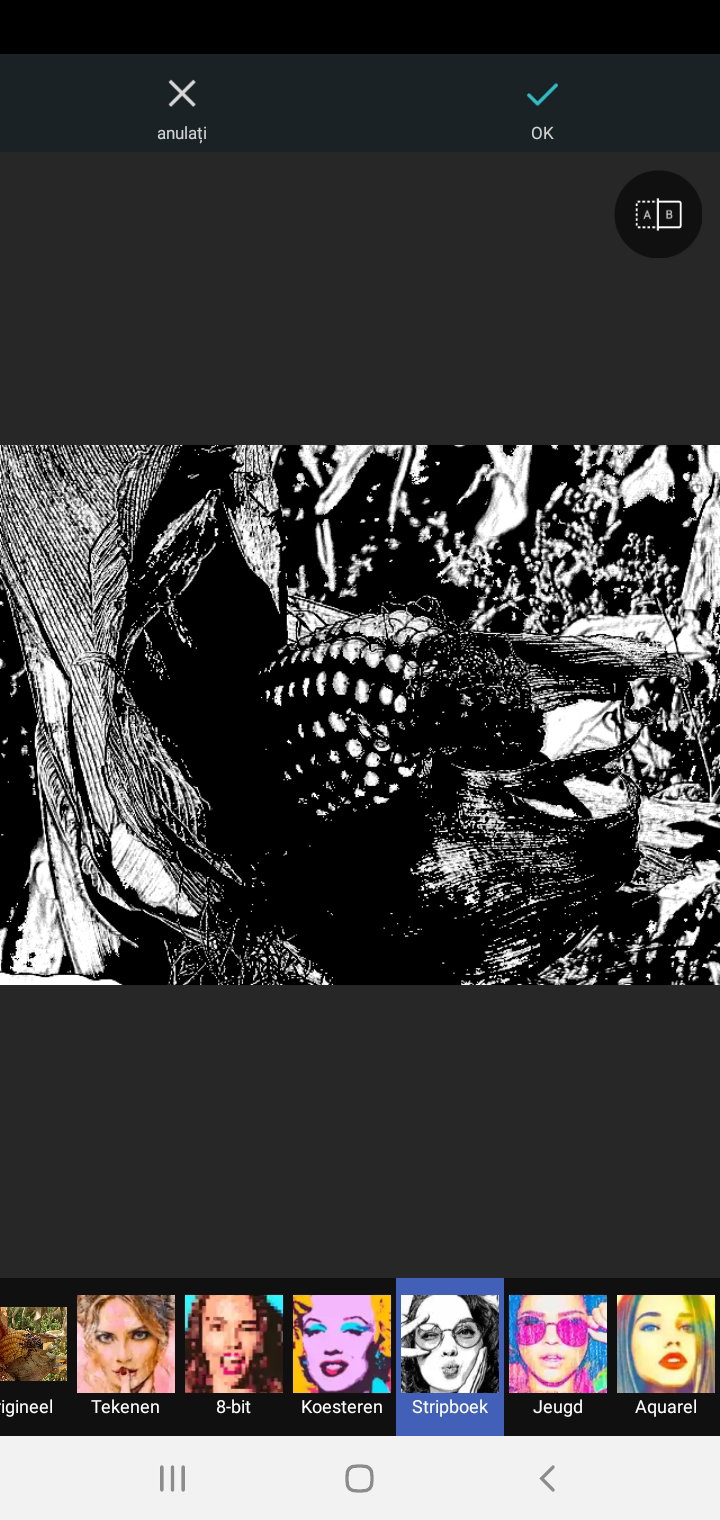
Since most photos look like broken images to me and I keep receiving the message there's connectivity problem I think it's better not to show more till I know if you are able to see what I showed. I have no experience with other tools like these but if you ask me most of them do the same.
#kittywu #photogrid
24 comments
Photogrid is so Useful app
Can you see all photos I added?
Yeah, I use Photogrid before. Love the hedgehog
Thanks for letting me know. Green hedgehogs are cute. 😁
There's no Hedgehog in our country so I was happy to see that in your article
Aha, that explains it. I made an article (creative smartphone photography) about this one. It was close to drowning in a bucket of water. What you see is a soaked little hedgehog drying in the sun. Two hours later it was gone.
It is wonderful to have that application. Someday I'll have my new phone.
Can you see all photos? Changing your photos, the color, and a bit more might be possible with your camera options as well. At times Samsung provides in it too. I know my old Samsung did but this one doesn't. I keep my fingers crossed for your new phone. Is there a certain phone you like?
My phone is very full. It no longer downloads updates. So we don't try to do anything else because I need it for whatsaap and photos. I have not looked for a new phone, I have not checked it because I do not intend to buy one yet. But for sure I'll buy another Samsung when I can. Maybe in December someone will give it to me. My older sister or my friend from Spain. Can be! And if not, it doesn't matter. Something good will come out of these platforms. When I activate again so that everything works as it should be.
What you can do to save room is delete certain apps and if you really need them reinstall new. It saves room. My daughter works this way. My phone is getting slow too. I try to delete as much as possible but there's still a lot on it what came with the phone. Things I never use.
Yes, my son always does. We both use the same phone and he helps me keep it downloaded from videos and other unused apps.
Great you have help with it. It feels to me you need more and more memory and it's nearly impossible to do simple things. The updates are endless.
Samsung always asks for updates but they can't be done on mine anymore. We erased a lot of space, I even deleted a lot of photos that I couldn't download to another place to save. I lost my photos. It was the only way to save a little space to continue working on the phone.
I save photos at a mini sd card. I already had it at my old phone but still I run out of memory and need to delete many photos. I no longer care about it. I won't save them in an album anyway. Can't you save them in a cloud? Samsung has it too but I have no idea how it works.
Like I told you before, I can't save anything there anymore. I also have a card on the phone and I filled it out.
If you like to save more photos you can make them smaller too. I do not know what the size of your photos is but all those pixels are not needed to show photos on the internet or print them. Good luck dear.
I am also using PhotoGrid, specially when I want to edit a collage. They have a lot to offer. I love the app too. 🤩🤩🤩
Great to hear. Perhaps you like to show some of your creations in an article for the community the creative world?
May I will be able to try it.
I have photogrid on my old phone before (5 years ago) and I use it mainly to create collage and to add some arts on my photos. But I didn't like it as a photo editor or to enhance the looks of my photos. So when I got a new phone, I never tried to install photogrid again and I rarely upload collages on my social media accounts now because it looks too old school. But looking at this, it seems like the developer made some improvement on the app now so I'll try to install it on the other phone later and see for myself how it works.
I hardly use it myself and could swear the menu looked different not too long ago. Most likely the paid version can do more but I am not great at photo editing. I go for the real photo, not the manipulated one. For this article, I literally only clicked on an option and made a print screen from it. To those with more knowledge, I assume it can be a great tool. It's not really of my interest plus I do not have the patience to try it out. I remember now there's an option too to change portraits. I did not try it out but wonder if it's the same as photographers use for their models. You can change the model, color of the eyes, hair, add makeup, etc. Good luck let me know if you managed to make something special in an easy way.
I don't have much of an interest in editing photos but if i do end up editing, i still like to stick to the more traditional paint tools like photoshop. I know the workings of that better
I have no idea how photoshop works neither photogrid I just pressed some buttons here and looked for the result. I do not care about photo editing because it says nothing about the skills of the photographer or the camera used. Collages of real photos I like way better than the example too. It lost it's charm somehow same with those modern photo albums where you find back a bad print of your photo. 💕
Ohh so you like collages more. Therestill a beauty in enhancing the color saturation or the contrast when you use an editor tool such as photoshop so i do think it's worth it to give it a try sometimes