 @vaske75
more from that month
@vaske75
more from that month
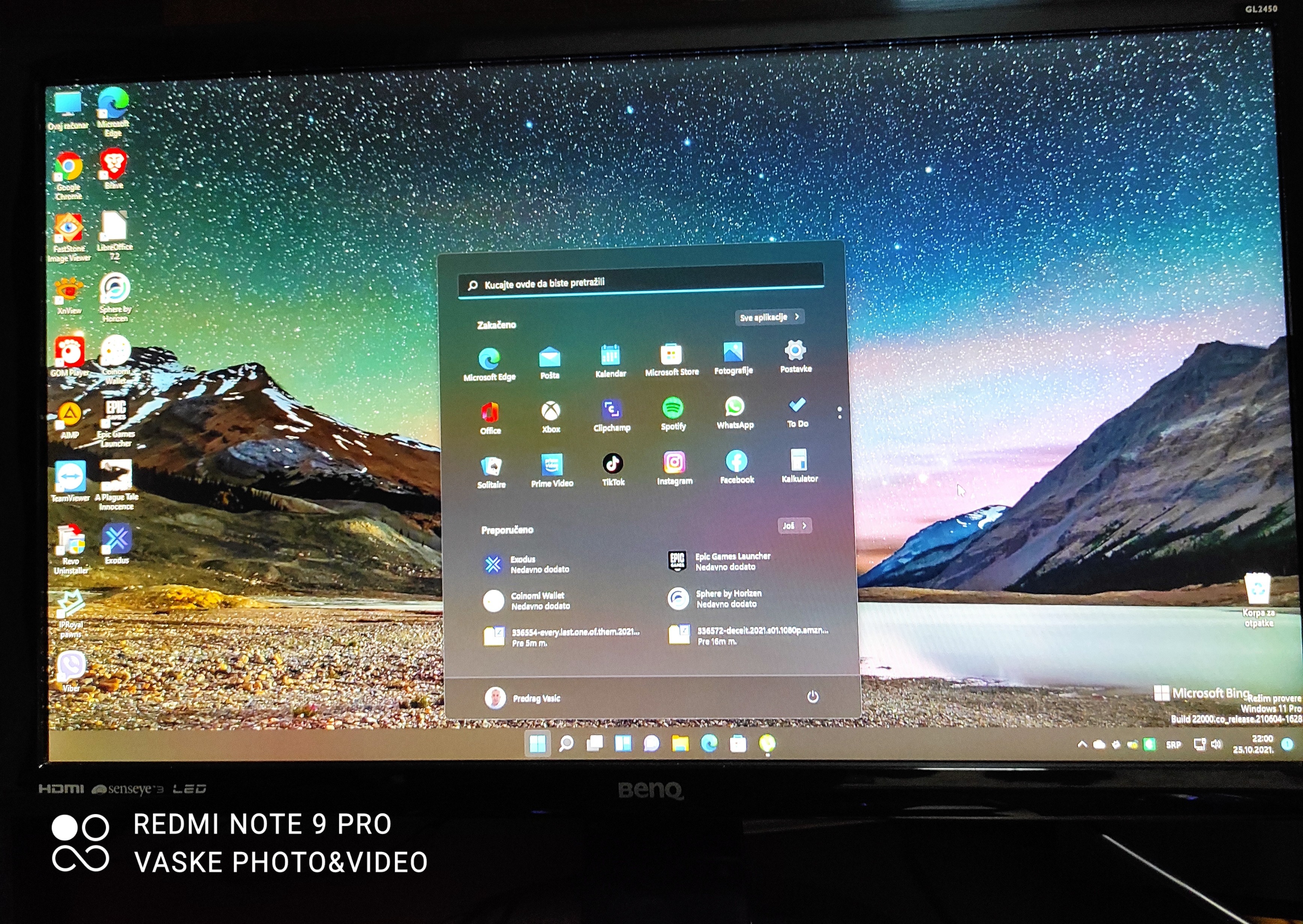
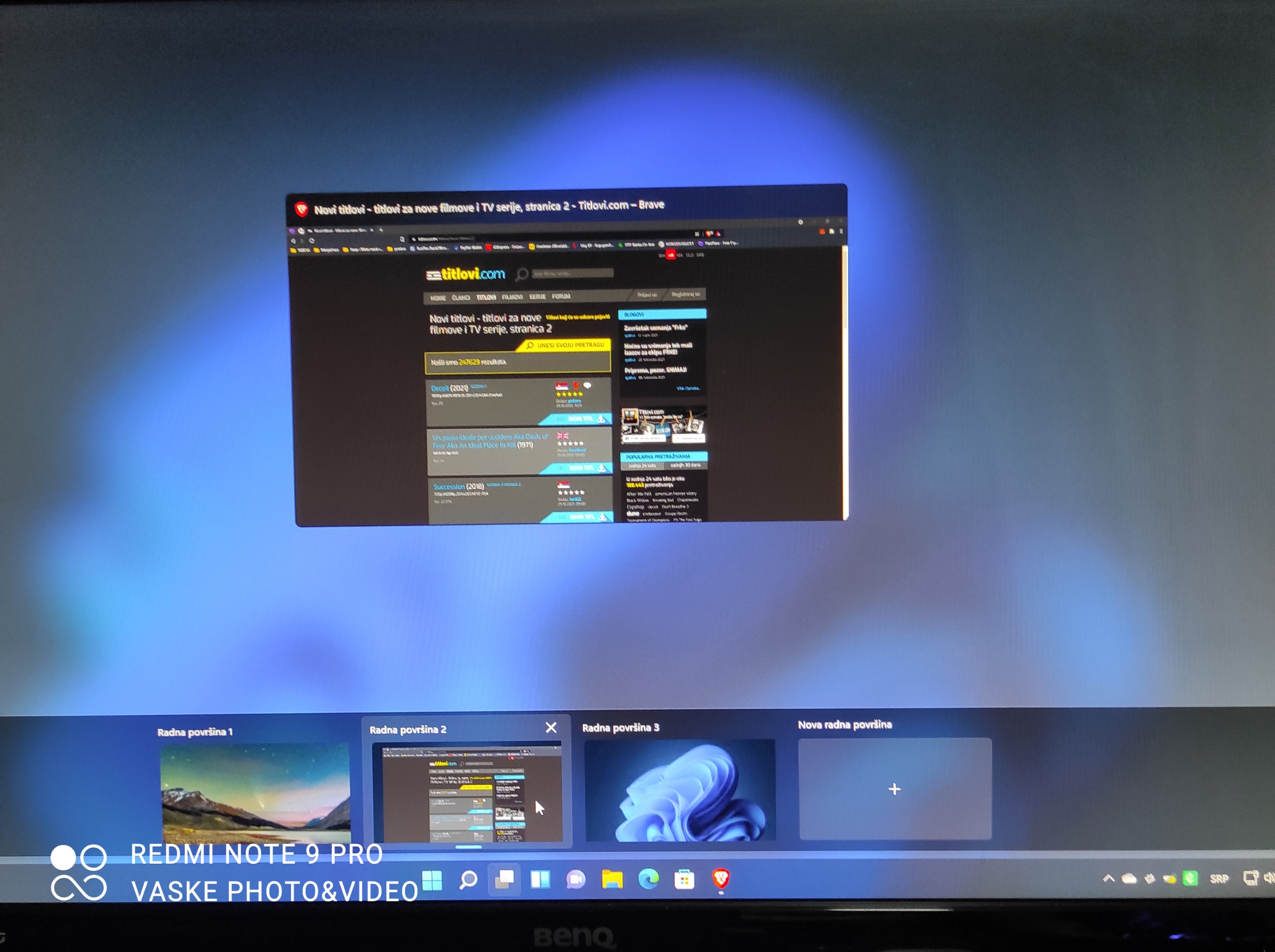
The other day we fixed part of the digital rubble and changed all possible passwords, before coming to the village I reinstalled the system on the PC I use every day. A clean installation of the new Microsoft operating system Windows 11 was done. This time I opted for totally free programs that completely replace those programs and are also functional and can finish our work without any drawbacks. Windows 11 requires a little getting used to from us, because there are some primarily cosmetic changes, but also some functional ones, such as the buttons for cut, copy and paste, which are now highlighted above the context menu. What I also like are the number of desktop environments that you can organize as you see fit, so that one can be working on online platforms, the other everything related to cryptocurrencies, the next photo processing or working on some text, for example, and whenever switch from one to another you will have on it exactly what you chose and how you edited it. Here the text is a bit long but these are some of my first observations and impressions. If you want to know something more about these free solutions or write about Windows 11 in the comments so we can continue this educational series for sure.
2 comments
Koristis novi Edge browser, kako se pokazao? :)
I'm a complete layman here, I didn't know there was Windows 11, I have Windows 10. And yes I would definitely like to know