 @seikhmiraz
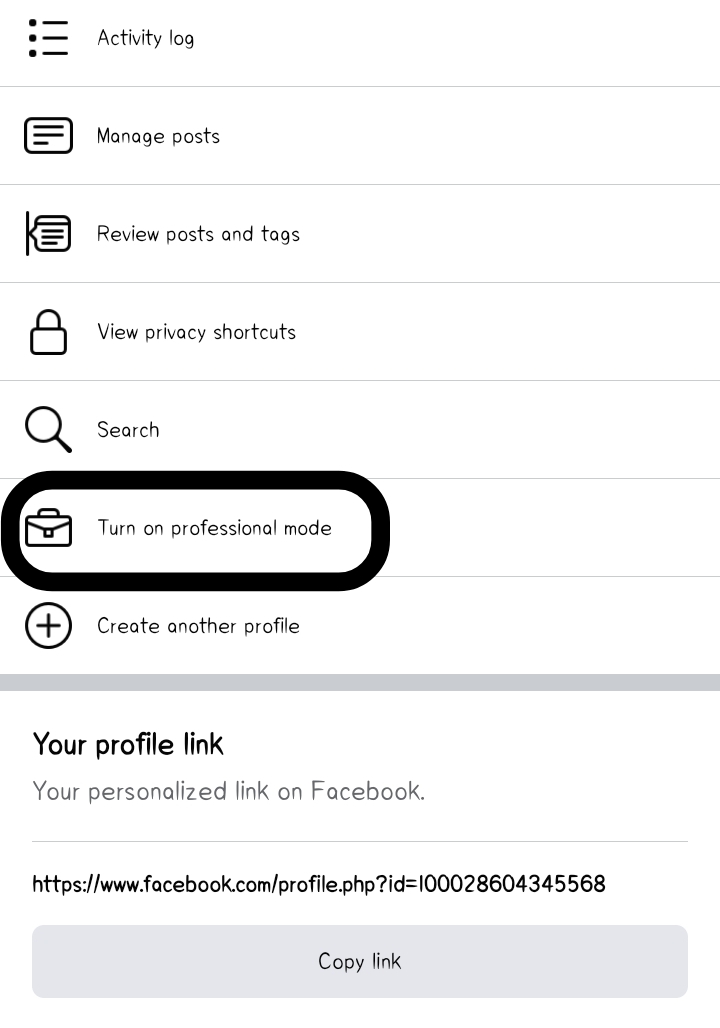
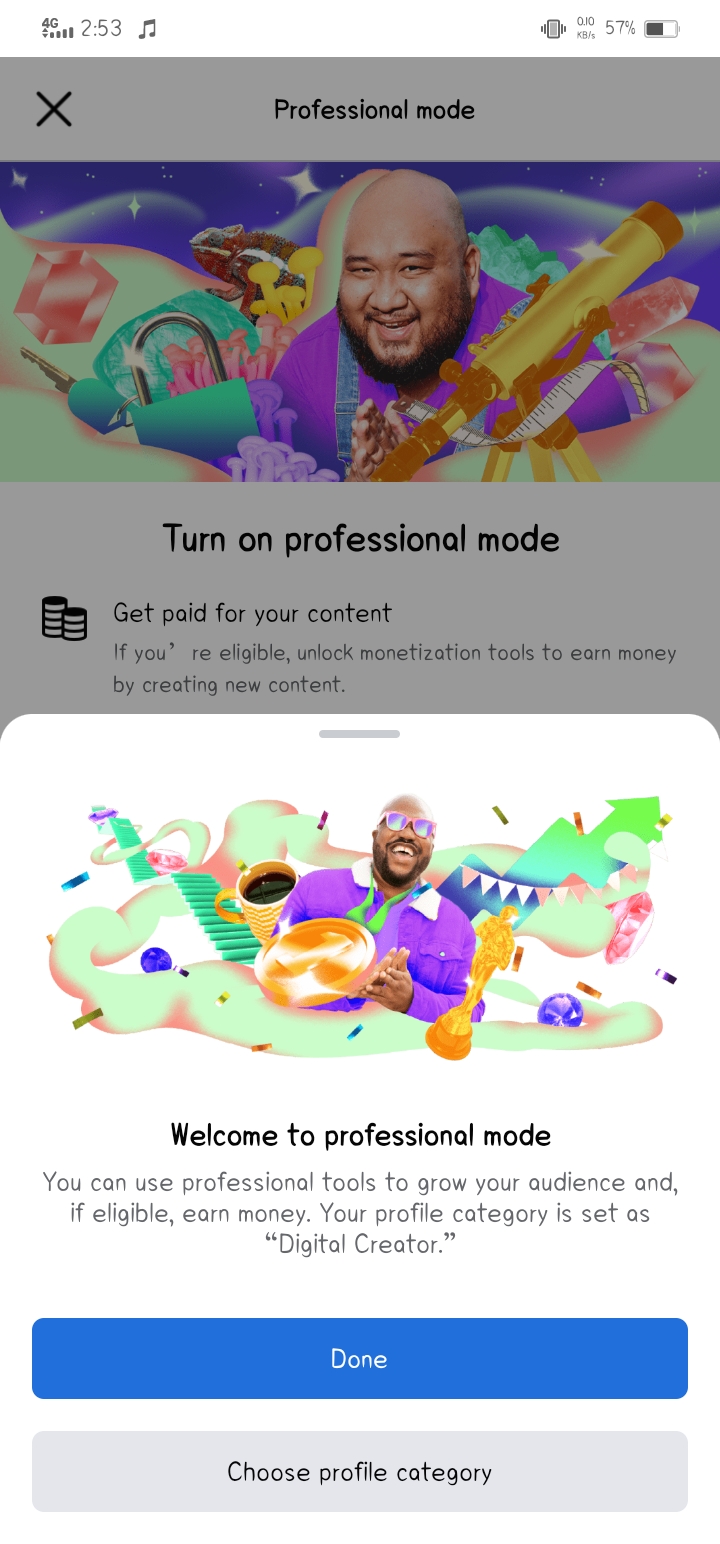
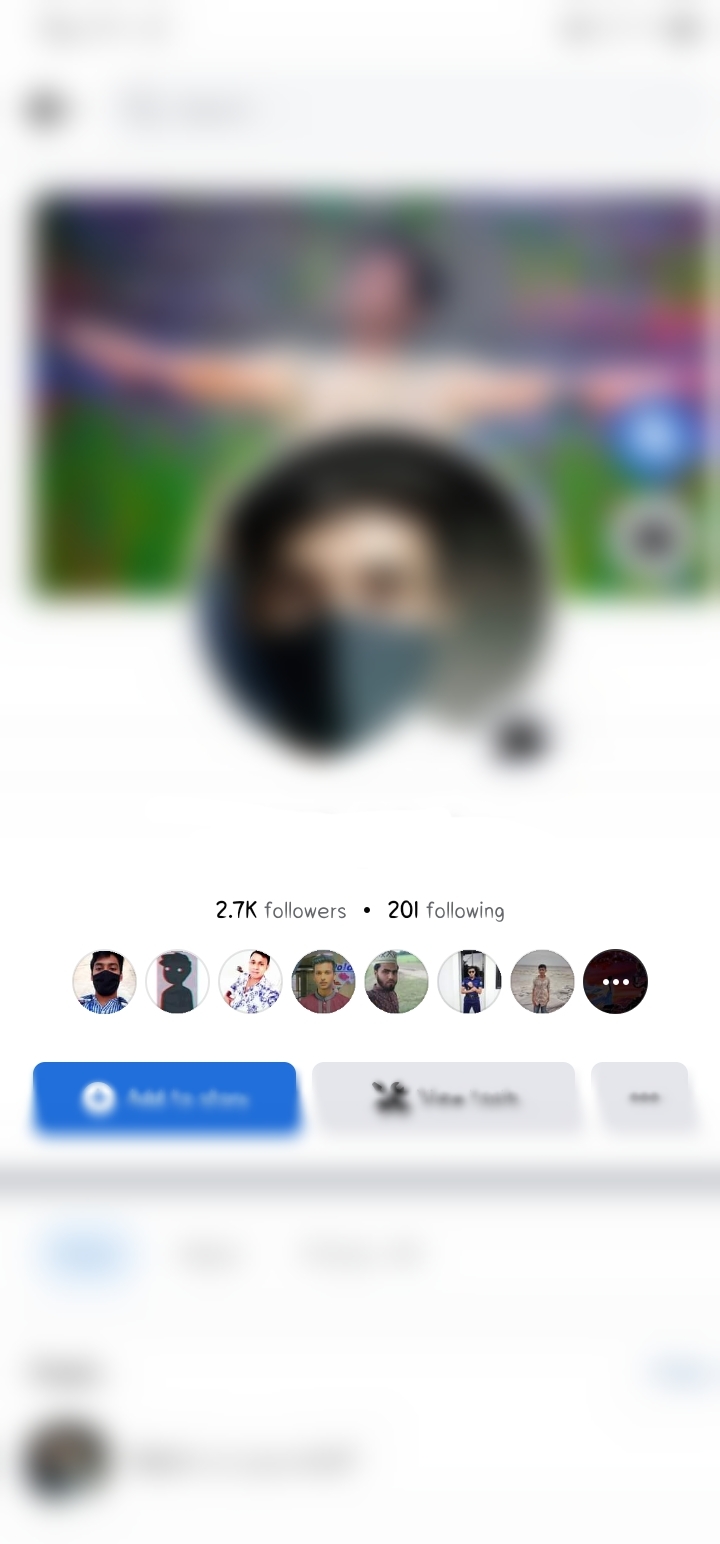
'Turn on professional mode' on Facebook. I found a new feature on Facebook a few days ago. Don't know when it was added but I saw it two days ago. Now anyone can take their Facebook ID into professional mode. There are few steps for that:- 1. Go to profile setting. 2. Find 'Turn on professional mode' and click on it. 3. Then click on 'Turn on'. 4. Click on 'Done' or you can add category by clicking on 'Choose profile category'. Now you can see the number of all followers on your ID and how many people you have followed. Also you can see category little below. Look at the 3rd picture. 👀
4 comments
What type page you create?
It's not page, it's my fb id. You can do it too. Just turn on professional mode.
Oh really I try it obviously...
Is that only for page?