 @pame88
more from that month
@pame88
more from that month
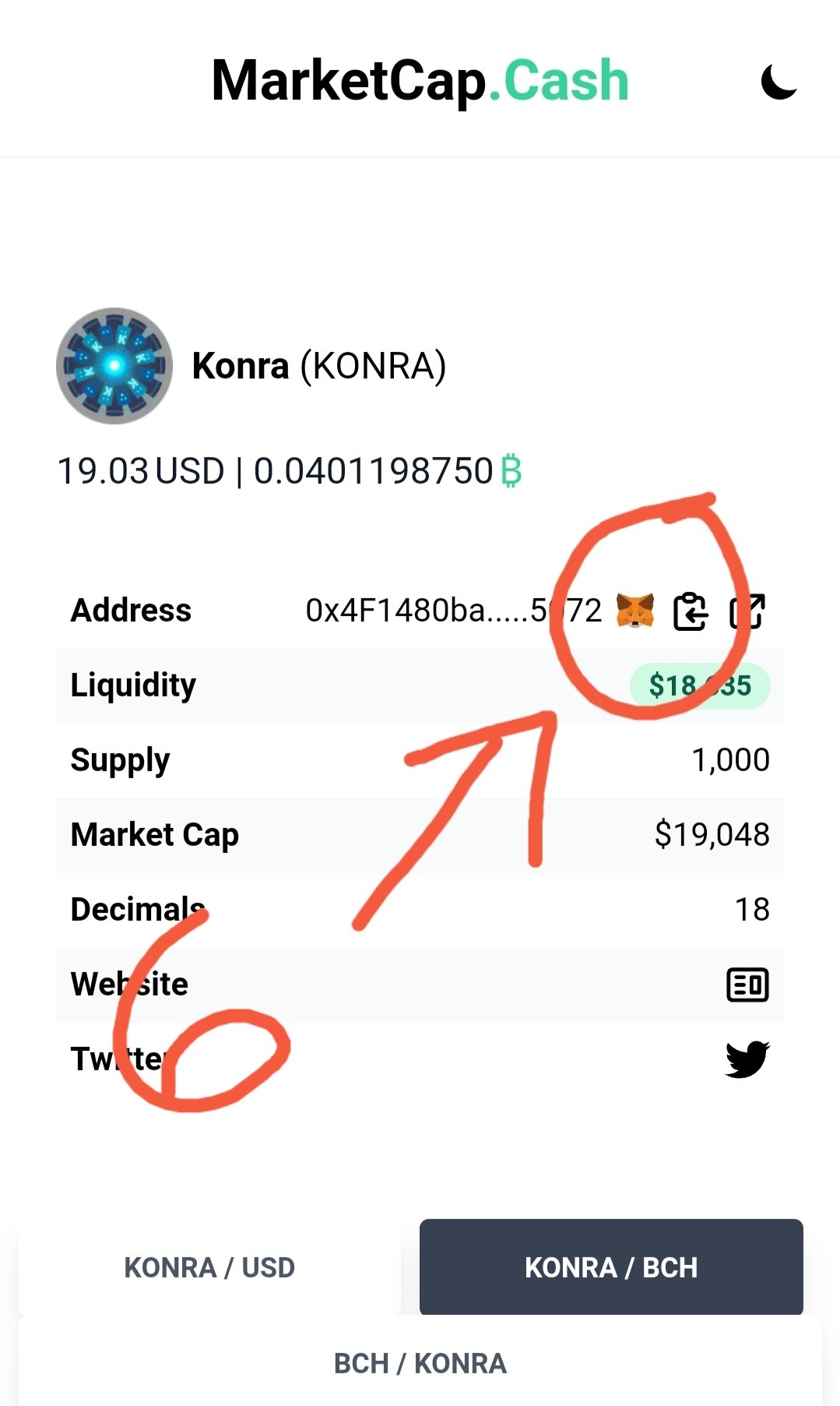
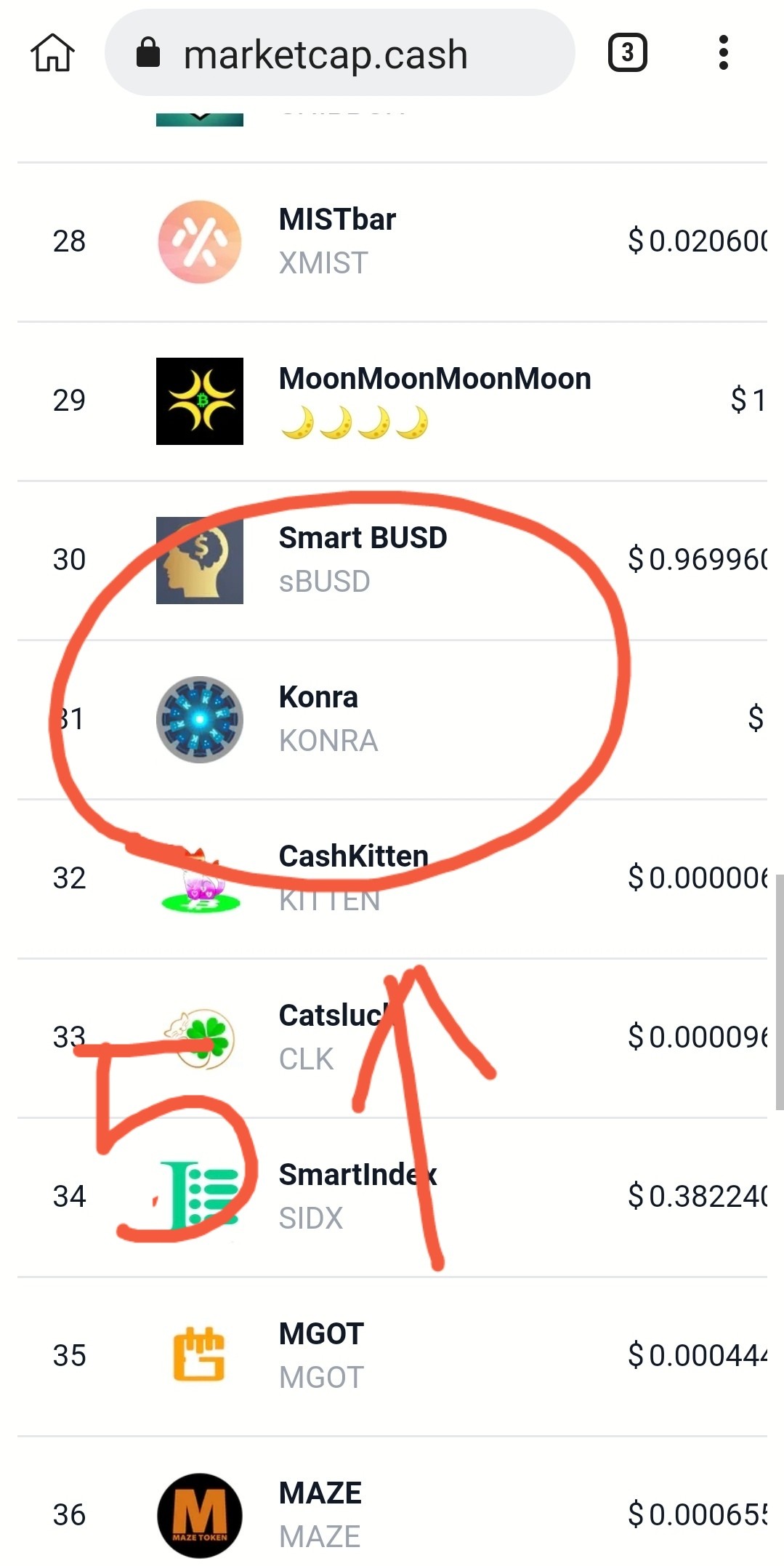
DON'T SEE YOUR TOKEN IN YOUR WALLET ??? Helloooo smartbch newbies.. Just learned something new... and I want to share it with you.. How to add tokens in your metamask wallet.. Just follow these steps.. 1. go to browser 2. click metamask wallet extension.. log in.. 3. 0pen new tab.. search marketcap.cash 4. select token you want to add 5. click token.. 6. click metamask icon Then go to your wallet.. and viola! You can now see the token you added.. Easy peasy.. now.. Enjoy and have fun! 🤑😁😁😁
No comments yet