 @nomadghada
more from that month
@nomadghada
more from that month
Setting up for CashTokens So, I recently wrote a article reminiscing about Simple Ledger Protocol (SLP) and how they were such a great little things that worked great without much set up. https://read.cash/@nomadghada/whatever-happened-to-simple-ledger-protocol-46e715f9 On the comment section @CashDragon mentioned that I should look into CashTokens. Now I have heard of it but never dabbled into it because there wasn't much resource available. Reminiscing about SLP and push from @CashDragon I finally set some time aside and got going on it. While, it is very easy to get started there isn't much instructions available on the net as of now. So, I decided to document setting up wallet for CashTokens and buying my first tokens. Ok, First thing first: You are going to need a wallet Now, the old wallet we are most use to for storing BCH are not yet compatible (maybe in the future they will be). So you need a supported wallet. As per BCHfaq there are 4 options: https://bchfaq.com/what-are-cashtokens/ Electron Cash for desktop https://electroncash.org/ Paytaca https://www.paytaca.com/ Cashonize https://cashonize.com/ Zapit https://www.zapit.io/ While I was thinking about going with Paytaca because its an mobile app wallet, I decided to use Cashonize instead because it was what many other were recommending ass it is much smoother setup. But you do what you feel to be most comfortable. To set up a Cashonize wallet simply go to https://cashonize.com/
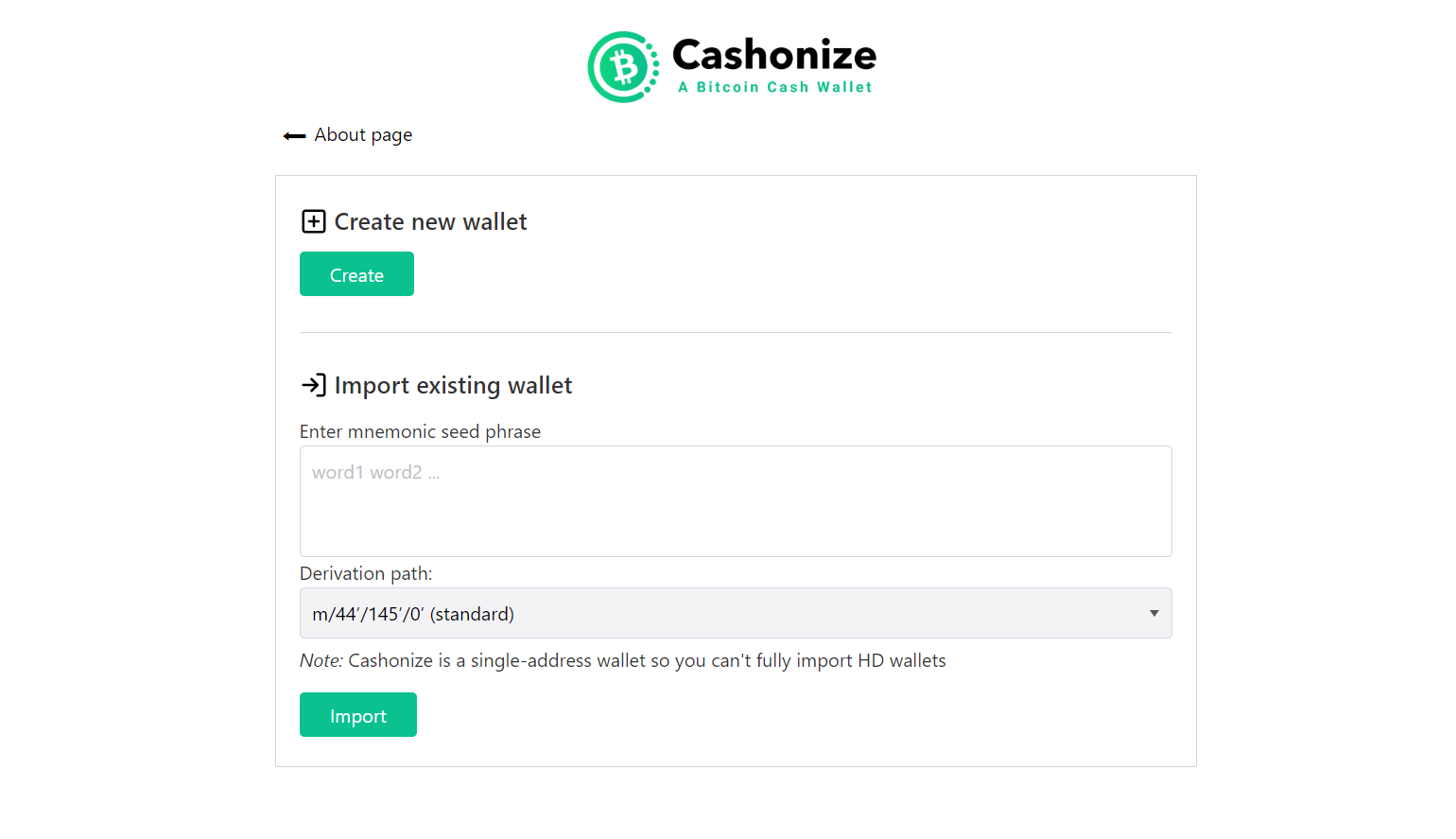
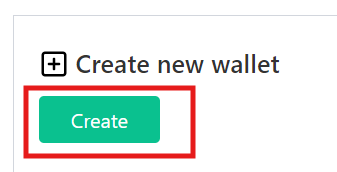
From here just simply click on '**Create**'
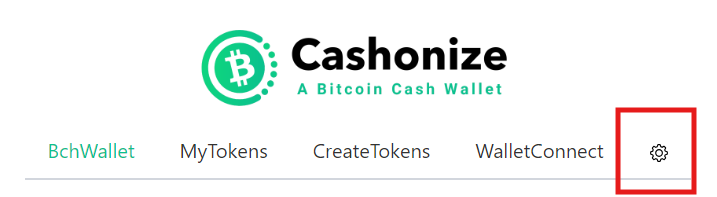
And you are done, you now have a wallet **Now back-up your wallet Seed** Click on Gear icon to go to settings
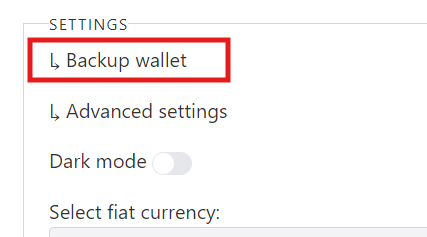
Then click on '**Backup wallet**'
Here you will see a button called '**Show seed phrase**'
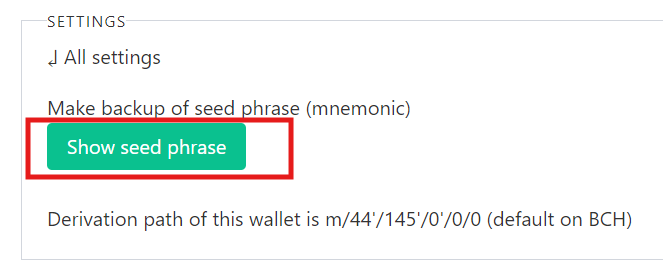
Click on it to reveal your seed phrase
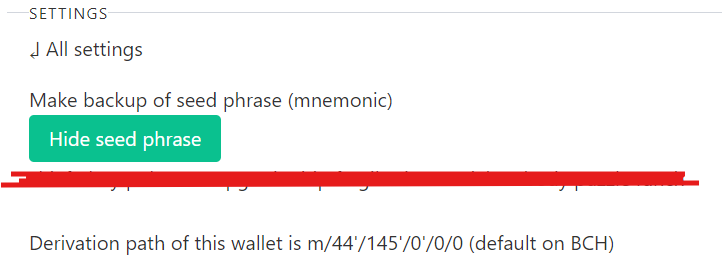
Now just write your seed phrase somewhere safe Ok, So now that you have your wallet ready, every time you cashonize webpage it will show you your wallet Here's mine:
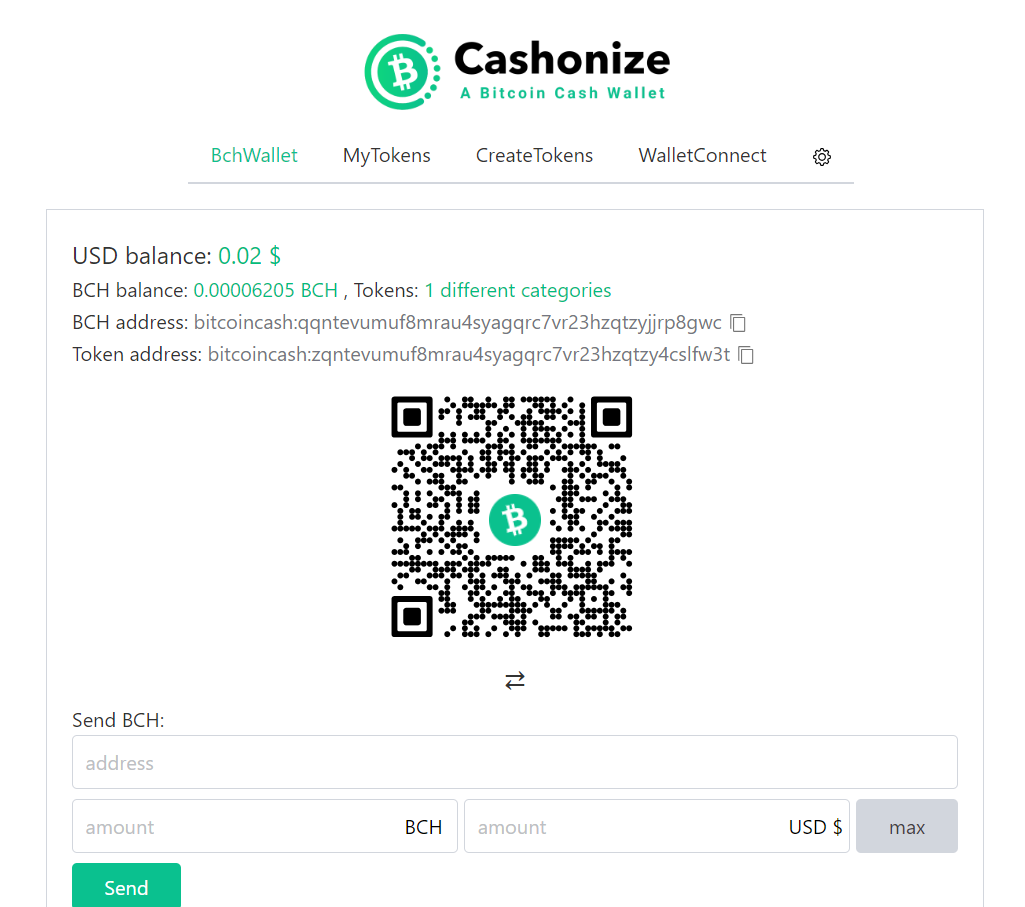
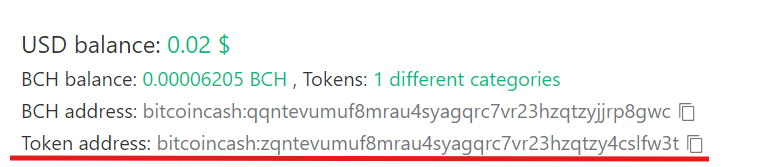
If you want you can send me tokens here ;) So I have already send some BCH to my new wallet and purchased some tokens. You can send regular mainnet BitcoinCash (BCH) to the BCH address
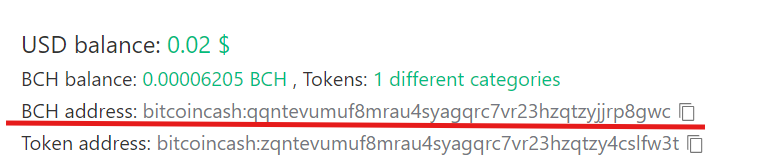
and your tokens to token address
Now lets connect with Cauldron Dex and buy some more tokens. Go yo https://app.cauldron.quest/
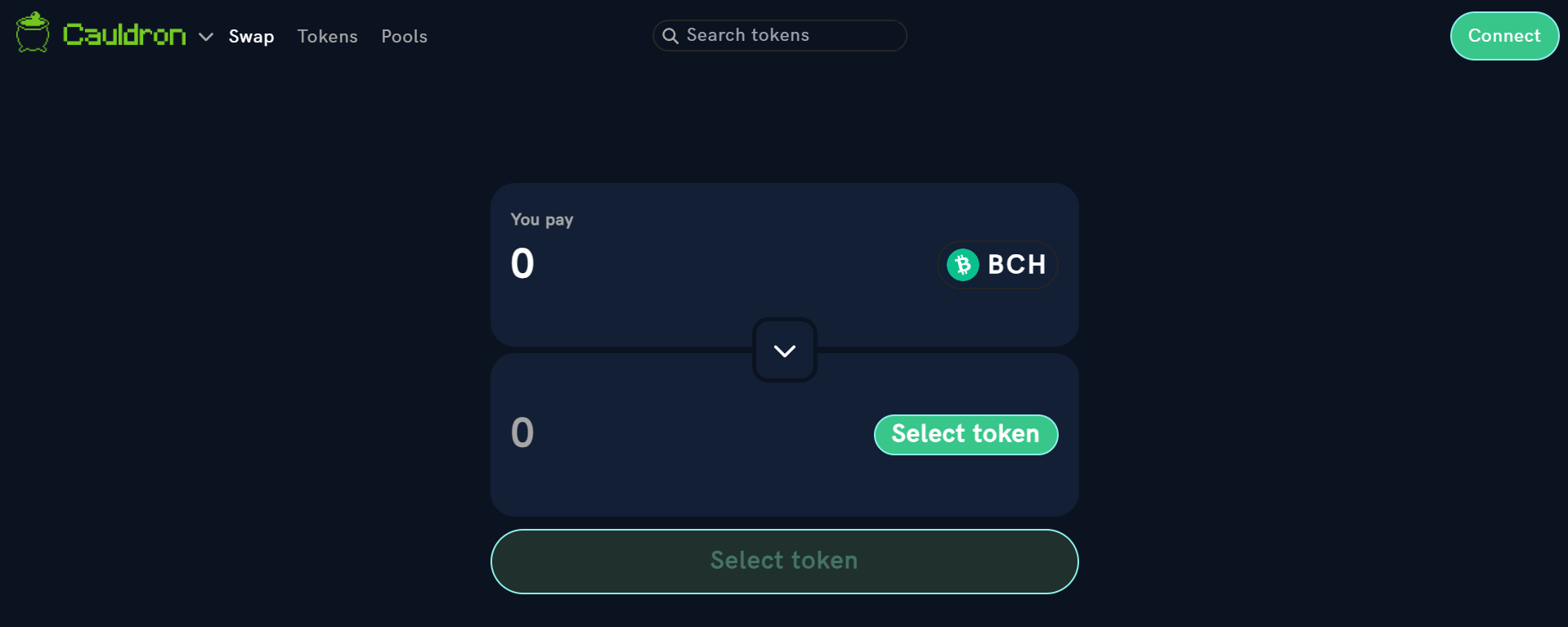
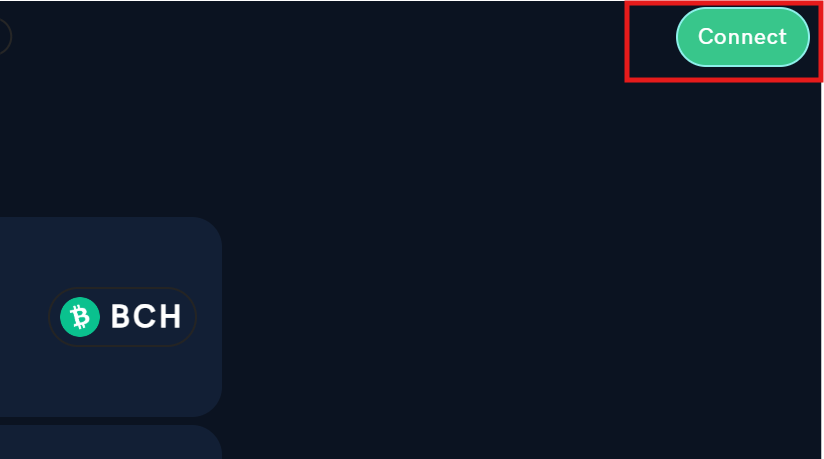
Click on '**Connect**'
Now click on '**WalletConnect**'
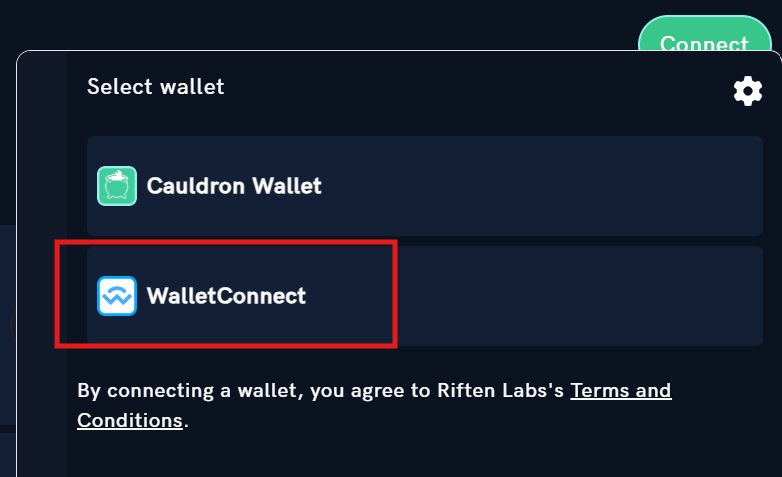
Now you will see a pop up
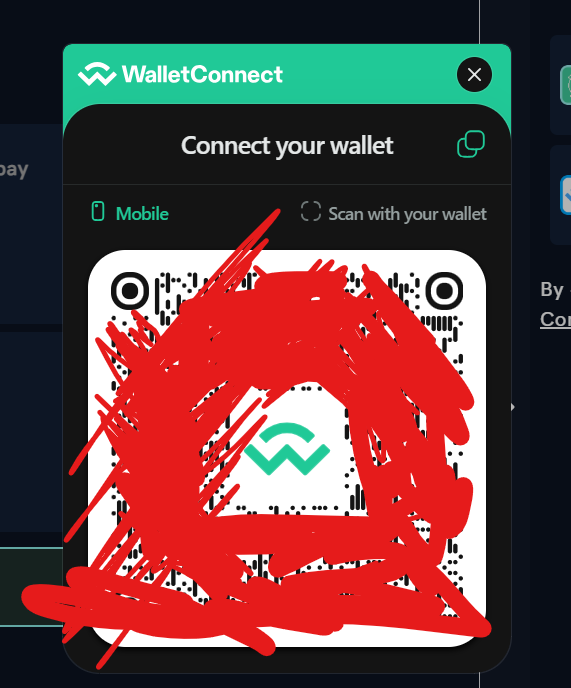
If you have Paytaca wallet you can just scan the QR code but since I am using the Cashonize wallet I will copy the link
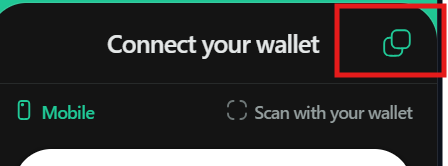
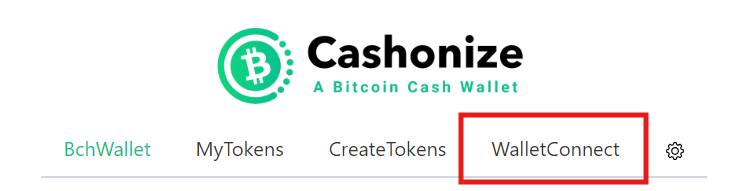
Now I will go to my wallet and click on '**WalletConnect**'
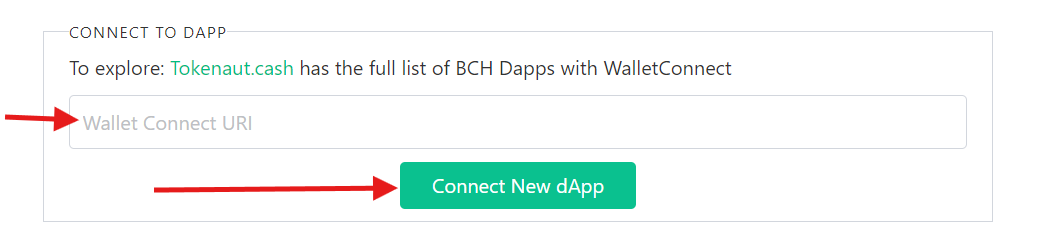
Now simply paste that address here and click '**Connect New dApp**'
Go back the the Cashonize wallet and it will prompt you to approve the transaction
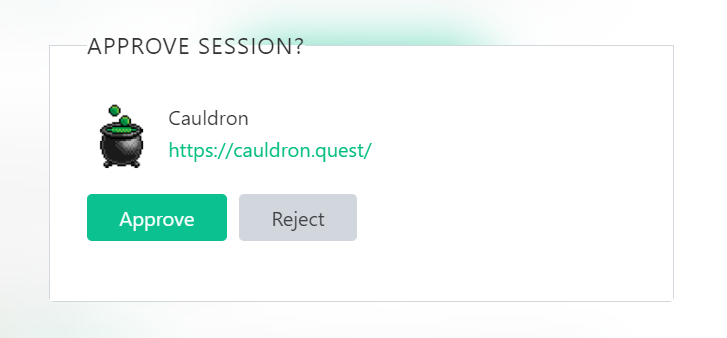
Click on '**Approve**' & Now you are ready to use the DEX You can see all the tokens that are on this DEX at https://app.cauldron.quest/tokens I am now going to buy MUSD MUSD is a stablecoin peg to the US Dollar On the DEX click on '**Select Token**'
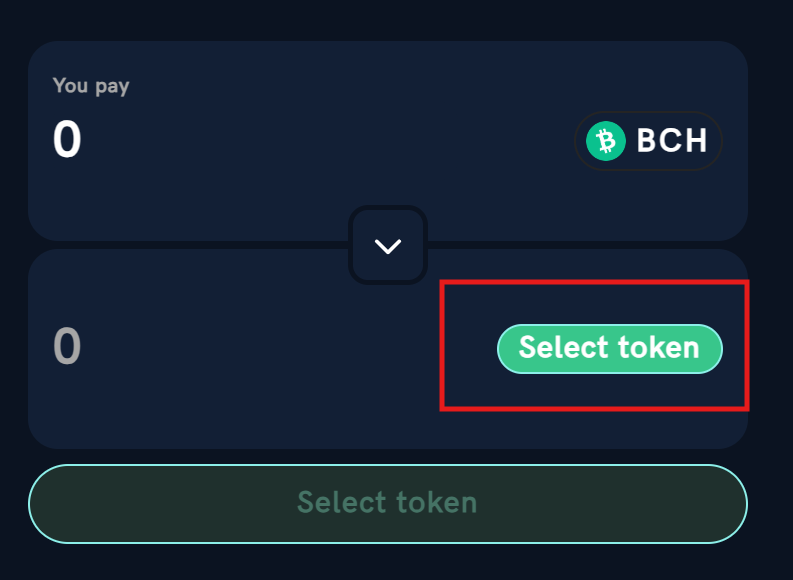
And from the drop down menu select the token you want to purchase
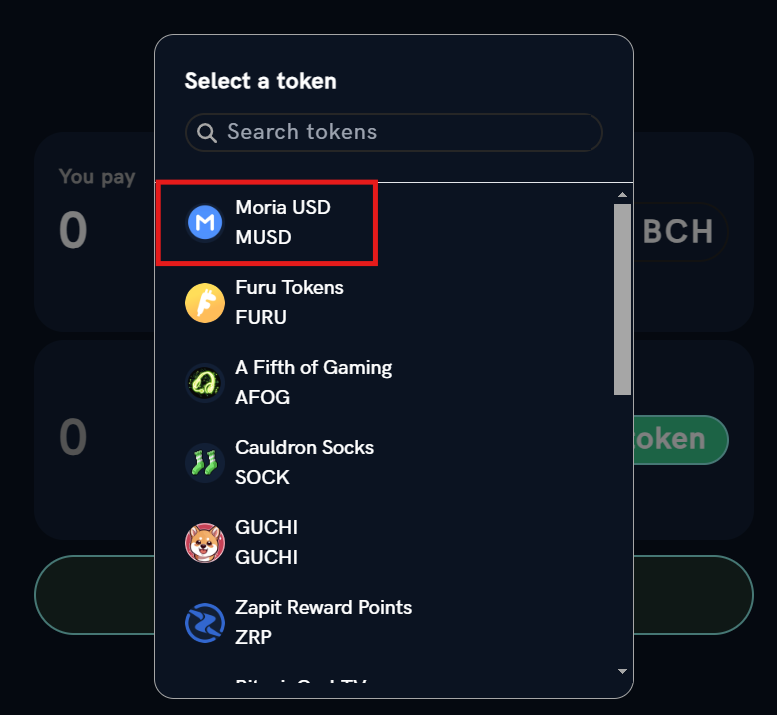
I am going to select Moria USD ticker MUSD Lets buy 1 MUSD
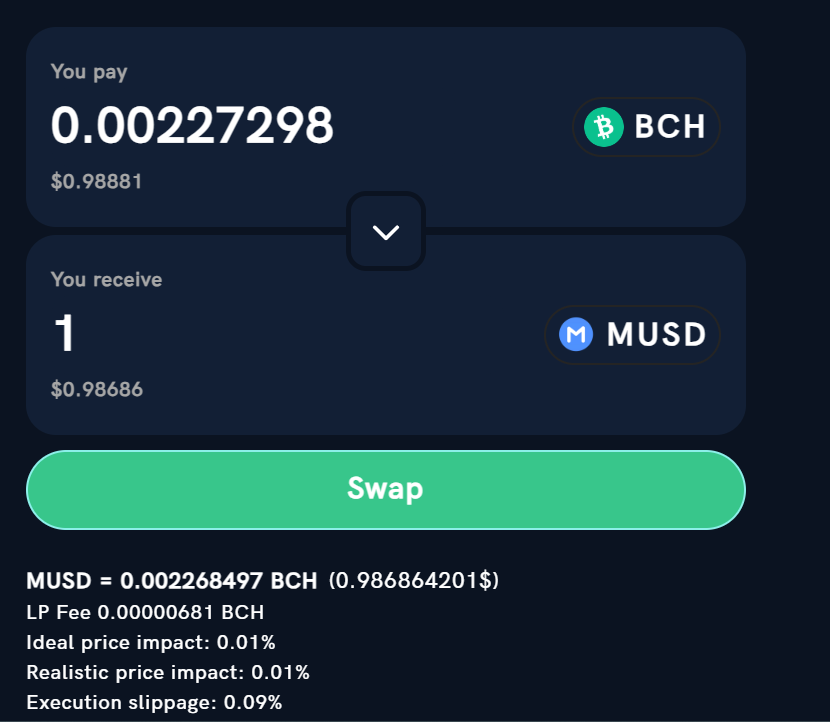
Here it will give you the price and the LP Fee along with the impact & slippage To start the swap click on '**Swap**' This will give a popup to tell you to approve the transaction in Cashonize
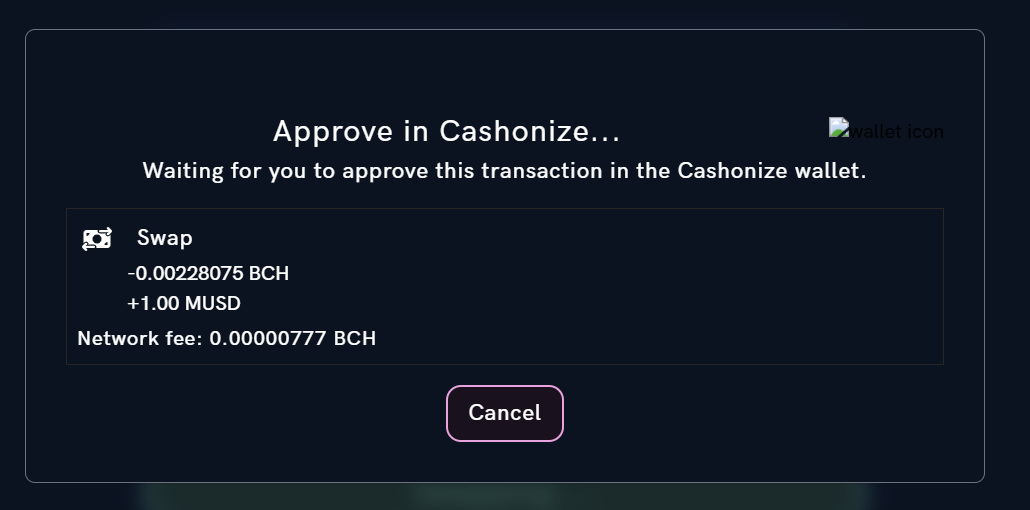
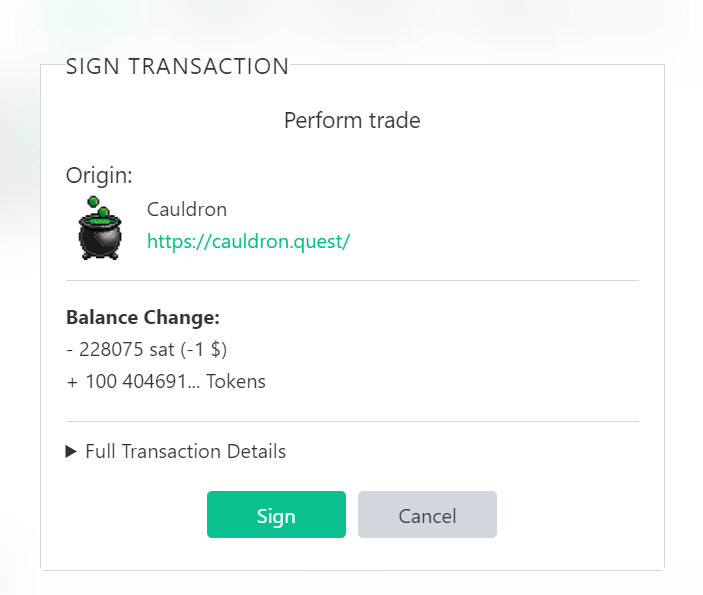
Go you your Cashonize wallet And **Sign** the transaction to approve it
Now it will take some time for the transaction to be confirmed by the miners
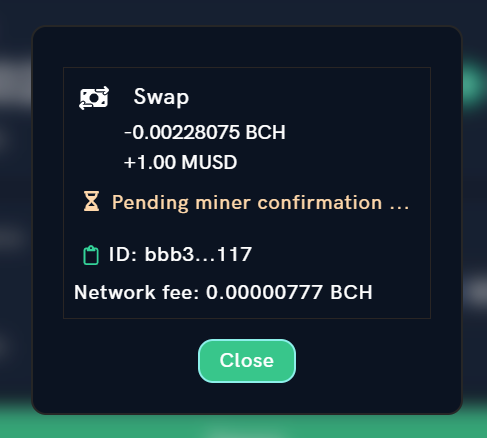
But the token would already would have appeared in you wallet
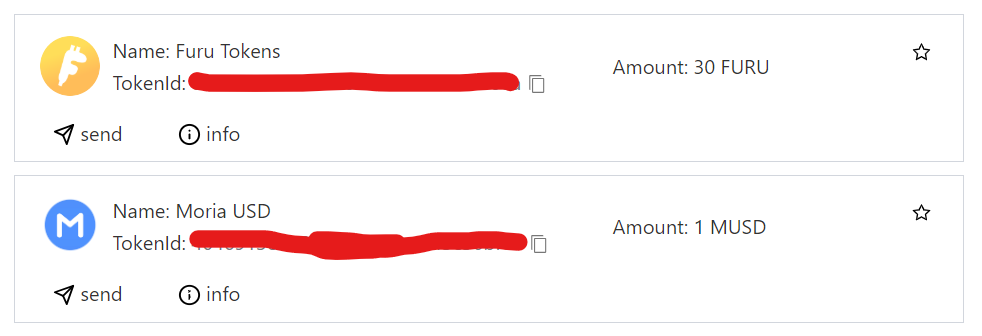
That's it, it's that simple. Alright, that's it for setting up a wallet and purchasing CashTokens **I am going to explore more in coming days and learn more about it.** And try to post more about i. _________________________________________________ If you want you can send me BCH here: bitcoincash:qqntevumuf8mrau4syagqrc7vr23hzqtzyjjrp8gwc _________________________________________________

6 comments
Nice simple and informative write-up, reposted on RealBitcoin.Cash (decentralized Reddit)
Thanks, and just sent my request to join RealBitcoin.Cash
Thanks for trying it out, let me know if you have any questions.
Will do, by the way how long does it take to get approved?
You should be approved by now, did you try to log in?
Yes, it's approved now. Sent you a msg there.