 @k1ll1van1ll1
edited
@k1ll1van1ll1
edited
[HOWto] Redeem Cheques on Checkbook.cash

Here is a simple step by step tutorial for receiving checks on Checkbook.cash **UPDATE1**:

Your account must be created before **Block 1,159,881** to be able to receive the current airdrop! To get an idea which block height your account got, just tip in your wallet adress at https://www.smartscan.cash/
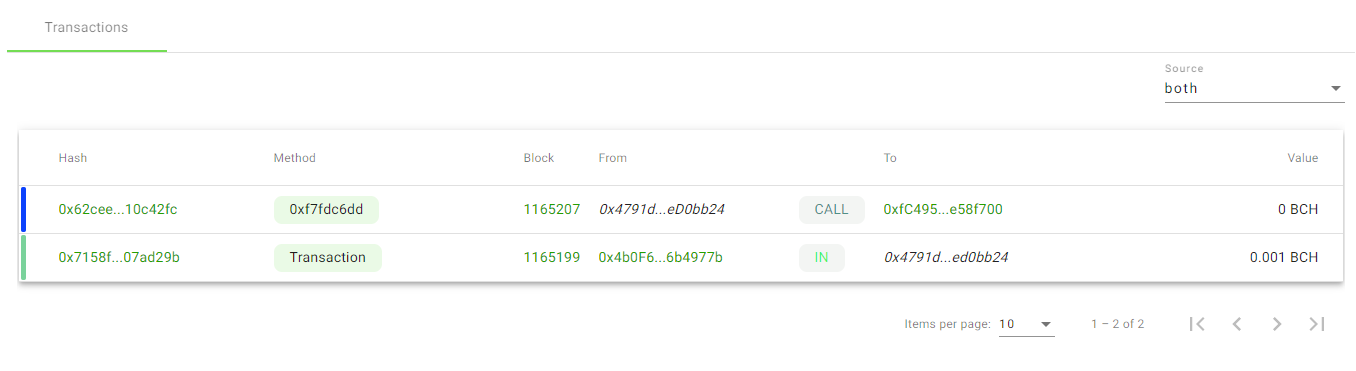
If you go all the way back to your first transaction, you will see a block height. In this example here, this account is **TO NEW** and **NOT ELIGABLE** to get the airdrop! **UPDATE2:** According to **SmartBCH (see commentary section)** it is not necessary to "accept memos" for this airdrop. **Metamask** should **automatically** connect your wallet with **Checkbook.cash** when you enter the page. So if you are eligable, just connect your Wallet and follow this instruction at "**receive**" **UPDATE3:** This guide is made for people using a desktop PC. If you are on mobile and still struggle, check out this guide here! https://read.cash/@Khing14/how-to-redeem-cheque-from-checkbookcash-using-metamask-browser-a7440dc8
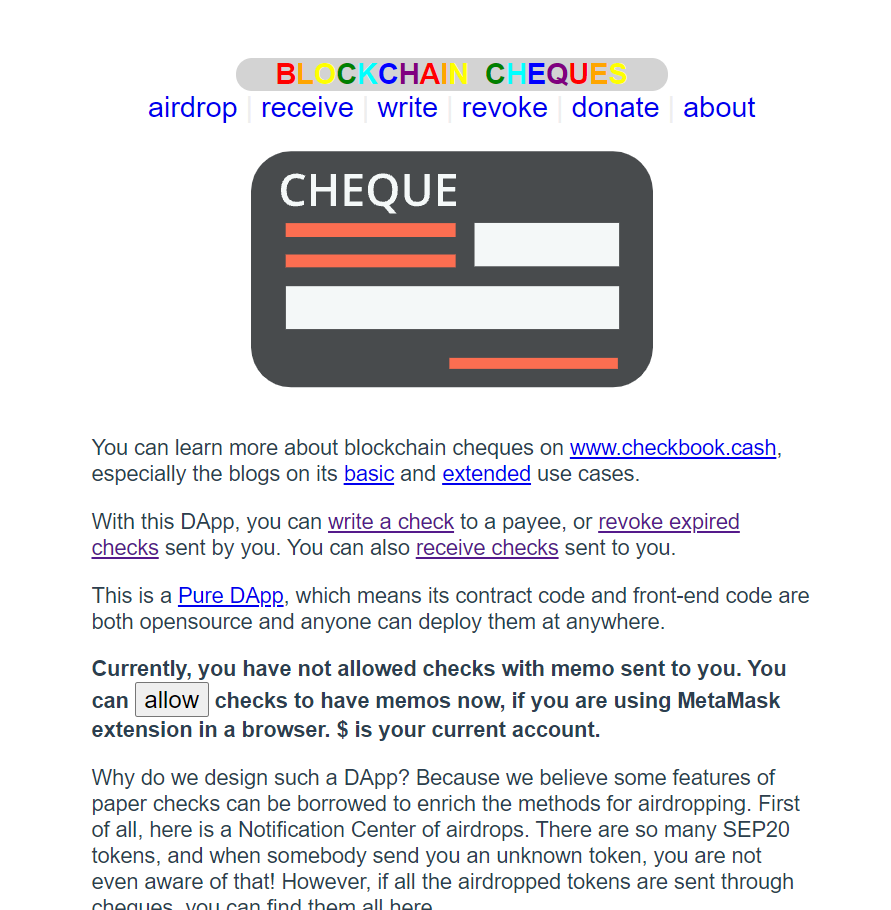
Go to https://app.checkbook.cash/about If you don't have METAMASK on your desktop or mobile, please install it now and add the SmartBCH network to it. To do so, check this link https://www.publish0x.com/caris-crypto-experiences/how-to-setup-smartbch-network-on-metamask-and-smartbch-coinf-xrnpkej Now that we have METAMASK installed and we are in the SmartBCH network, we can go on!
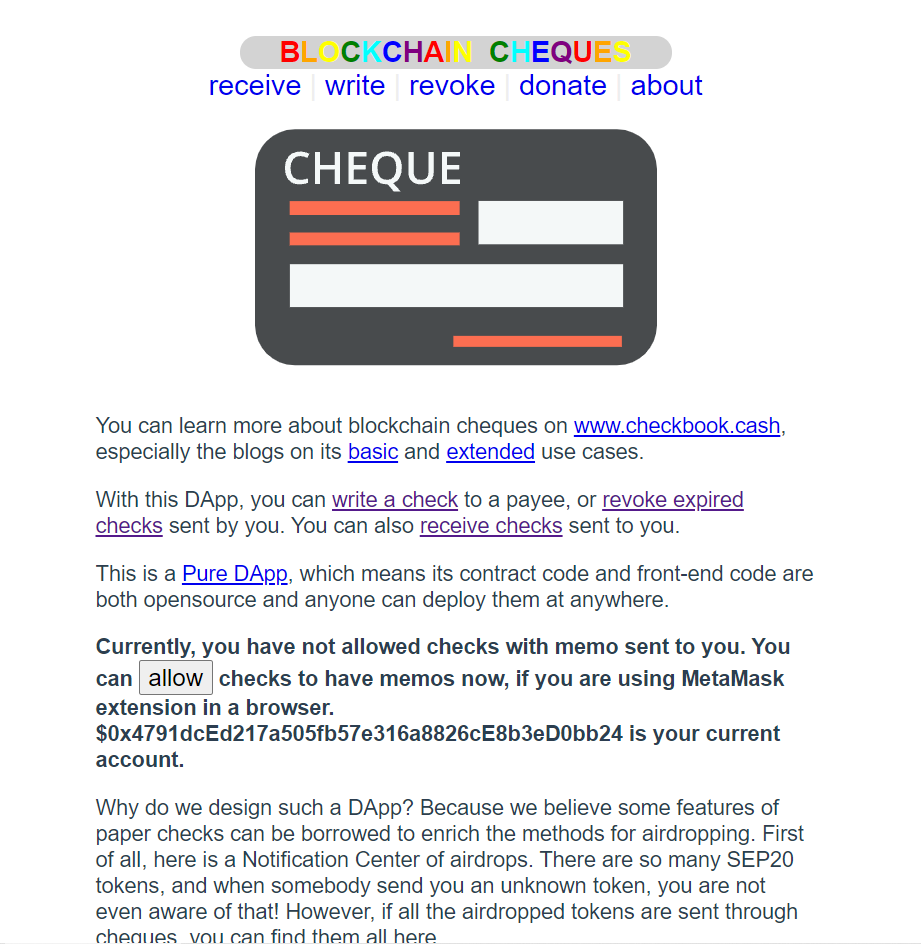
Now Checkbook finds our Wallet adress and we are ready to **CLICK** the "**ALLOW**" button!
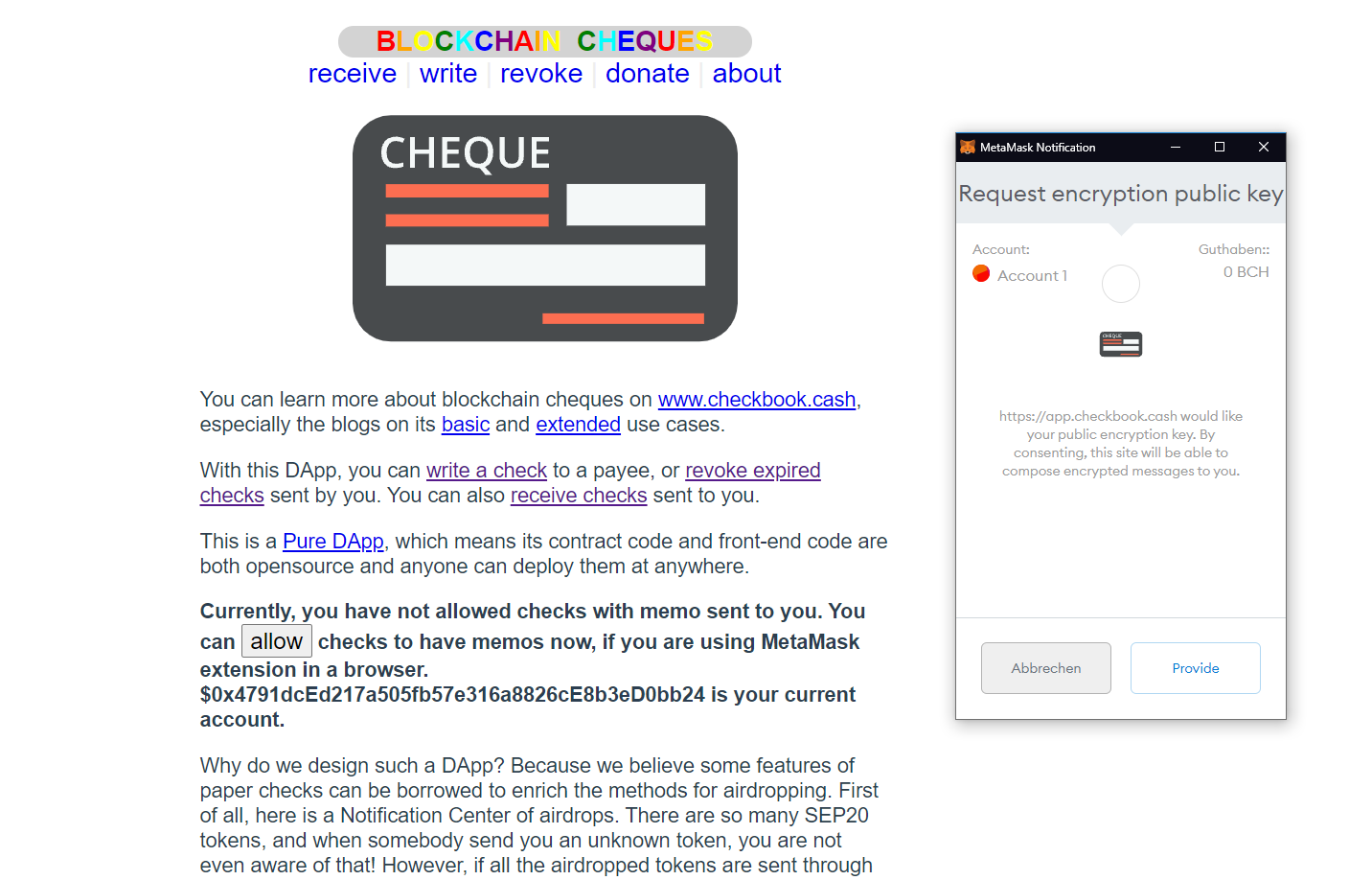
Now a METAMASK pop up will show asking us to give permission. We will click "**Provide**"
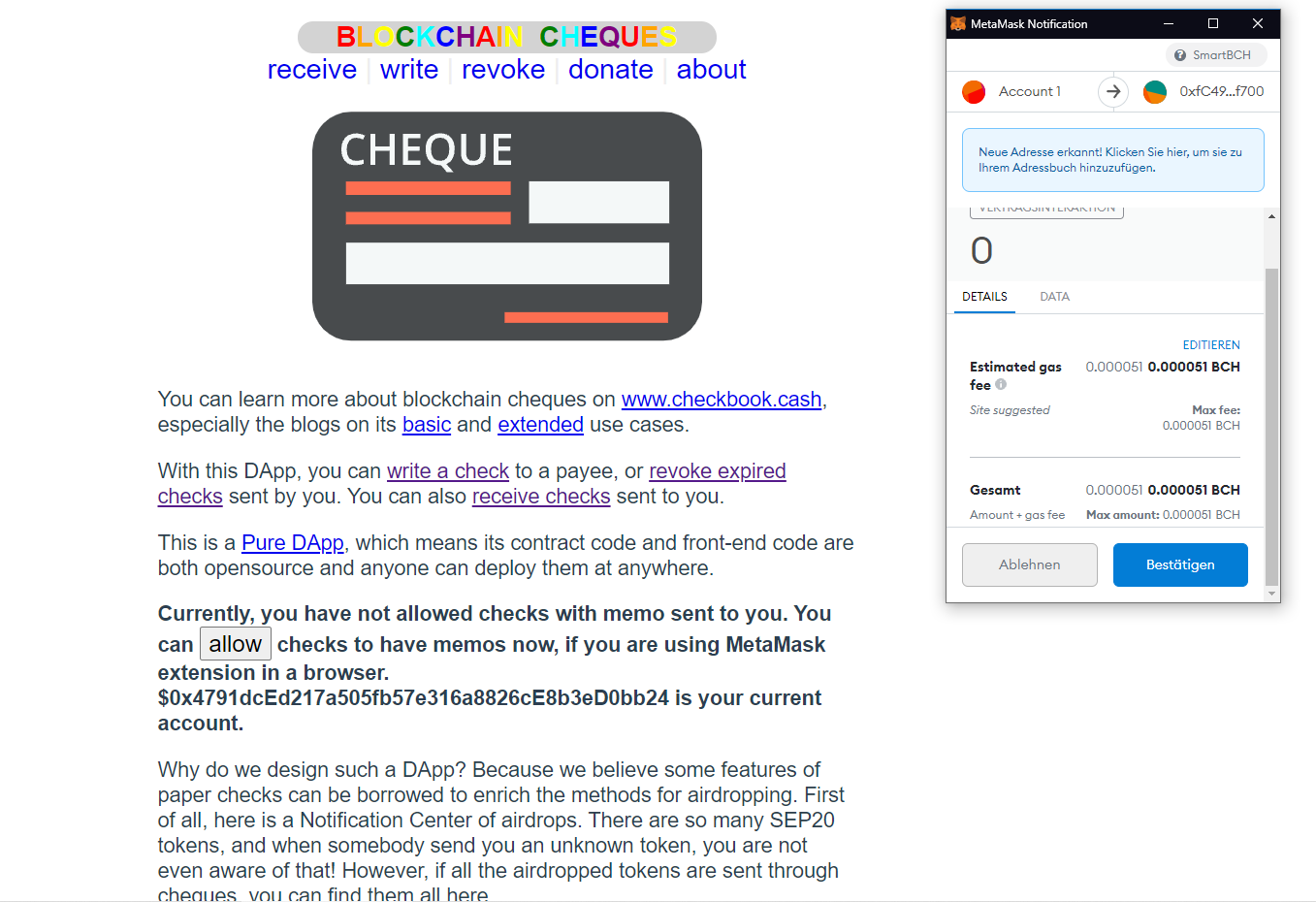
Again, we have to click the blue button giving Checkbook the permission to communicate with our wallet, for a very small fee!
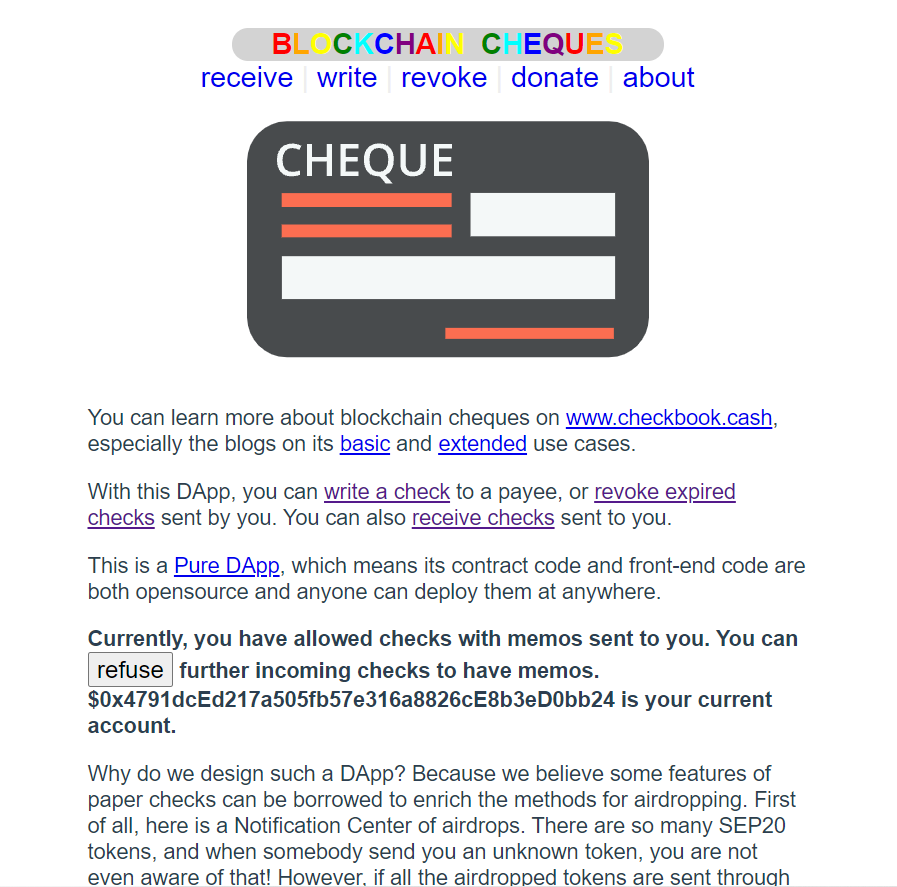
Now we are fully connected! **-->** Now we go to "**RECEIVE**" on the top
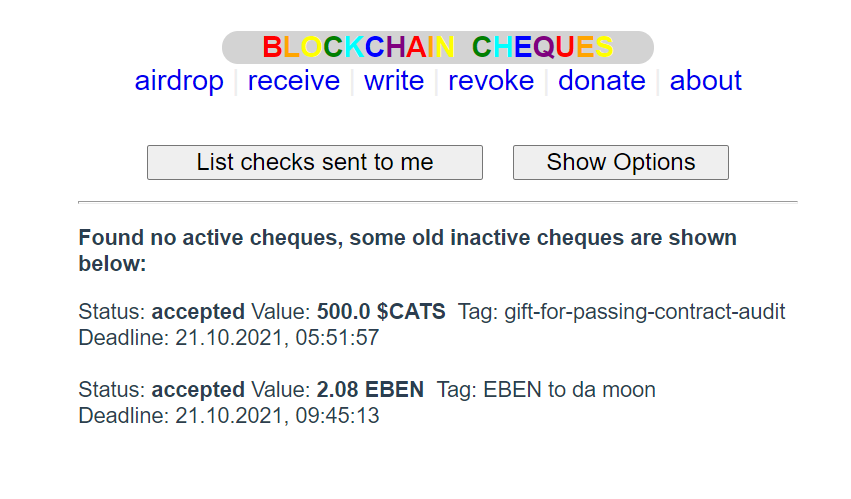
Click on **"LIST CHECKS SENT TO ME"** and the airdrops will be shown! As I already CLAIMED those, I can not claim them again. For you there should be some option to claim them! **Hope this helps and have fun with your airdrops!**


8 comments
Well, If you just want to receive this check, it is not necessary to "allow memos". Because this check does not include memo
Thank you! But how do you connect Metamask if you don't do this step? Will update my guide accordingly if you let me know. Keep up your great work, honored to see your comment.
MetaMask's best practice is "do not connect util the user click some button". But app.checkbook.cash does not follow this. It just tries to connect to the wallet when loading the page.
Once again thank you very much! I have updated my article accordingly and hope now everything is correct.
Thank you for sharing this! :)
I thought I am not eligible but then I tried to claim and got 500 CATS. Thank you
Awesome, congratz!
Thanks!