 @eommaZel
edited
more from that month
@eommaZel
edited
more from that month
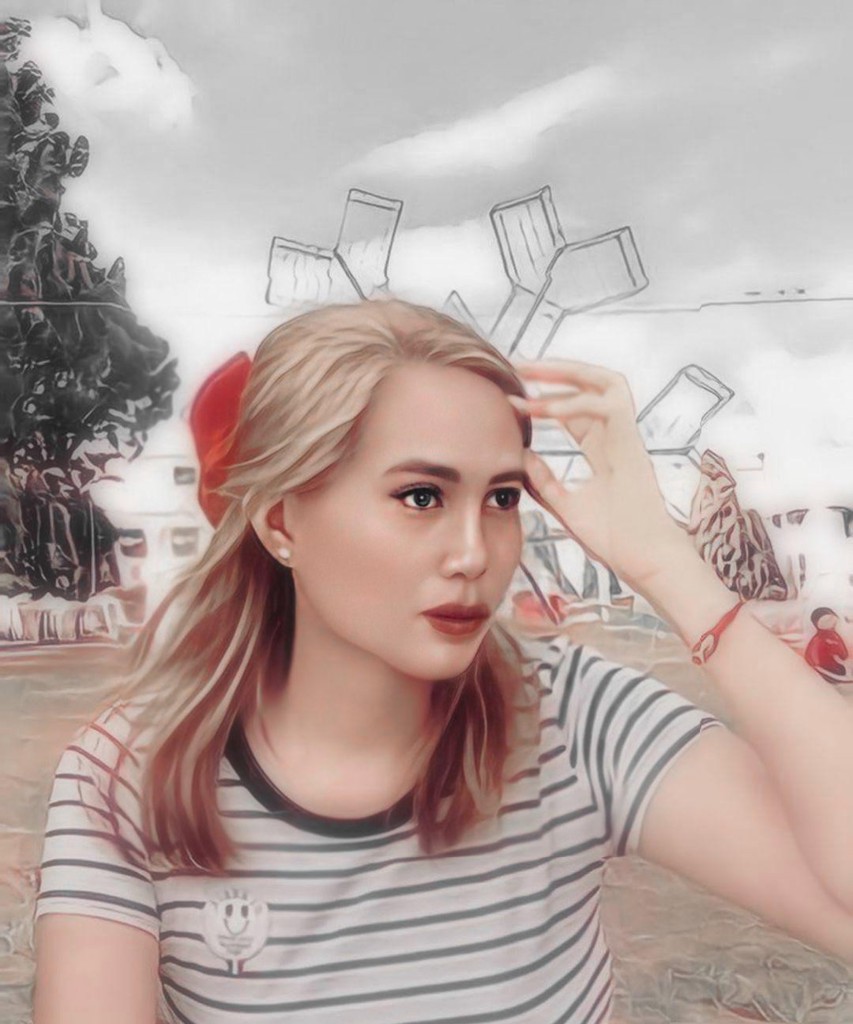
Simple and Easy Steps on how I make my GIF Here are the GIF footers I've made.


Some users used to asked me before on how I made it. Actually, I almost forget about it and Im so sorry I posted this so late. **I'll show you the steps on how I make it.** **First**, I downloaded an application named '****Photodirector****'. You can simply download this application in the app store, but to use the full features of this app, you must upgrade it into '**PRO version**'.
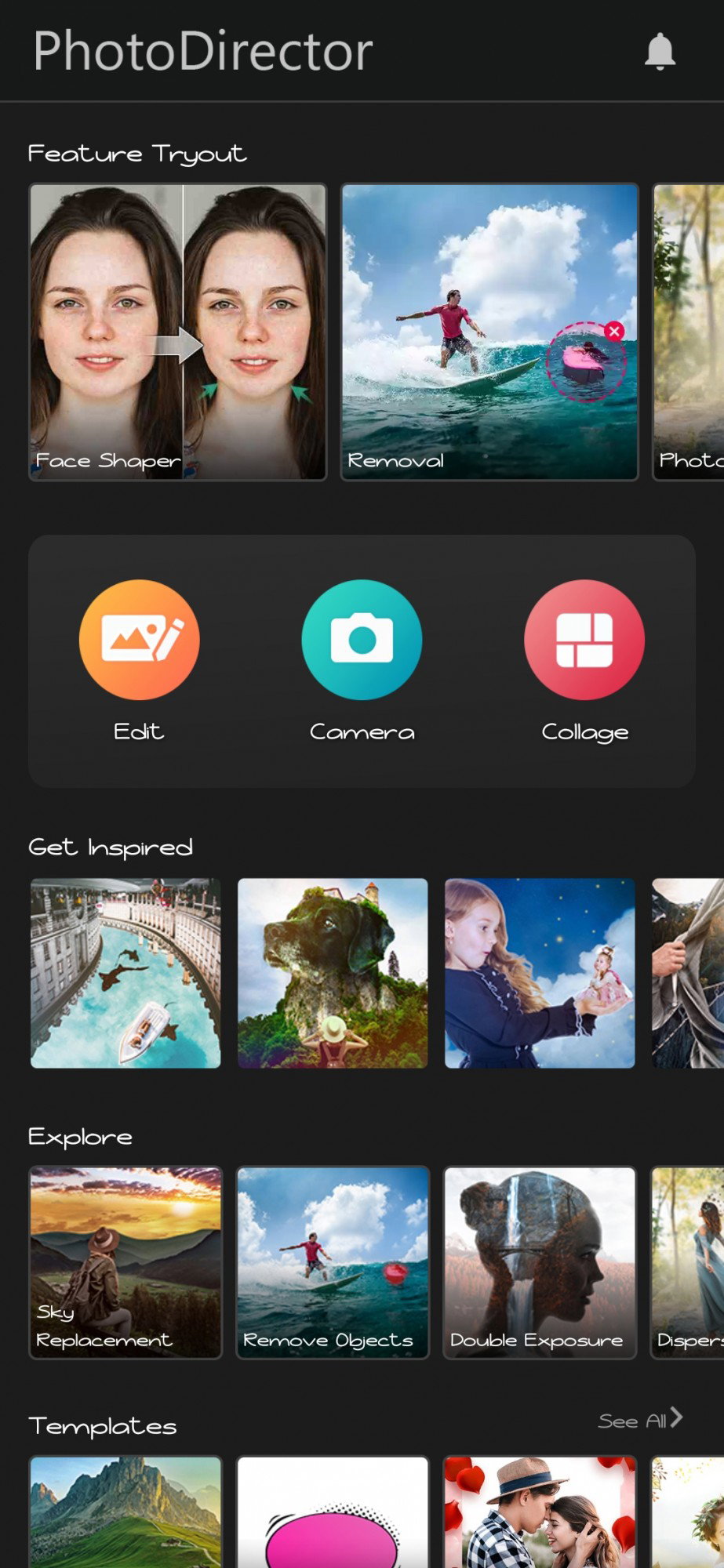
*If you don't have enough money to upgrade the application from Google Play, just search for '****Photodirector Pro version apk****' in the surface web. Find a site where you can download this Pro apk for free.* **Second**, click the '**Edit**' button, it will take you to your gallery and you must choose what image you will edit. **So, I chose this image as an example.**
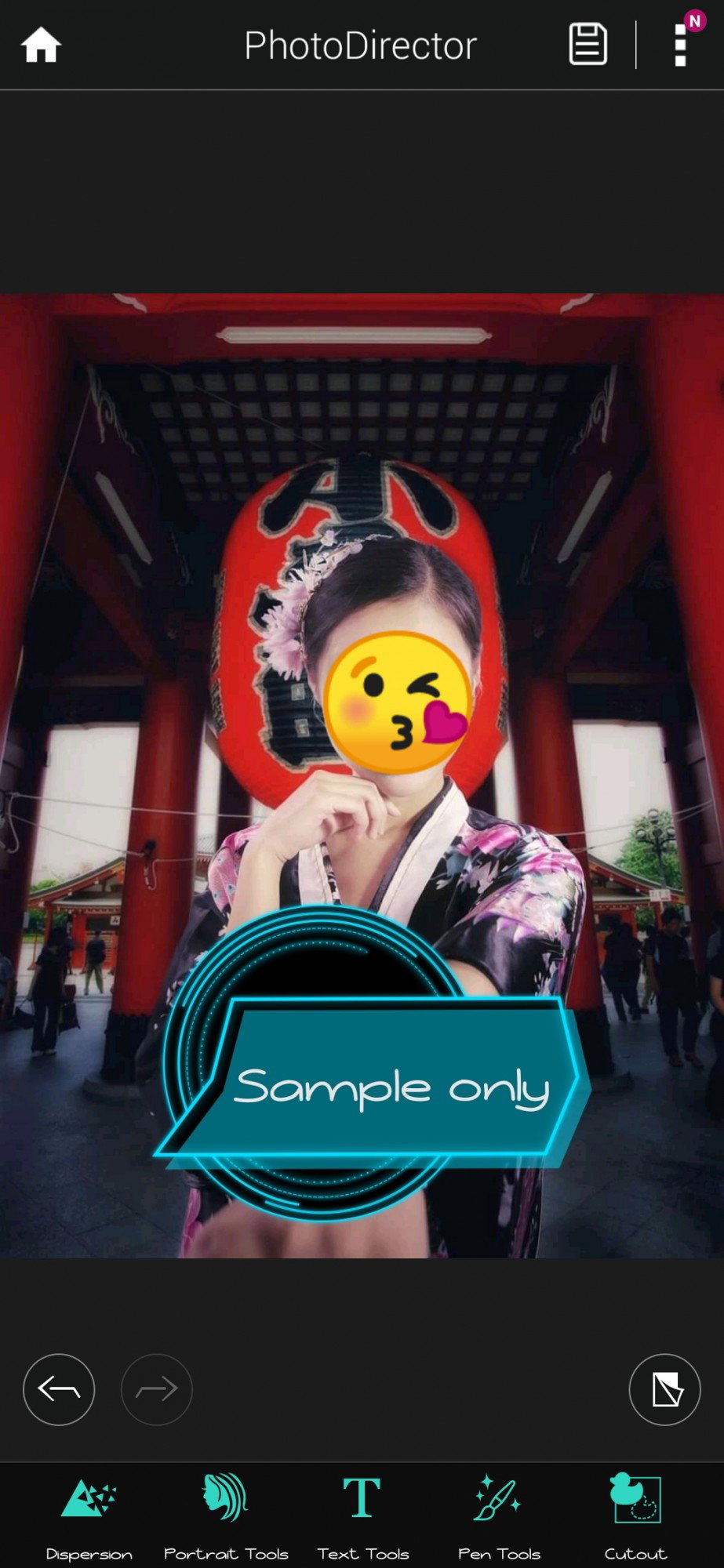
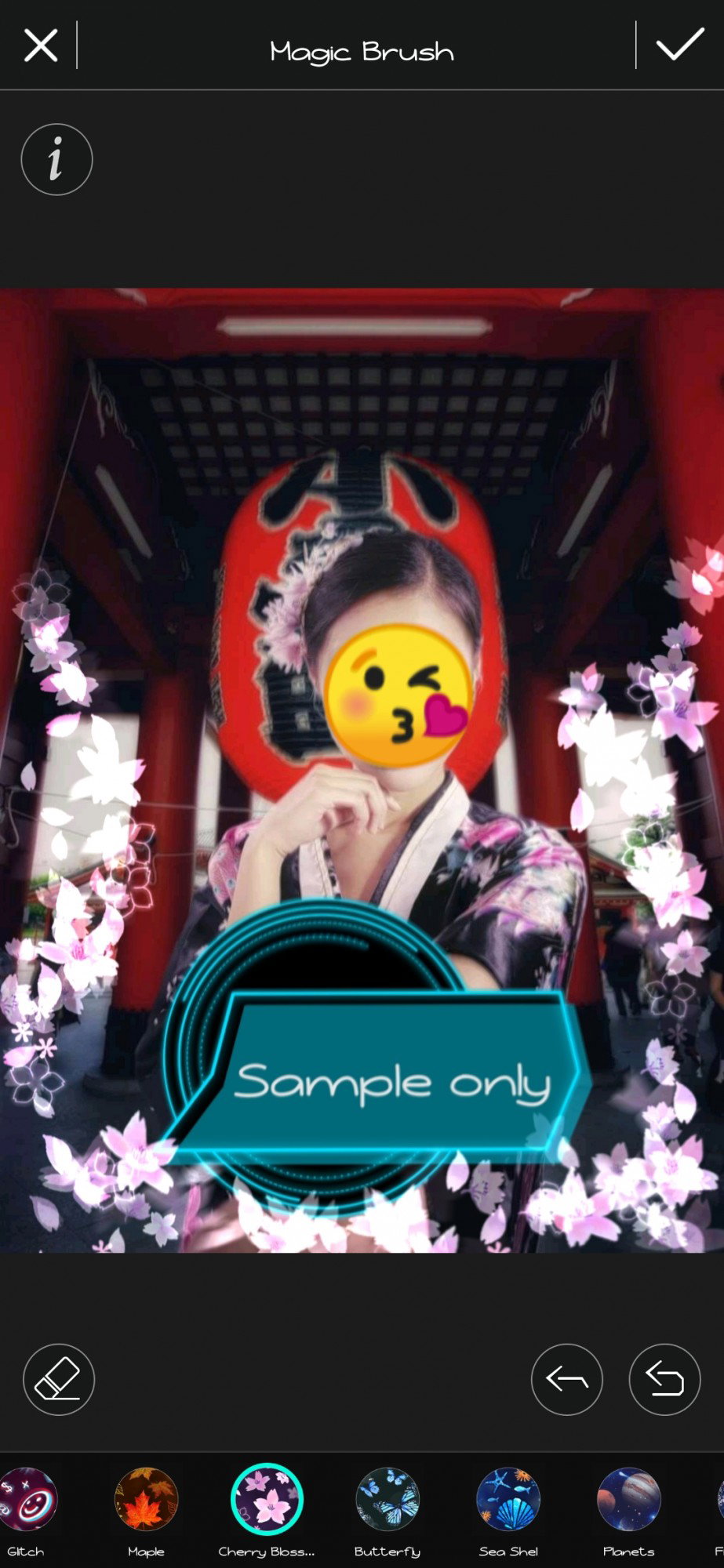
**Third**, I clicked the '**Pen** **tools**', and then clicked the '**Magic Brush**'
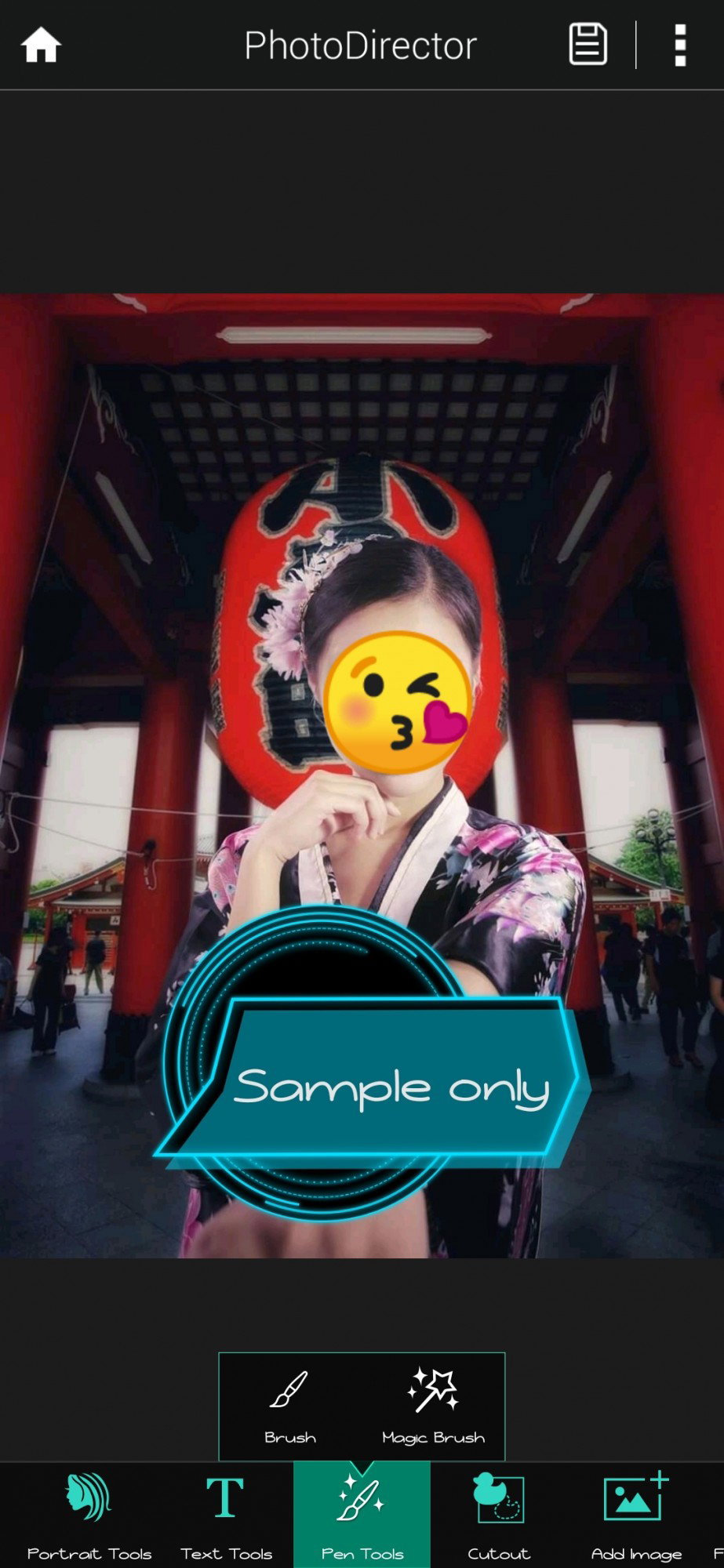
You can see in the picture below the different designs you can choose from the Magic Brush. Choose your desired design and draw. I chose the **Cherry Blossom** it best fits my personality; and drew it like this. After finished your desired design, don't forget to click the **check** (✔️) in the upper-right portion above. (see picture below)
**Fourth,** click the 'Animation'.
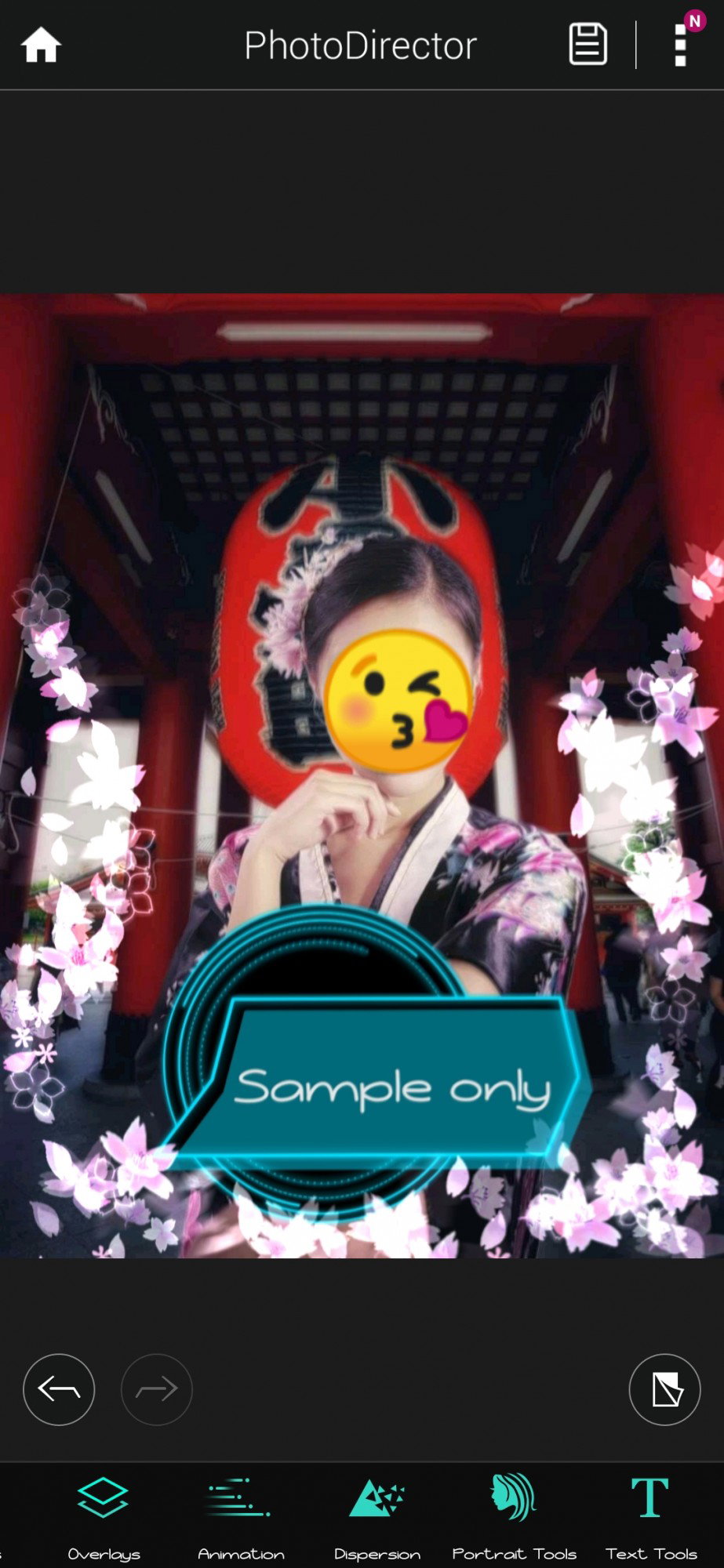
You can see there the motion, anchor, freeze and speed. **Motion** (see the broken lines with an arrow) - Just draw any line or point any direction you want your design to move. **Anchor** (the diamond-shaped dots) - put an anchor in the sides you want to be stable and will not be able to moved or affected by the motion. **Freeze** (the red shade) - shade the portion you want to completely freeze or unmoved by the motion. **Speed** - control how fast or slow your motion.
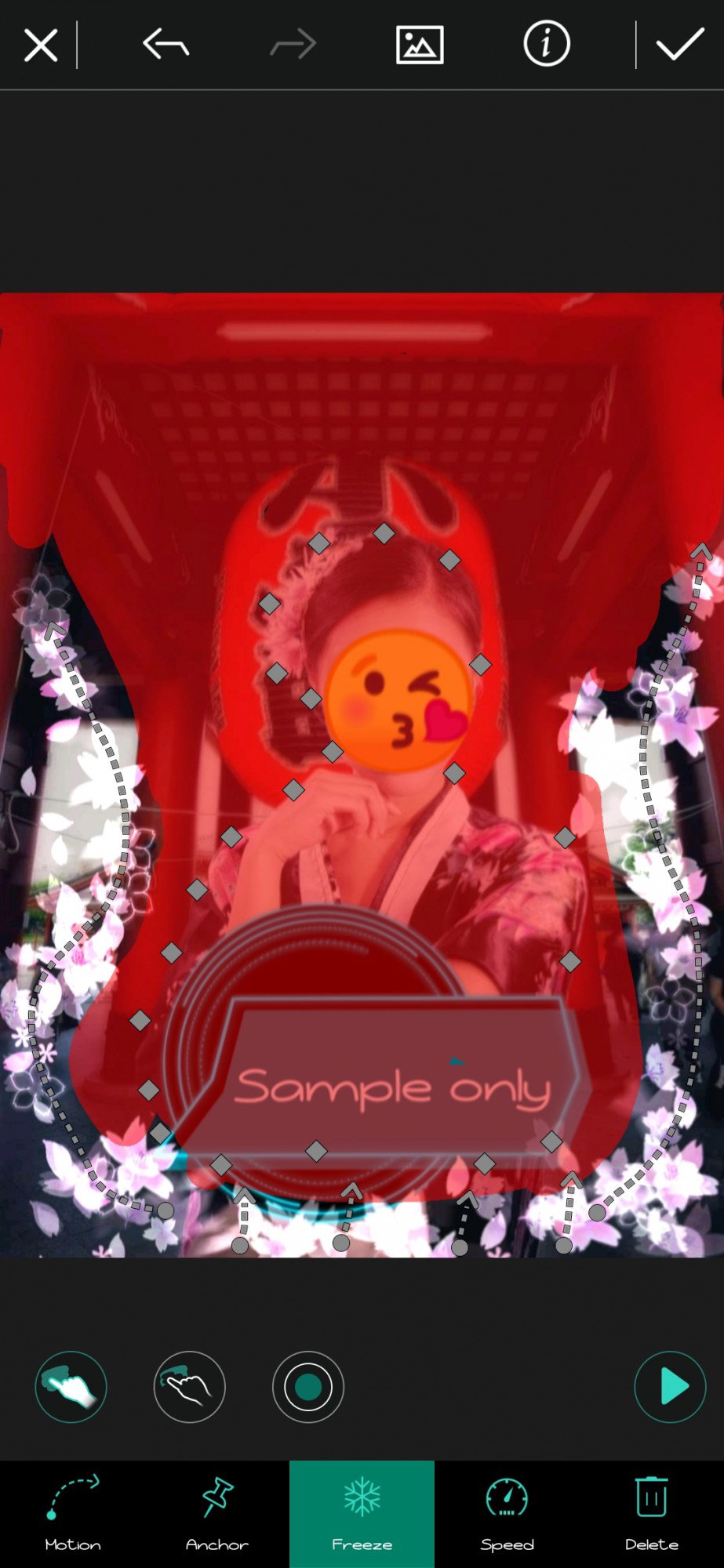
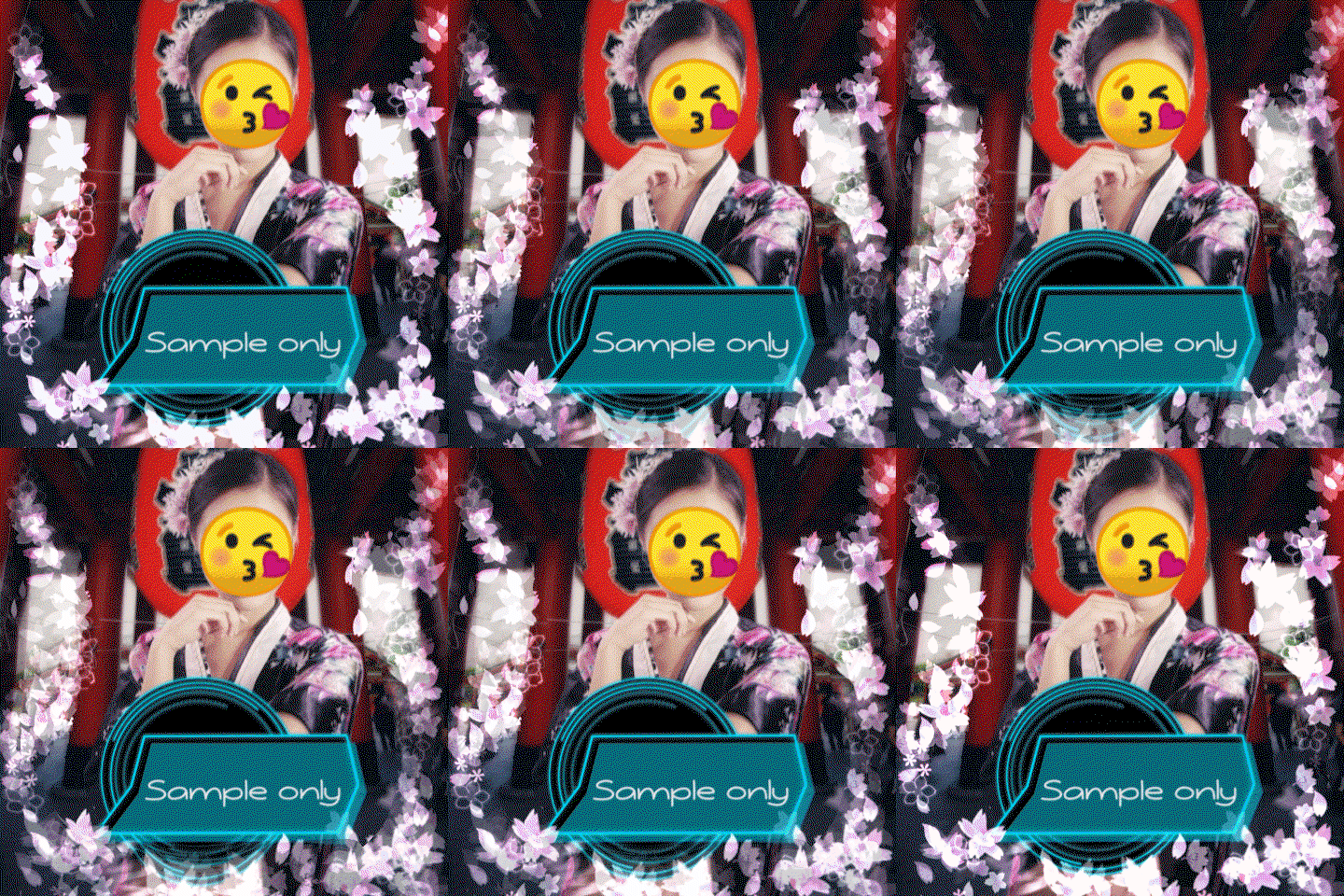
You can see above how I setup my motion, anchor, and which portions of the image I freezed. You can see how your setups work by clicking the play button beside. (▶️) If your work is done, click the check above and it will show you two options save it as a video or a gif. Be sure to save your image as **GIF**. This is my finished product.
I just explored the features of this application and I never thought I could make my own gif with it. I'm using this application for **2 years** already, and I never thought I could use this app in some of my works here on Read.Cash. It never failed to satisfy me since before. You can do a lot in this application, you can enhance some of your photography too. To use this application is simple and easy. I swear. I've seen a lot of users made their own lovely and perfectly beautiful GIFs here too. And I also admire their works. I'm not really good in making my ow but I put some efforts too. So, these were the simple and easy steps on how I make my own GIF footers. I hope you find it beautiful too. 😊 Thank you for reading this, I hope you have a great time. Please leave some comments and tips or suggestions in the comment section below. 🌸@eommaZel ✍🏻
6 comments
Thats very helpful. I often am very fond of making articles and use different type of emojis and GIF to represent my feeling. I have tried a lot and different sofware to make sure it look attractive, but It failed to look attractive and impressive. I would try to use the recommended software and use the same technique that you mentioned to make GIF & IF there is any type of help I require, I'll post in the comment section...
Thank you so much for appreciating. 😊 I hope this really helps you, I love making that kind of stuffs too so I can show my creativity with it. I can say that this app is recommended for those who wants their works looked beautiful and nicer especially in terms of photo editing and enhancing. I wish to see your works too with application soon. I'm very grateful for your valuable comment. ☺️
Wow dear 😍 thank you for sharing this 😍 i will definitely try to make my gif and will tell you 🌺♥️♥️
Thank you for your appreciation my dear. 😘 I really felt grateful towards you. Thank you always for supporting me. I can't wait to see your own gif soon. ❤️
You're most welcome ☺️♥️♥️ we all are here to support each other 😍
Yes dear, definitely.❤️