Gzipper and Tor
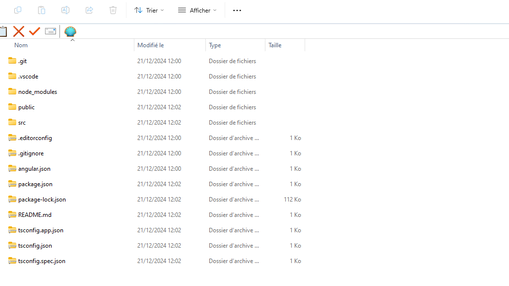
Hello, 1. Using Gzipper for Compression and Decompression `gzipper` is a convenient tool for handling `.gz` files in a command-line interface. To compress files or directories, you can execute the command `npx gzipper compress . --exclude node_modules --exclude vendor`, which compresses the current directory while excluding specific folders such as `node_modules` and `vendor`. For decompression, simply use `npx gzipper decompress filename.gz`, replacing `filename.gz` with the name of the file you want to extract. Additionally, you can decompress all `.gz` files in the current directory by using `npx gzipper decompress '*.gz'`. 2. Utilizing Tar for Single-File Compression The `tar` command is a powerful alternative for compressing directories into a single archive. It allows you to create a compressed file that includes multiple files and folders. For example, the command `tar --exclude='node_modules' --exclude='vendor' -czvf output_gzipper/archive_name.tar.gz .` will create a gzipped tarball from the current directory while excluding the specified directories. This method is beneficial when you want to manage multiple files as a single archive. 3. Summary of Compression Strategies Both `gzipper` and `tar` offer effective ways to handle file compression and decompression, but they serve slightly different purposes. `gzipper` is great for managing individual `.gz` files and offers straightforward commands for both compressing and decompressing. In contrast, `tar` is more suited for archiving multiple files and directories into a single file while maintaining the ability to exclude certain paths. Depending on your needs, you can choose either tool to efficiently manage your file compression tasks.
No comments yet