 @alphageek
more from that month
@alphageek
more from that month
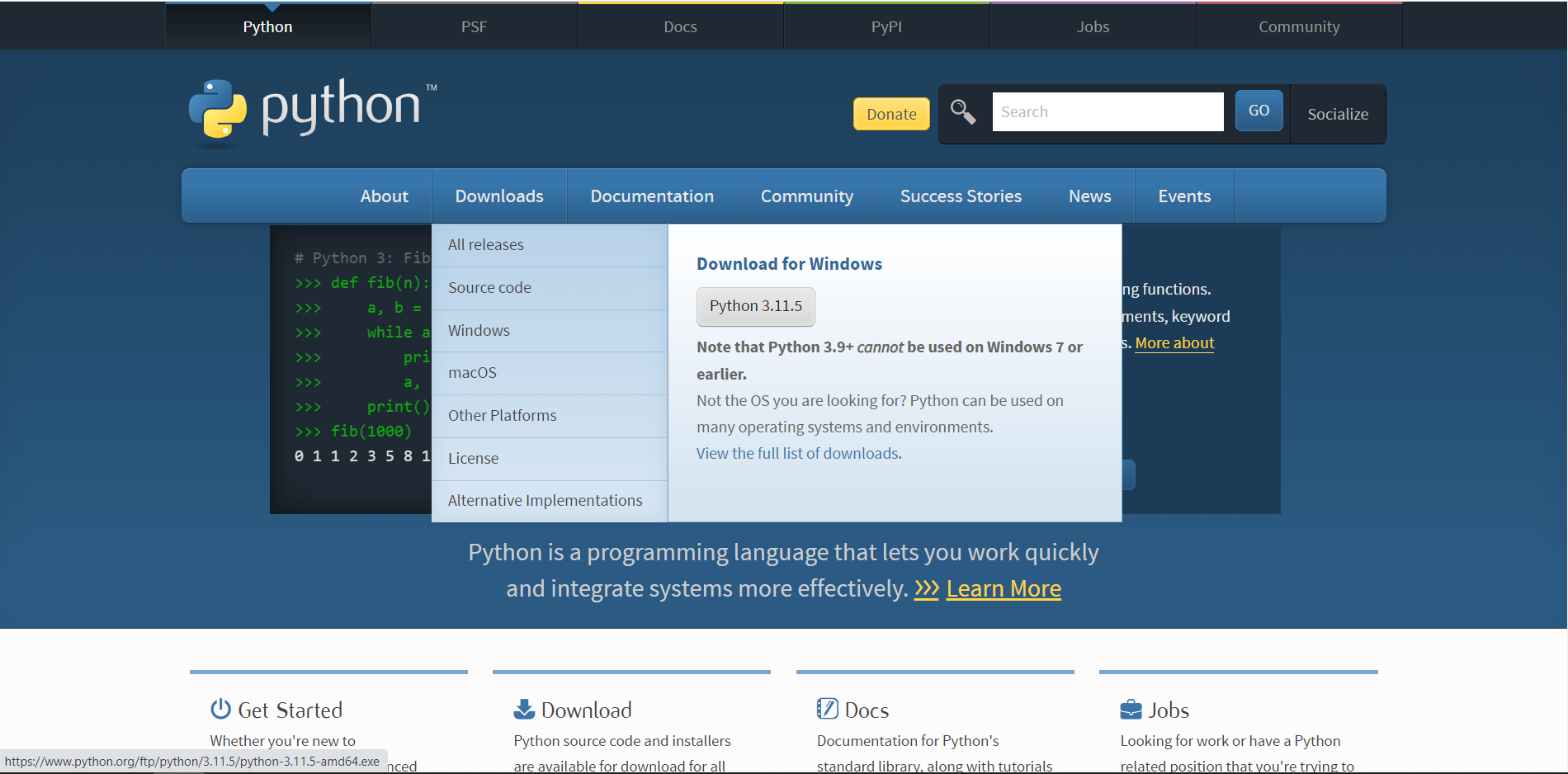
How to create web scraper with python ? ( Selenium ) there are many ways to create Web Scraper with python the best way to do that is using selenium . the selenium enables you to open up a browser page with python and do certain tasks like pressing keys or scraping part of the page . the best thing about selenium is that it acts like human being and is not like any other scraper that are easily detectable . the selenium is not only used to scrape data . it can be used for many things like automated buy order or … today we will be creating the basic python program that opens up google in IE and select the search bar in google ( currently google search bar class name is “gLFyf” ) and types “Hi mom” and press ENTER to do the search and writes the source code of the page in txt called “page_source_of_google_after_typing_hi_mom.txt” file in the same place as the program . this program is for demonstration of the way that work is done . after getting the new page source code you can do anything with it . please be creative there are many projects like this on freelancing sites . you just have to be more creative and play around with code ( some ideas are that you can create a web page and put the scraped information in it so that it becomes user friendly ) The first thing that you should do is download the python from the official website
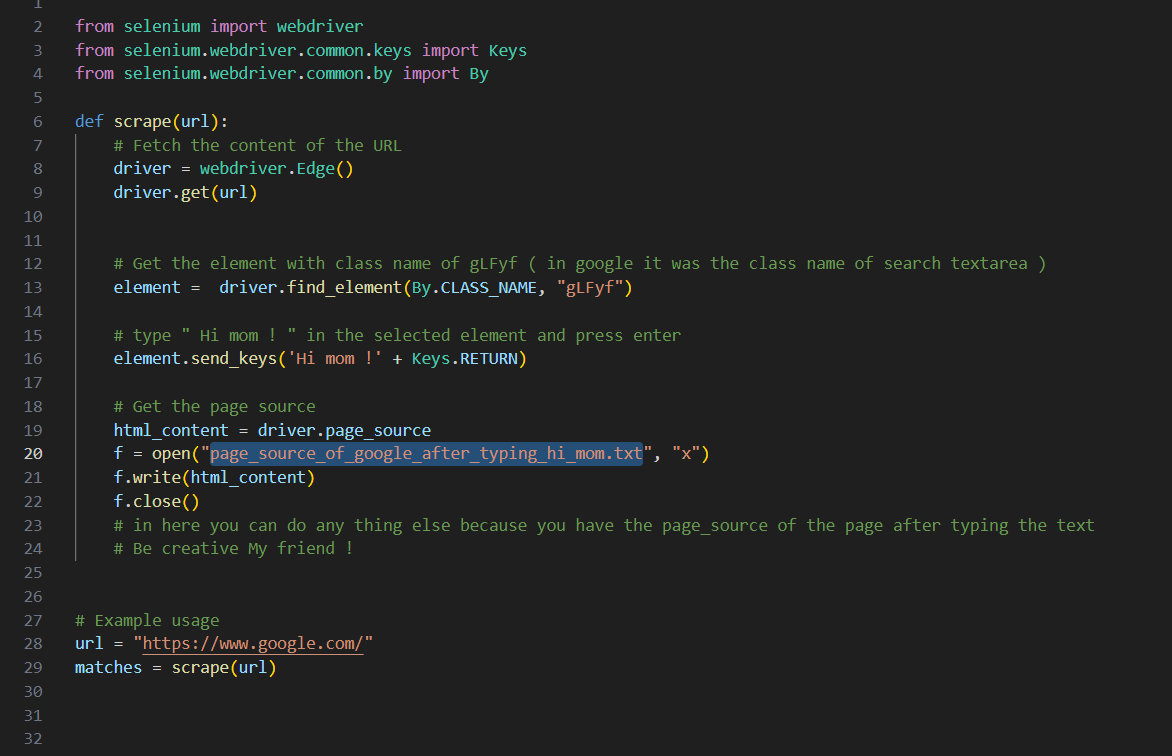
this tutorial w*e will be using windows .* After the installing the python you need to install selenium and webdriver-manager . you can do that by typing below commands in CMD or powershell of your windows. pip install webdriver-manager pip install selenium now you are ready to go . I wrote the program and put it on **github** you can download it and play with it . project name on github : blue_scrape now I want to explain briefly what every line does . first we create a function called “scrape(url)” and pass the ’url” varible to it . in the function first we need to open up edge browser ( driver = webdriver.Edge() ( you can use driver = webdriver.Firefox() for opening firefox ) then we need to open the url ( driver.get(url) ) now we have the url opened . you can try running it at this stage and see it only opens the edge and goes to url . now we need to select the google textarea with class name “gLFyf” . and press enter ( element.send_keys('Hi mom !' + Keys.RETURN) ) . the html_content = driver.page_source will get the source code of page and put it in html_conten variable. the last three lines below are for writing html_conten variable to file called page_source_of_google_after_typing_hi_mom.txt .
No comments yet