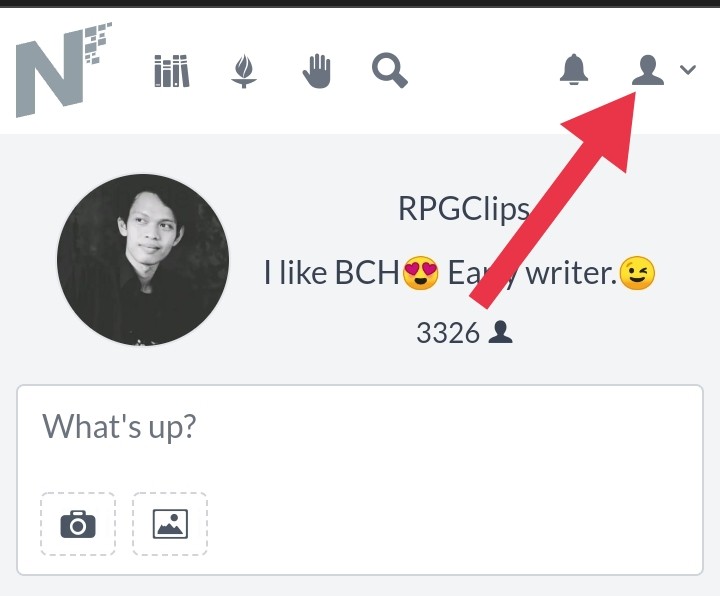
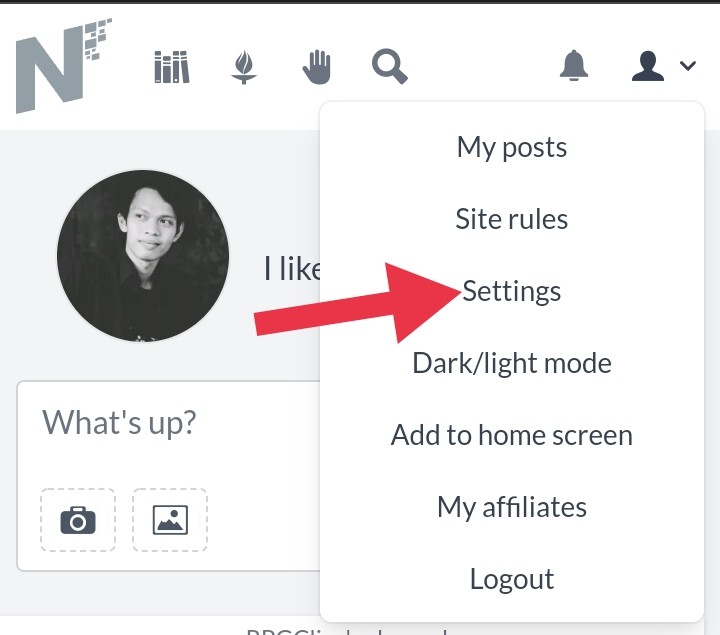
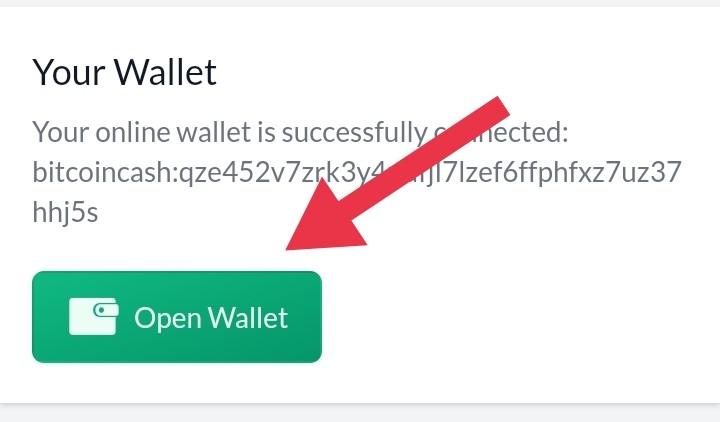
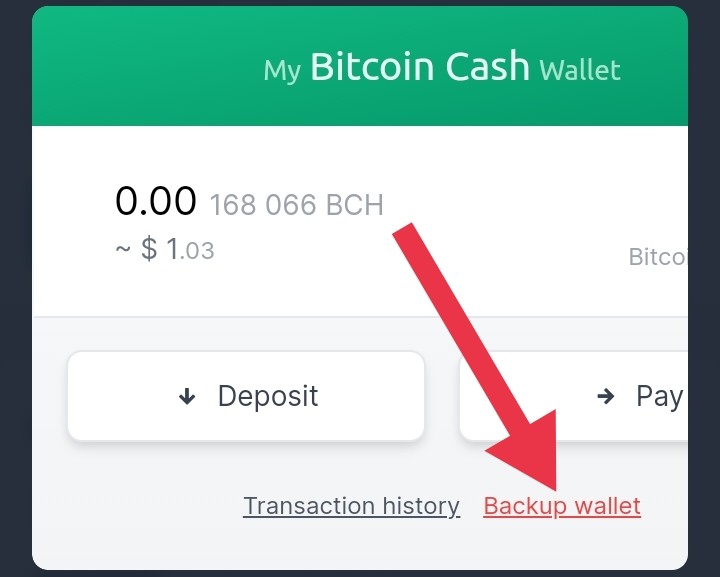
HOW TO ENABLE DIGITAL WALLET IN NOISE.CASH. I made this just for the purpose of helping our friends who just joined noise.cash, but some people I've noticed still haven't set up their digital wallet realm on noise.cash. So this is to help all friends who may not know and don't understand how, indeed some people have made posts about this explanation but it's been quite a while and maybe is out of sight, so I hope this will help.😊 1. You can go to the top right corner with a picture of some people. 2.You can go to settings 3.You will see an image like this if you have created a digital wallet in noise.cash, but before that you must activate it first. 4.If you already have a digital wallet, you should copy your BCH address and enter it into the box provided when you want to activate the noise.cash digital wallet, it aims to backup our BCH address. 5.If you don't have a digital wallet, you can download it on the PlayStore under the name Bitcoin.com, coinph, or Binance, and LUNO, activate it and copy the BCH address and enter it into the box provided. After entering the main BCH address, we must confirm to the email address that we have / register at noise.cash, after confirming the BCH address in noise.cash is ready. It will look like the last image if your BCH address has been created in noise.cash, I hope this explanation helps.
No comments yet