 @Vanjinks
Record unauthorized access on your phone

Privacy is one personal thing and it shouldn't be invaded, in our world today our mobile phones are being used to run personal things which shouldn't be shared and to be kept secret but it's becomes annoying when most people invade this privacy without our permission, on noticing we confront this persons and he/she Denys it. For long have been searching for an application who would help monitor unauthorized access to my phone and I was happy to find one who would do the perfect job, using this app unauthorized access to your phone in your home, office, school or any other place can be traced and culprit known Introducing the WTMP WTMP simply means who touched my phone, its a mobile application that records all activities going on your phone once activated, it can be downloaded on google play store.
You can use the below link to download WTMP. https://play.google.com/store/apps/details?id=com.wtmp.svdsoftware
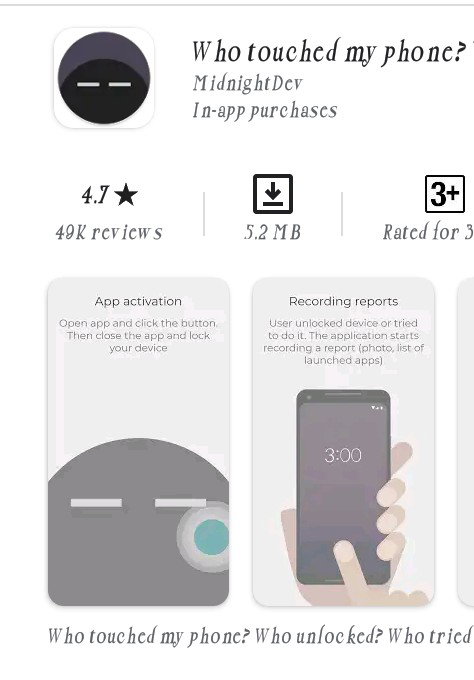
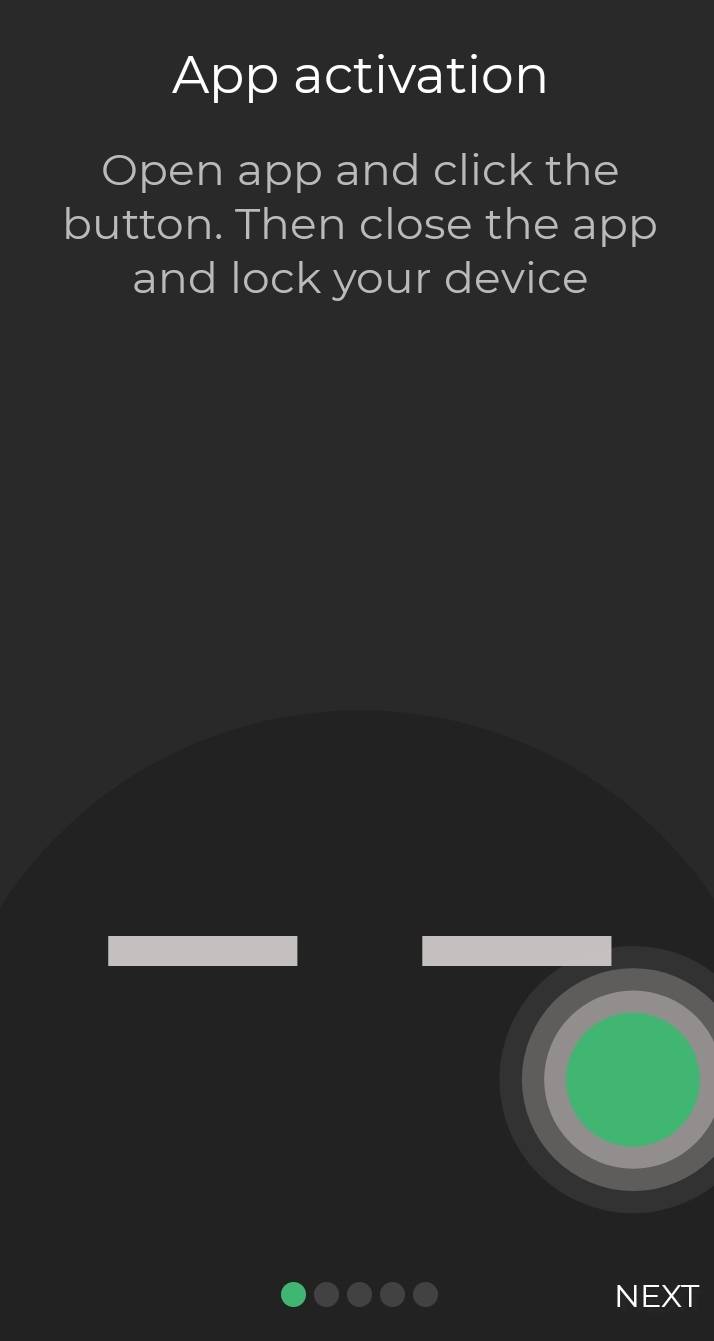
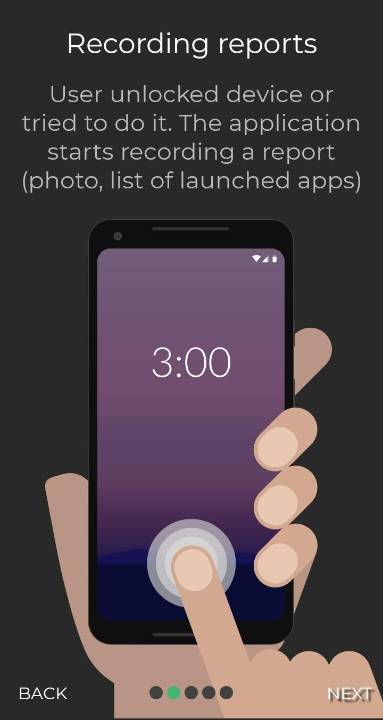
Application Highlight The application becomes functional once the person picks up the phone and press the power button, the app (WTMP) immediately snaps the face of the person instantly and saves with other details like the date and time your phone was intruded. It keeps this information in the app log for the phone owner to access upon unlocking the phone. The information recorded can also be synchronised with the application cloud storage system, which I think is better incase your phone is being stolen. The introduction of this application will much eliminate unauthorise access by siblings, parents friends and all cause no one would want to be caught going through your phone.. Demerits If someone has an idea of your phone password or pattern the person can easily go to the App and delete the log so they won't be tradable Again the WTMP is a must have on your phone to be able to use, anything outside the phone is useless. How WTMP works Using this application is simple and easy to access, download the application and install , when the app interface comes up press on the big power button you see on the right and you are good to go.
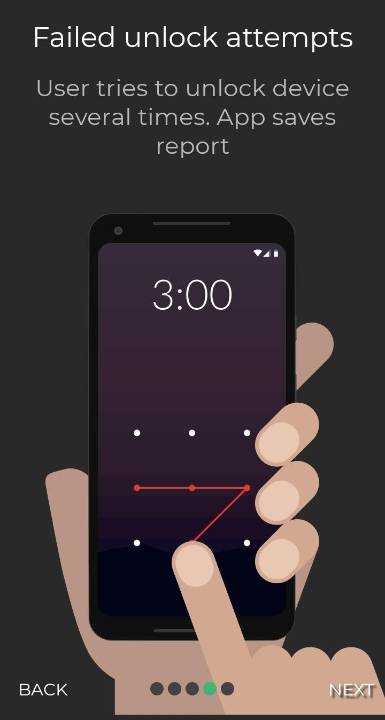
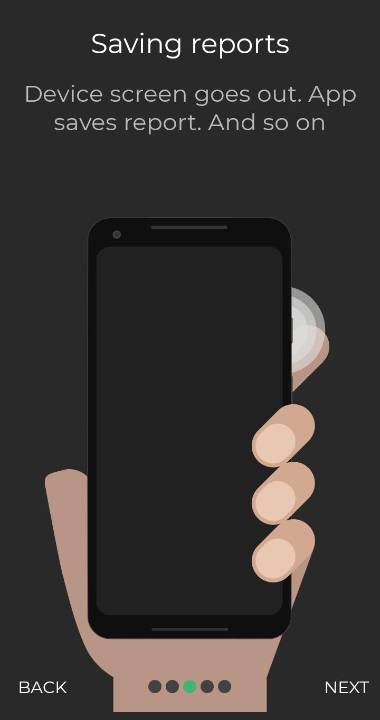
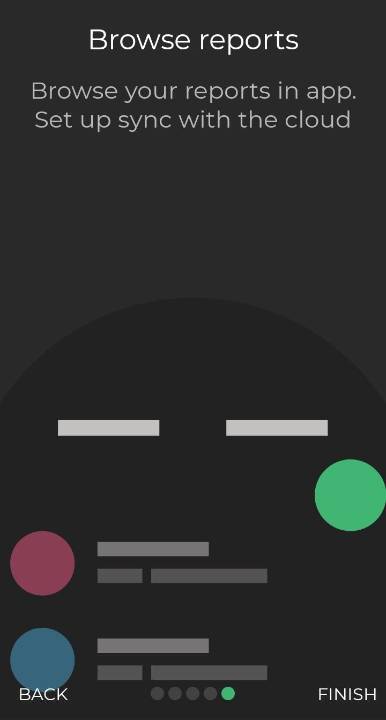
See its simple to set up, once your done setting up you can access the application when ever you want to. Hope you found this piece informative. Thanks for reading .
12 comments
You have to be careful, because this application, is recording, what you do, too.
Yea saw that in the review.... But its a good one cause sometimes I wonder how my data do get drained at night without me using it.. The WTMP now keeps me aware of things happening when am not with my phone
A simpler way, is to restrict access to others, and that's it!
Do you switch off your internet connection and phone? Google etc always tries to update with me. I switched off automatically but it still does. If I see it busy again I cancel. All those apps you have are active at the background too. Switch it off. It eats memory and data.
I guess this is what I'll do
All application record our activities. Just that some are trusted and some are not.
I wonder in what kind of society or household you live where everyone touches your phone. Why not tell people to keep their hands off what is yours? Why not keep your phone with you if everything you do with it is top secret? The only ones who can touch my phone are my children just like I can touch their phone. If they use a lock or password it's fine with me. I am more worried about Google and Facebook and Microsoft collecting all personal info and hacking. Including bank account, security number, etc, etc.
I am more worried about Google and Facebook and Microsoft collecting all personal info and hacking. Including bank account, security number, etc, etc. This is one of my greatest worries and fear
Be careful with which permissions you give and do not let any app update automatically.
Lolz, like say anything they the phone.
This is a great help for people who are paranoid to privacy
Sure it is