 @SuperJulalaine
more from that month
@SuperJulalaine
more from that month
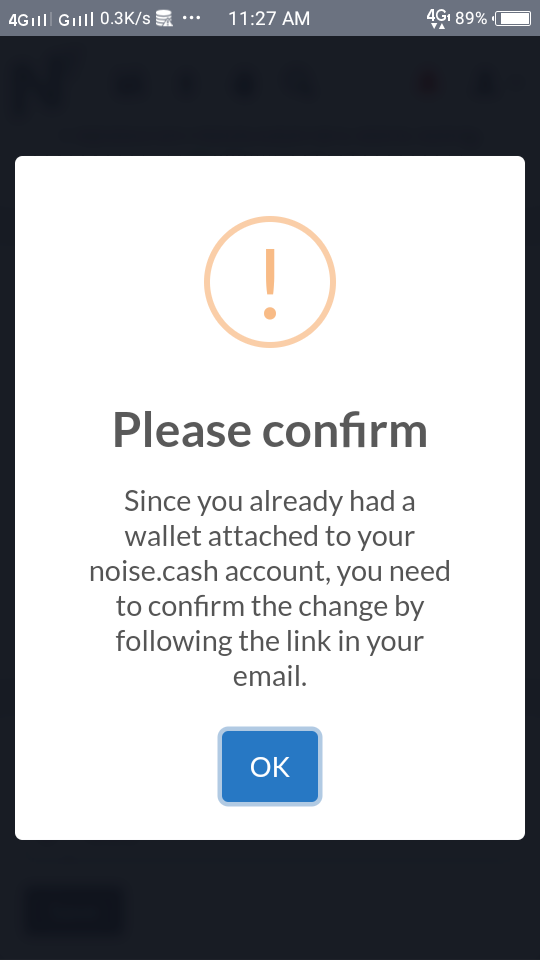
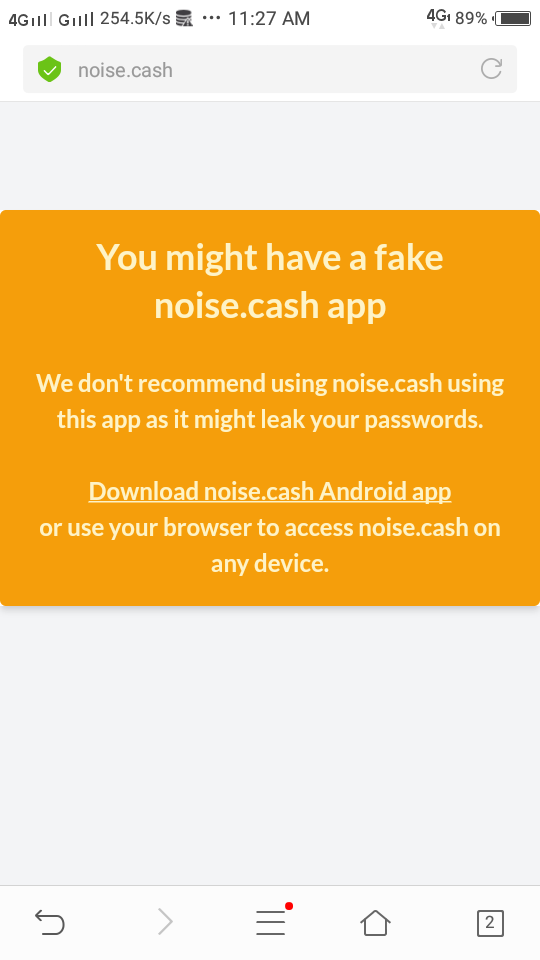
Differences of Setting Up Noise Website and Application Wallets' & Outside Wallet Based on my experience. FOR IMPORTING OUTSIDE WALLET- Don't be suprise if you will be asked by either web or app to encode again the seed phrase after you input it on one of it. During the updates I was hesitant to encode again my 12 words on the website (showing, you need to import wallet) after I encoded it in my noise app wallet, both are showing same address- embedded already. Today I have test it, it is fine to encode again the same 12 words, you will have the same noise wallet address either in the app or on web (but its different from the outside wallet add- it is now the embedded add), so you will be able to transfer/pay both on the website and app. I also found out how possibly I can change my imported wallet, I've uninstalled my noise app earlier and put it back, but the seed phrase is not there! So it is possible for me to change my imported wallet by reinstalling the app and coding new 12 words, I advice to transfer first your money outside before doing so. FOR CREATING NEW WALLET DIRECTLY FROM NOISE- If I were a newbie and I'd like to use the noise app to pay/transfer my bch outside, I will create my wallet directly in the app, however I cannot transfer on the web. If I'd like to use the website for my transaction I will create my wallet on the web, however I cannot transfer/pay in my app wallet outside. We tried to input same 12 words phrase in the app after creating wallet from the web but it gives us the error sms below 👇. There is no way for us to "import" the same noise phrase on either web or app, there is no outside wallet after all. The first photo was when we tried to encode the 12 words in the app, the 2nd photo is when we tried to confirm the change on email, there is really no way for us to transfer on both web or app creating the wallet directly from noise. Updates may come soon, noise is still improving. #my22ndDay
No comments yet