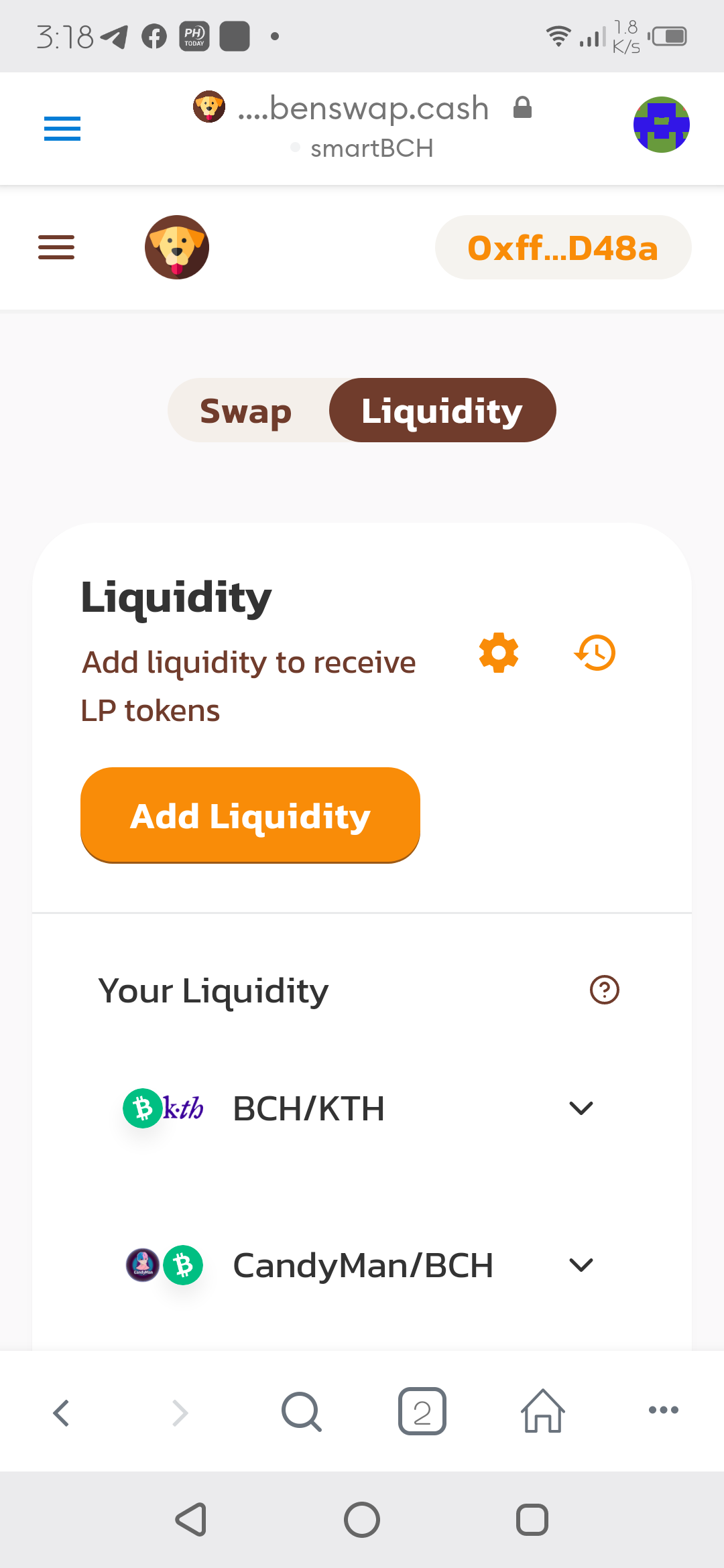
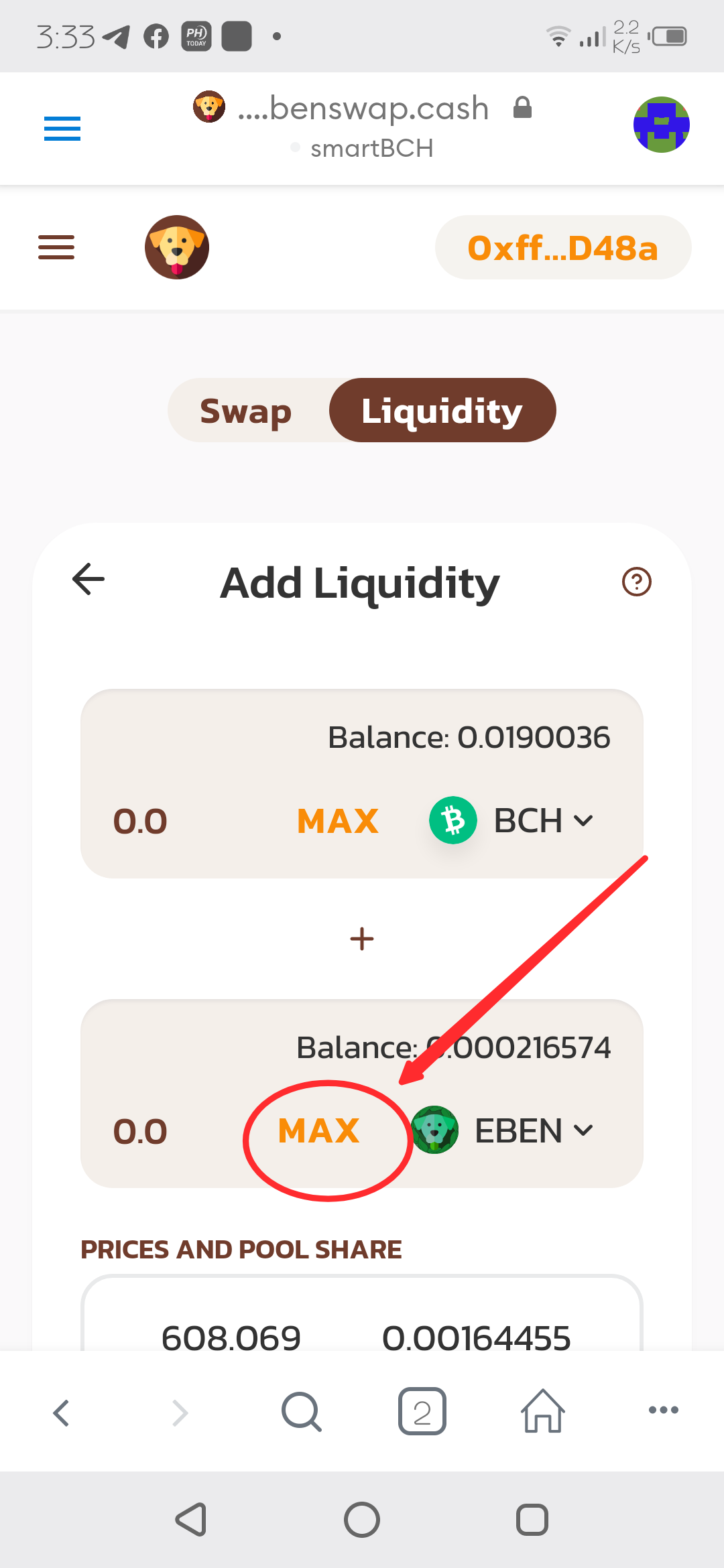
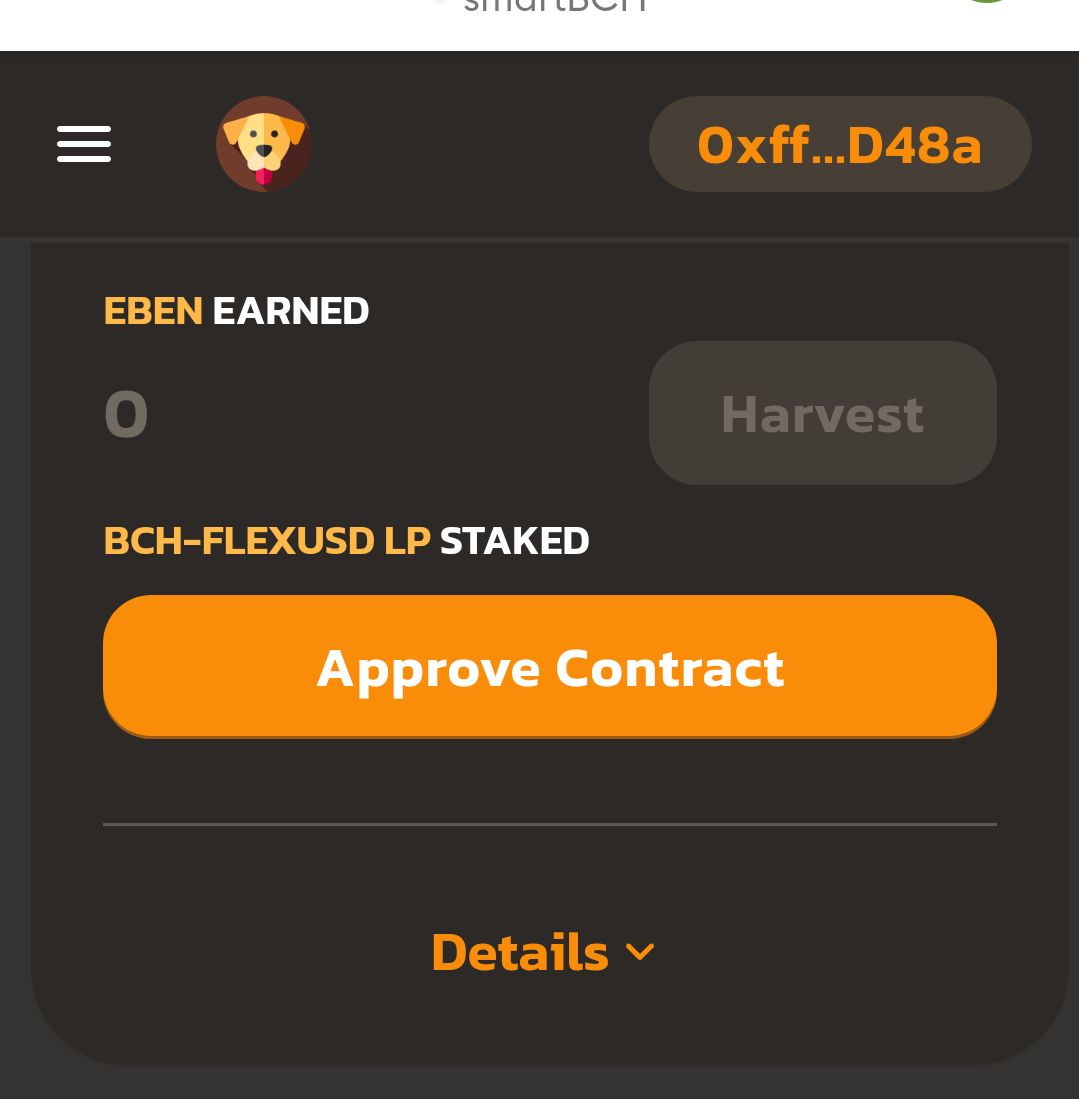
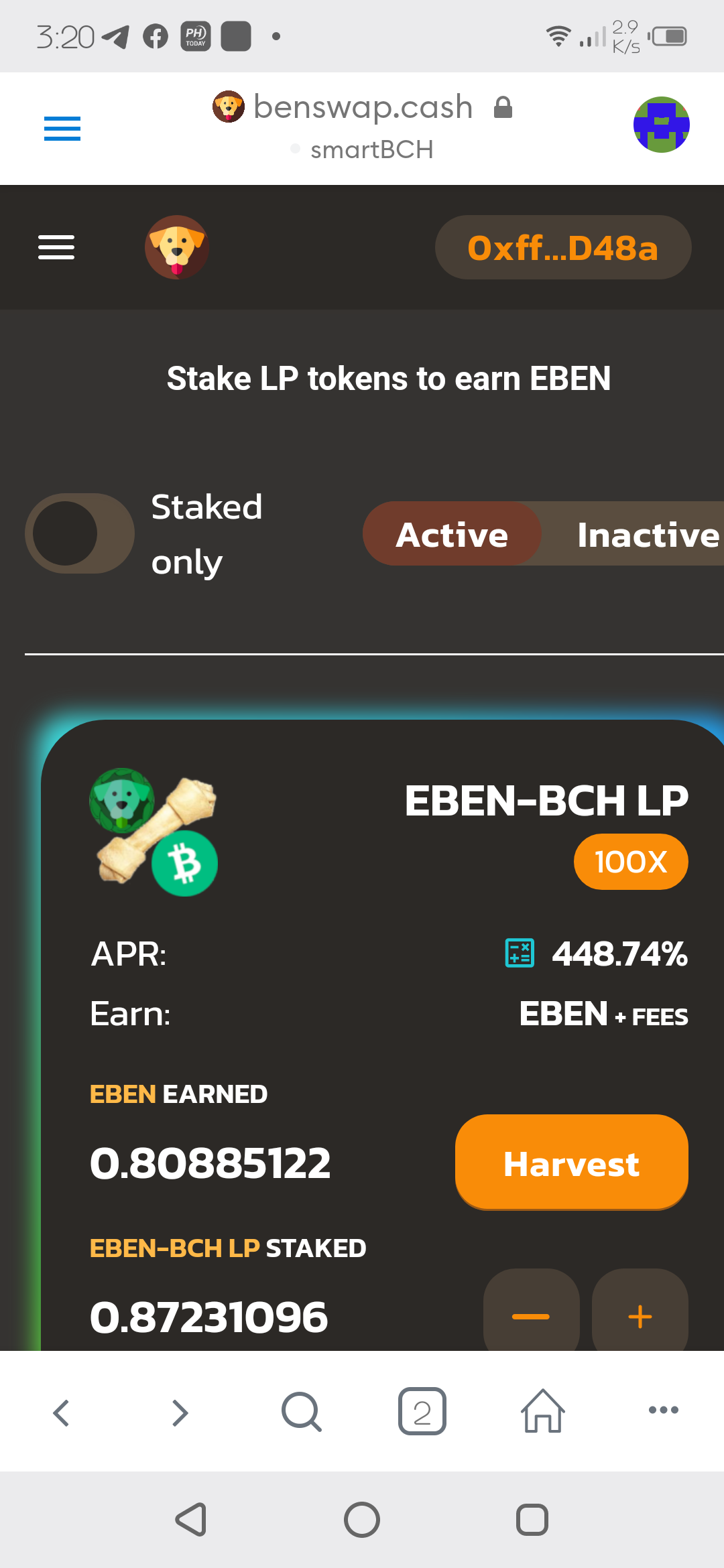
Noob FARMING Guide in benswap.cash 1. You must have equal amount of bch and eben in your Metamask wallet. Better if you have more bch than eben. 2. Open benswap on your metamask browser and go to Trade/Liquidity and tap Add Liquidity. 3. Select BCH on upper selection and EBEN at the bottom. Select "max" on eben then "Approve Contract". After granting permission and successfully added, tap "Supply". 4. Go to Farm and select "Approve Contract" on BCH-EBEN LP. (Permission tab select Approve also) Note: if unsuccessful granting permission, set gas fee to 1.05 gwei. HAPPY FARMING!!!
1 comment
Sana ol magaling mag farming lods heje