 @Read.Cash
edited
@Read.Cash
edited
Insert an image dialog, Unsplash images, avatars and bio line
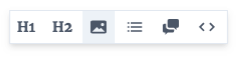
Though we have supported uploading of images for quite some time by dragging and dropping them into the editor (or pasting them from the clipboard) - users have found it hard to discover, so as of today we have added a new icon to the toolbar:
Which brings up this dialog:
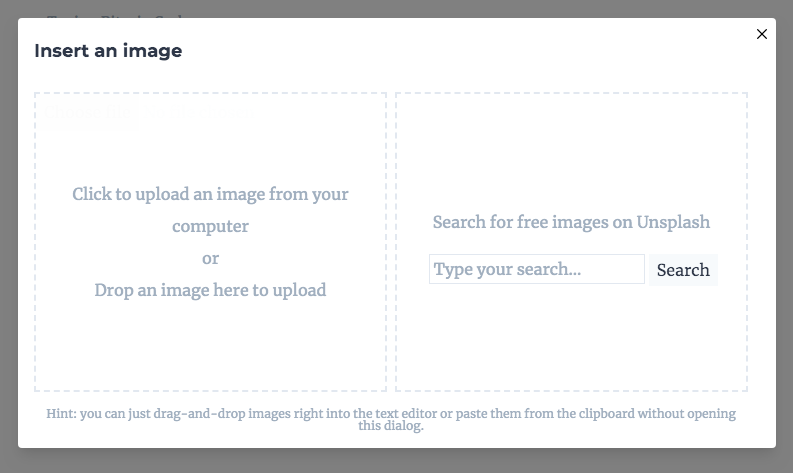
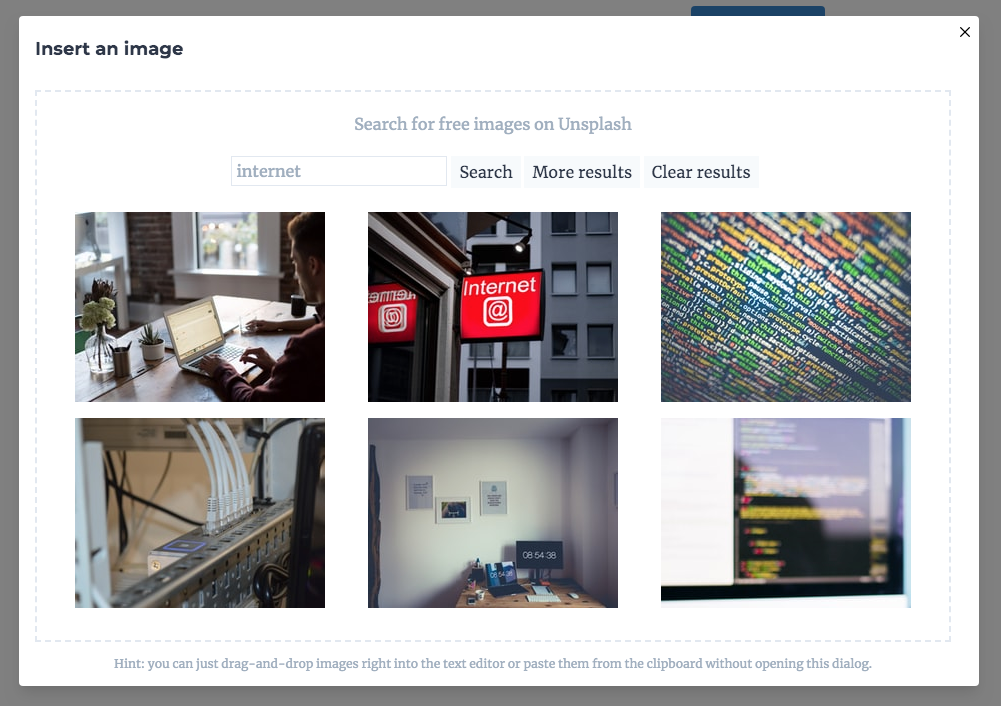
You can add your images by **dropping** them, **selecting** them or alternatively you can **find** some nice images on Unsplash right from the editor: https://unsplash.com/
Avatars The second big thing we've added today is the awesome default robot avatars thanks to robohash.org. https://robohash.org/
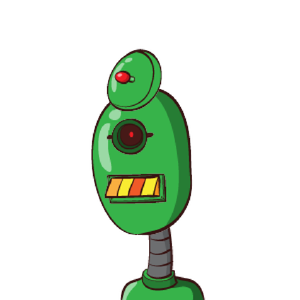
You can always replace your avatar by clicking on it and uploading a new one. Bio You can also edit your short bio line on "Your articles" page.

2 comments
Much appreciated - I was one of the people that didn't find the feature.
Really useful, good guide