 @Read.Cash
edited
@Read.Cash
edited
Better image editing Now you can position images on your screen.

Links You can now add a link to the image or make it go full-screen.

https://www.google.com/search?tbm=isch&q=success+borat Shadows You can also add shadows to the image - it makes some content better. Though it mostly works great if you have white background and some padding.
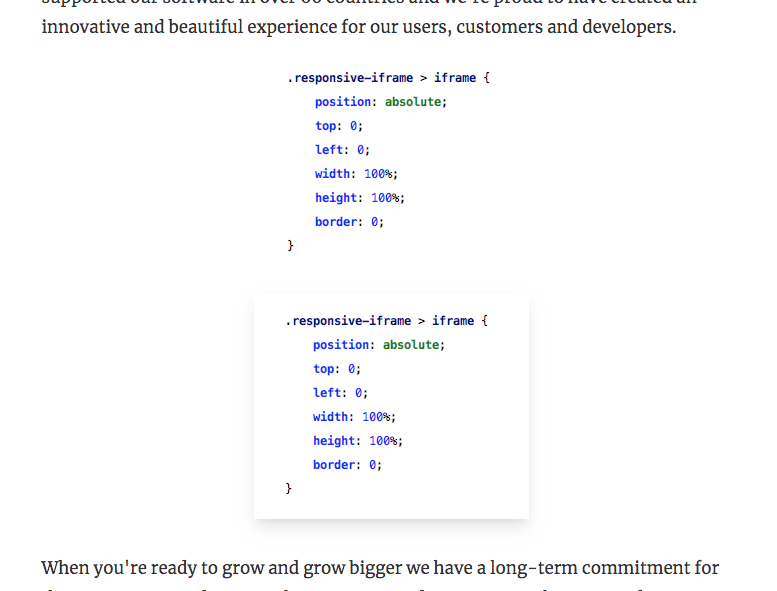
The editor is still quirky, but we're trying to make it better everyday.



6 comments
Oooooo! I like that!! Thank you!!!
Hi there. Is there an article on how to hyperlink words? Apologies. I have been searching but I can't find where. I'll keep searching though. Thanks @read.cash
Just select what you want to link - you'll see the black menu bar - there will be a "Link" button (looks like chains).
Is it working when using the site on mobile phone or is it only available using a laptop or computer?
All good now. I can see what you mean. It seems it's working on mobile too. Thanks so much.
Is there a way to add links to image captions? Like to link to the image source to credit the owner? Or is that what the link for the image is for?