 @Pathrelle
more from that month
@Pathrelle
more from that month
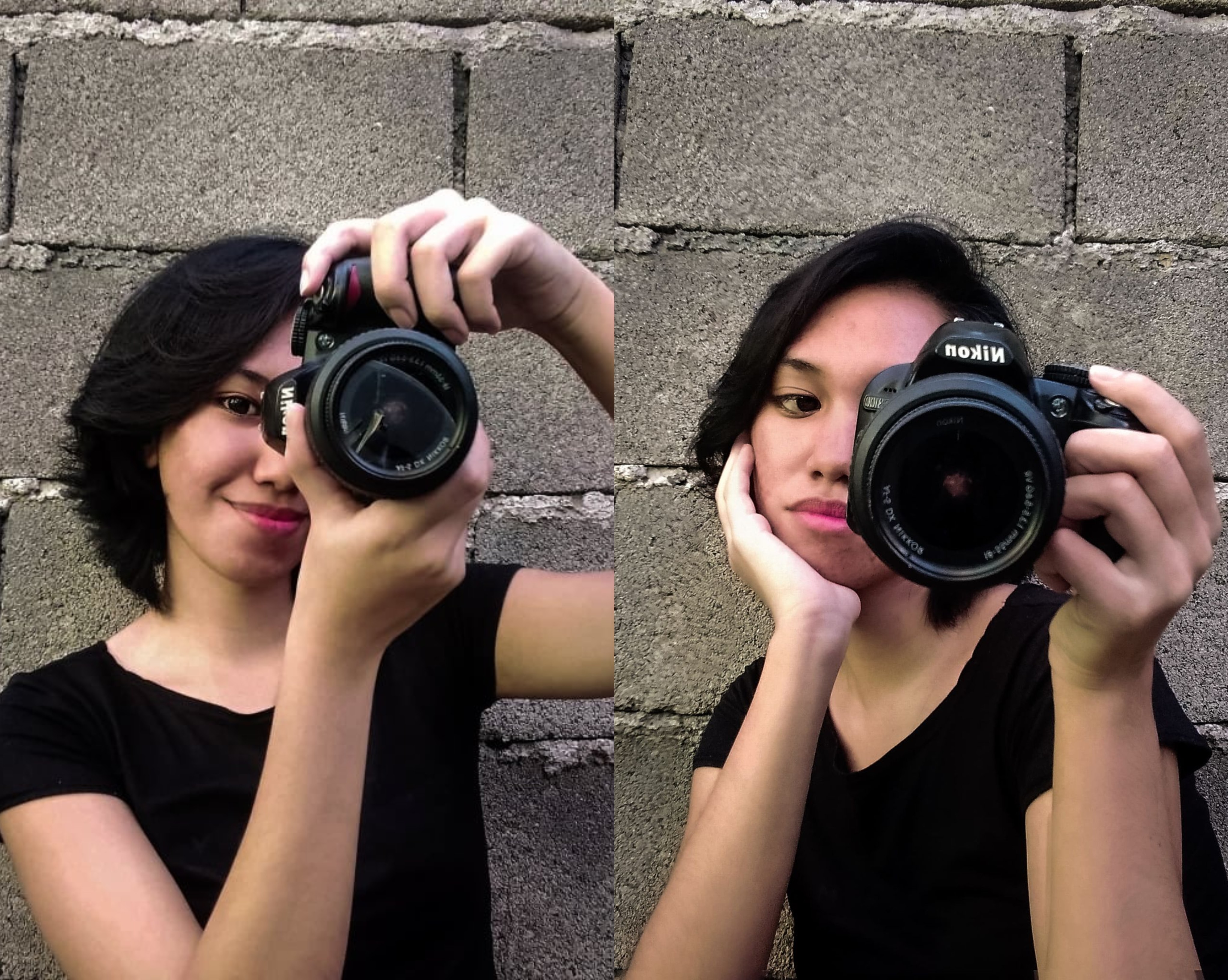
My friend Mel asks me how I edit my profile here on noise, well saw it on Tiktok because the iPhone edits hack was trending, then I thought and tried it, then they said it would only work on iPhones and of course all of them were iPhone users and yes Android users can't relate hahaha so I told her that I used Lightroom. I think you should try it thou on your photos to make it more look explicit hehe The first thing you do is go to lightroom app and add your picture, and go to "Light" option below and apply these steps. - Exposure = 5.00 - Contrast = -28 - Highlights = -44 - Shadow = 49 - Whites = -5 - Blacks = 4 then go to "Color" option and apply. - Temp = 6 - Tint = 6 - Vibration = 5 - Saturation = 20 "Detail" Option. - Color noise red = 15 and then go back to Exposure apply = -0.87 Lastly, go to "Presets" option and apply Medium. Thats it hahaha
No comments yet