 @Oslec08
5 Facebook Useful Tips and Tricks

Good Day everyone It's me again @Oslec08 , This article will surely help you to secure and to use facebook easily, here are some tricks that i will show you i hope it may help you. Okay Guy's let start ! **Upload Photo's and Video's in High Definition (HD)** step 1. Go to Fb settings on you phone step 2. find the Media and contacts
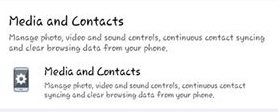
step 3. open and click it step 4. enable upload photos and videos in HD.
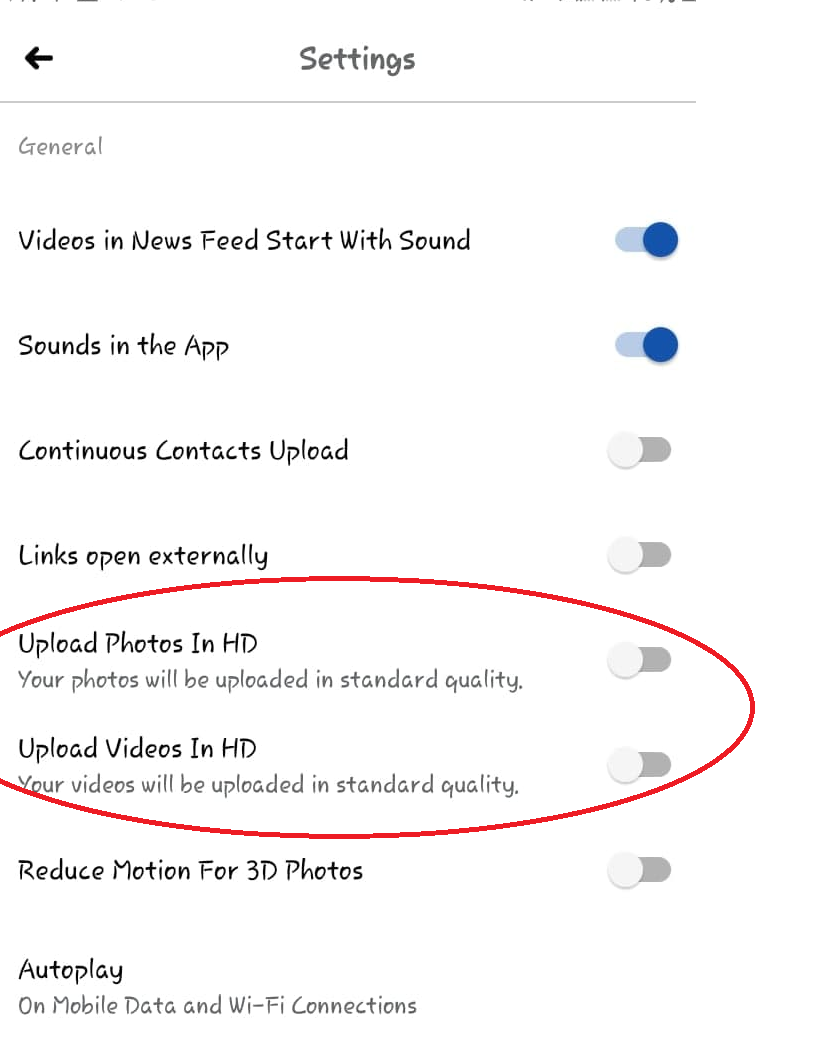
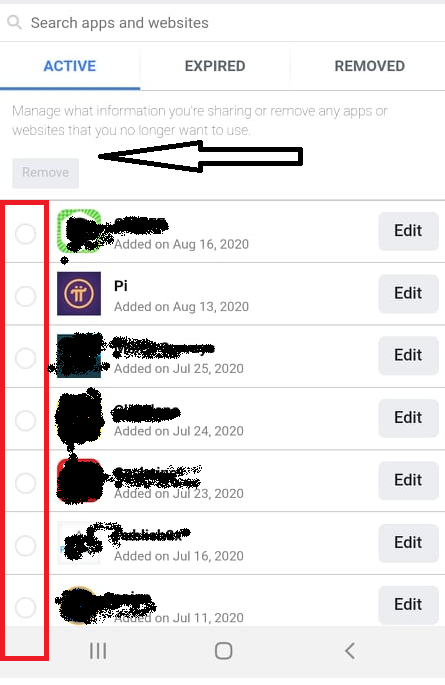
**Sign out linked websites and apps on you Fb accounts** Note: We know that, not all of applications and websites that we are using are safe some is dangerous for our accounts to prevent it from harming or hacking our accounts here is the trick to remove it. step 1. Go to FB settings Step 2. Find and Click Apps and Websites
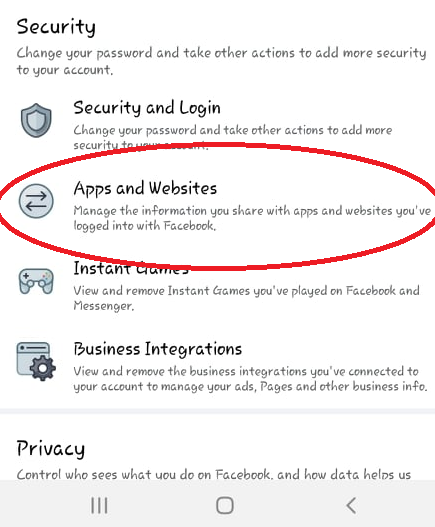
Step 3. Click and Open Logged in with facebook
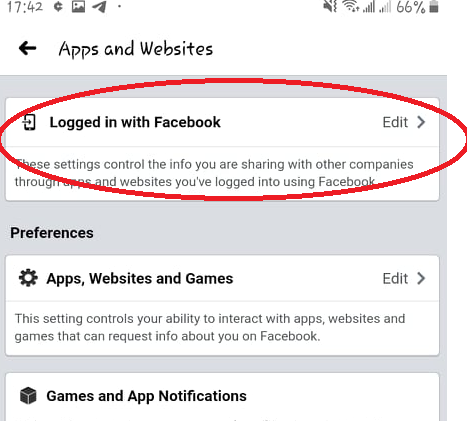
Step 4. You can see all the apps and websites that you use and logged in with your Fb account. if you want to remove some apps that you are not using any more click on the circle's on the left side if you can see on the photos those circle inside the red box and then click removed where the black arrow points in the photos below
**Suspicious Devices must be log out** - if you notice something wrong with your account like posting and liking something but you didn't do that. here's the trick and tips. step 1. go to Fb settings step 2. click Security and Login
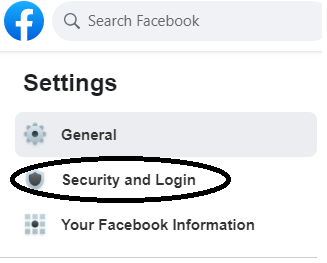
step 3. Click see more on Where You're Logged In
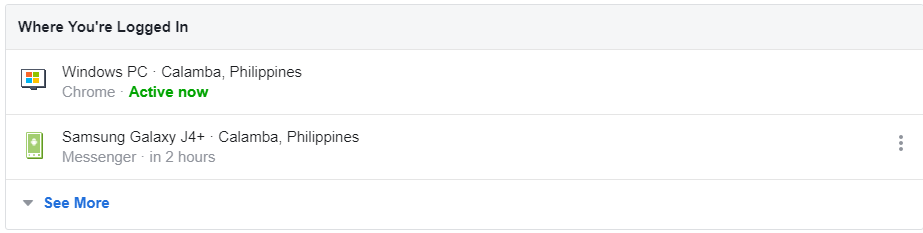
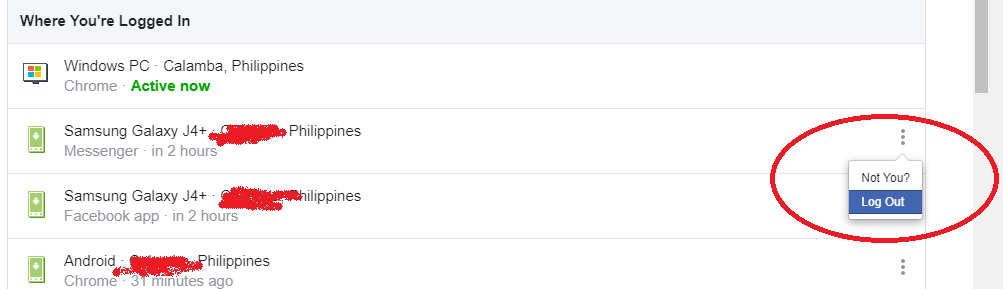
You will see all the Devices you used to log in your Fb account and if you saw unfamiliar device or location here's the last step step 5 : Click on the 3 lines on that device and click log out so it will be log out on that anonymous persons device.
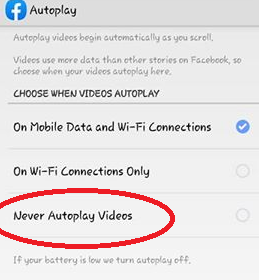
Turn Off Auto-play - This is very useful for people who uses mobile data or load because videos auto playing on our facebook while you scrolling is consuming our mobile data or load data. to save mobile data and save money. step 1. Go to Fb settings step 2. find the Media and contacts

step 3. Click and open Media and Contacts step 4. Click and open Autoplay

step 5. Click on Never Auto play Videos
**Another Download Fb Videos Tricks** step 1. Find the Video you want to download and get the link

step 2. Open a New tab and search this site https://fbdown.net/ step 3. put the link of the video on the download tab
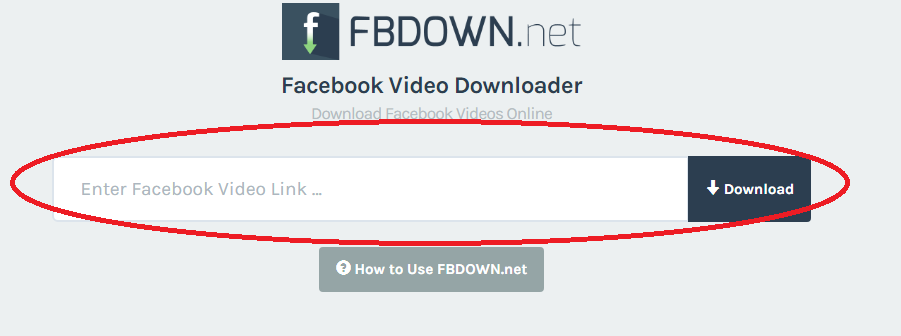
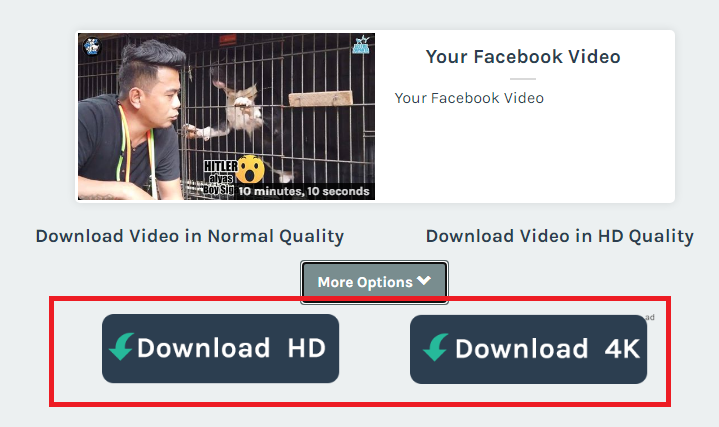
step 4. click Download button and choose what quality of the videos you want
Here's another ways of how you can download videos from facebook i made this article 2 weeks ago feel free to visit it https://read.cash/@Oslec08/how-to-download-fb-videos-309cace5 *If you want to get Sponsors feel free to visit this community and grab the opportunity* *Visit this link :* ***https://read.cash/c/get-sponsored-2a0b*** *sir* @Ashma the creator of the community *would love to welcome you there and Get well soon sir.* *submit your application now* If you interested click the Register link below Register Here : **https://bit.ly/get_participated**
1 comment
Woww learned new things☺️