 @Myt.24
more from that month
@Myt.24
more from that month
How to withdraw at Read.cash using Coins.ph (For newbies) *Hello newbies! 👋 Welcome to read.cash 😊* I know some of you are still struggling with how to withdraw your **"$"** or **converted points**. I just want to share how I do mine and I hope it helps. Let's start! First of all, it's important that you have **Coins.ph**. It's a mobile wallet where you can store your BCH and convert it to PHP.
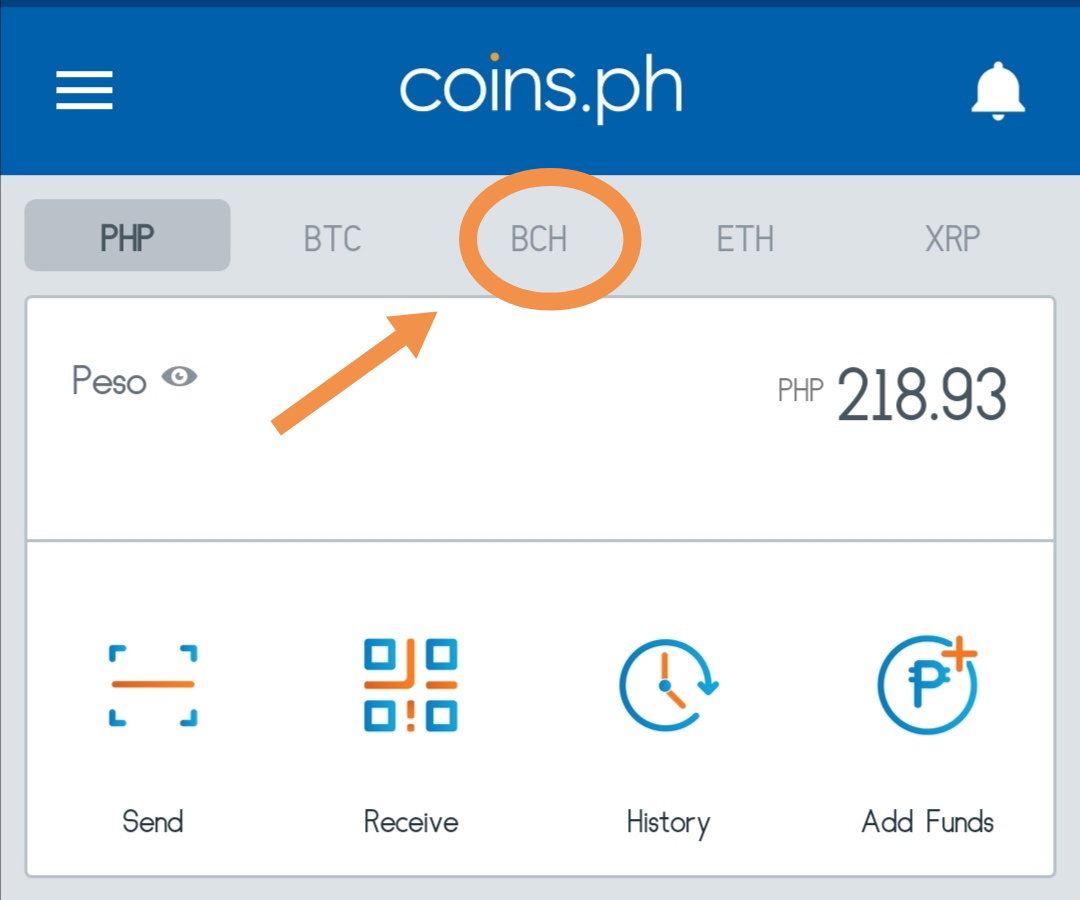
Next, let's assume you already have that app. All you need to do is to click the **"BCH"** word like what you can see in the picture.
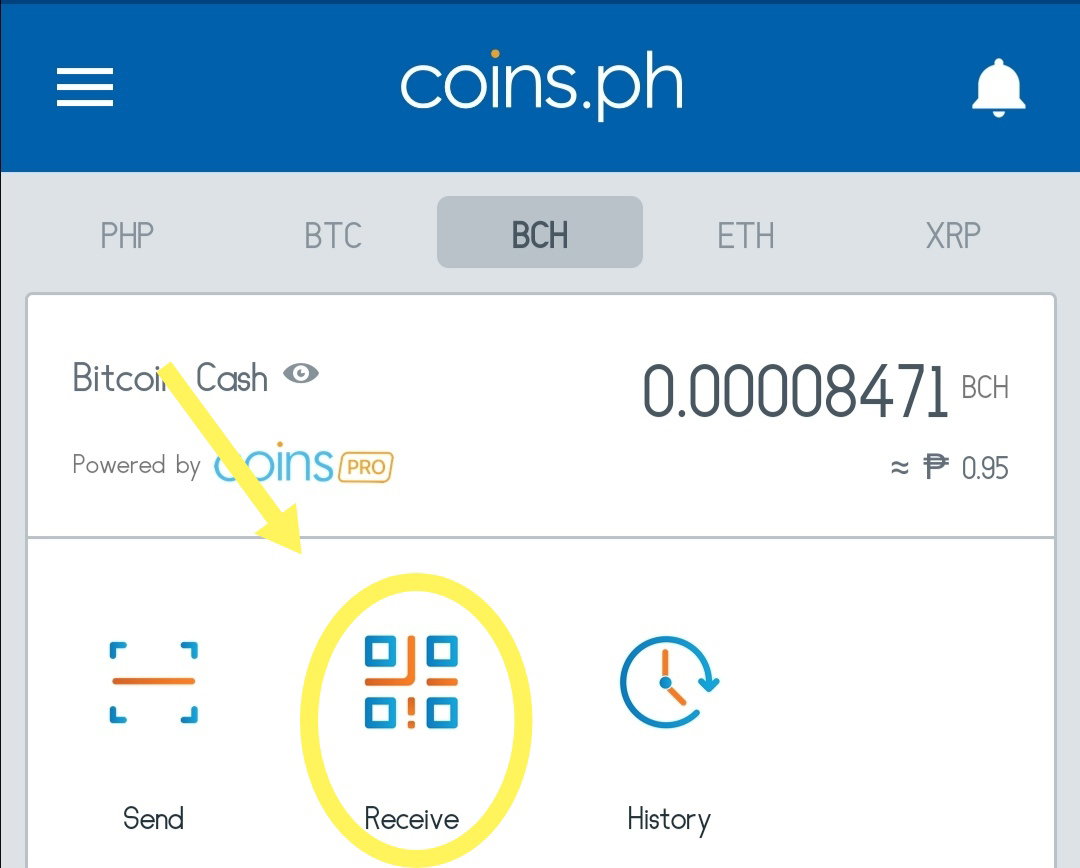
Then, click **"Receive"**.
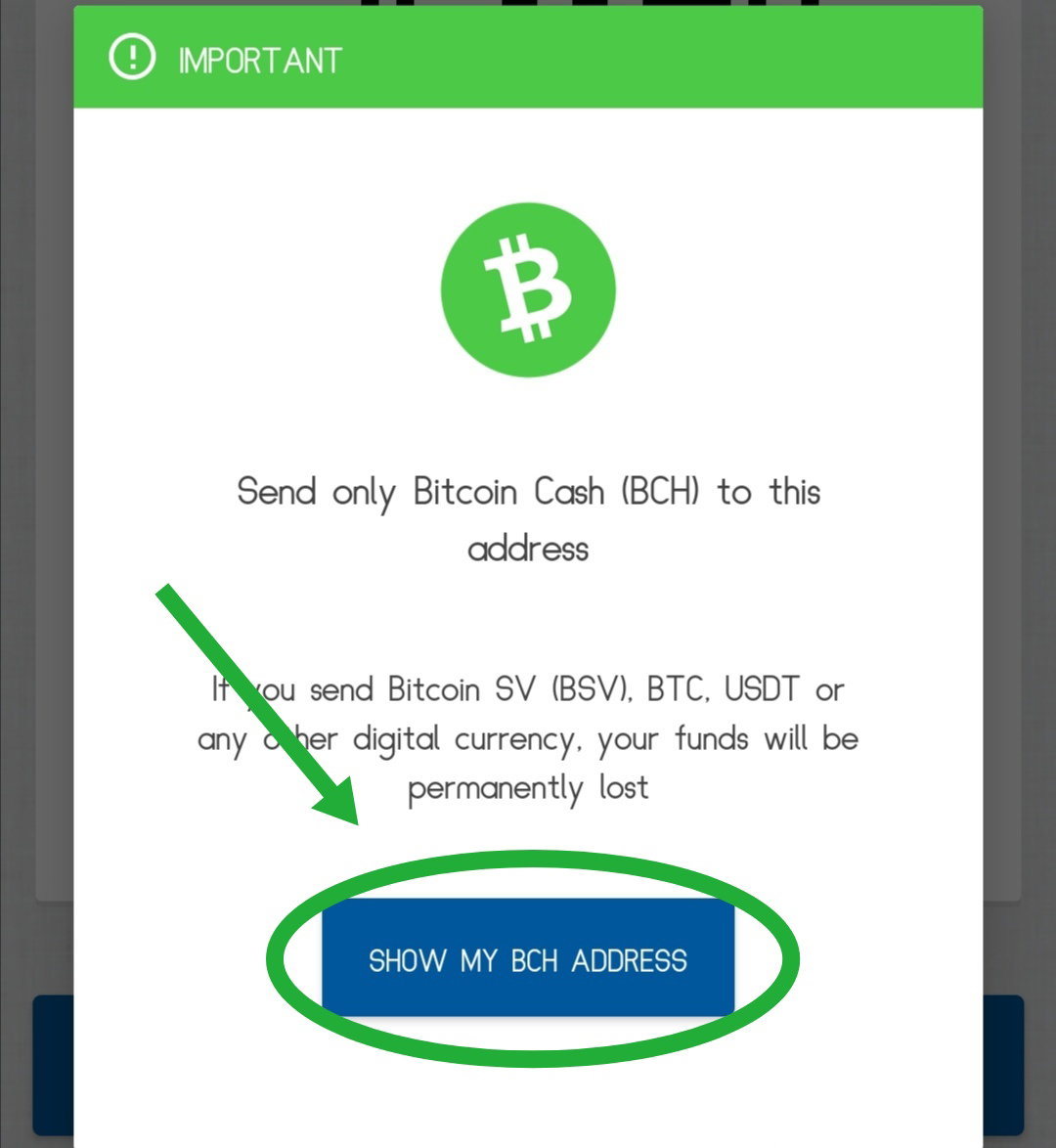
Afterward, **"Show my BCH Address".**
After that, **"Copy or Share"**.
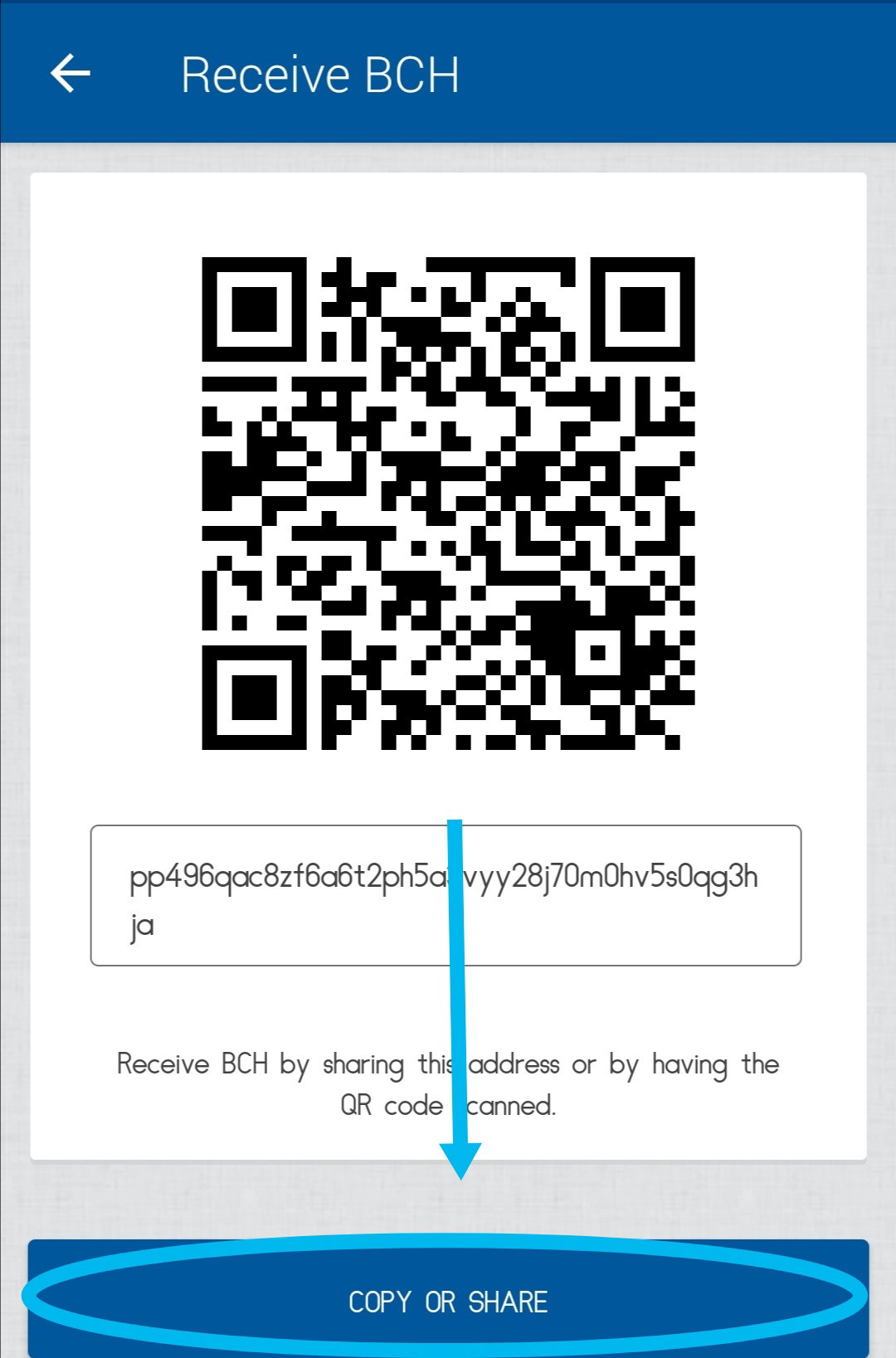
Then lastly, **"Copy Wallet Address"**.
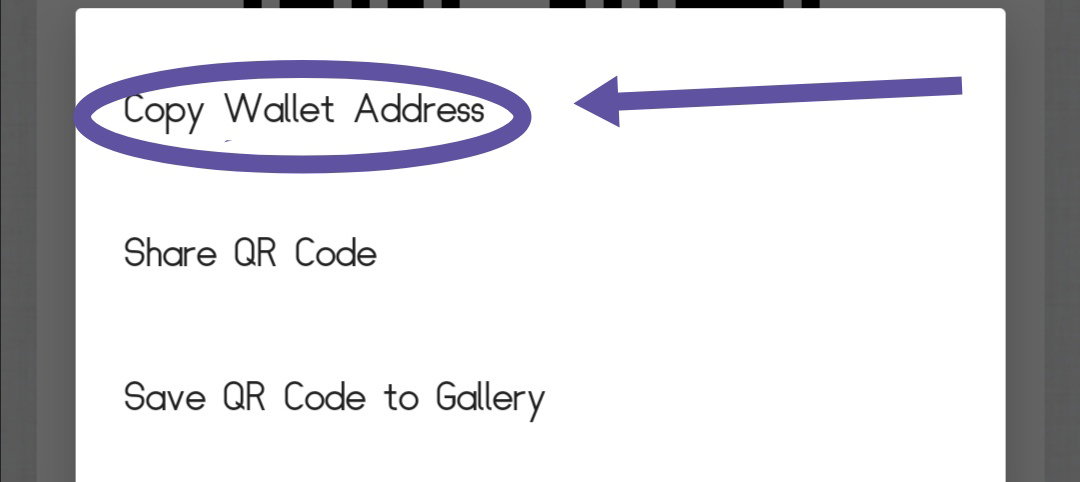
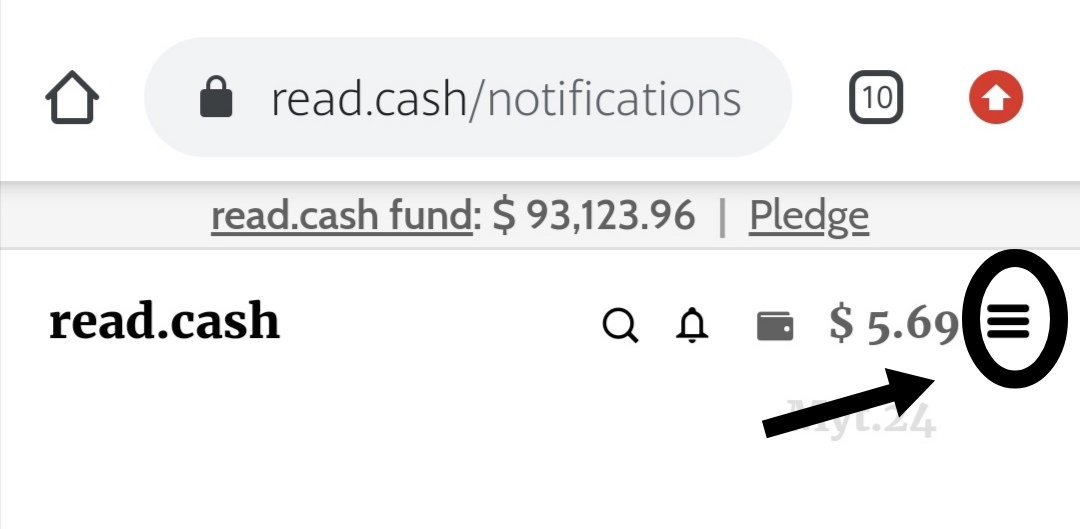
So you have your wallet address already. Let's go back to the read. cash platform. You can see the 3 lines at the right side 👉 Click that.
Then, choose the **"Send my money".**
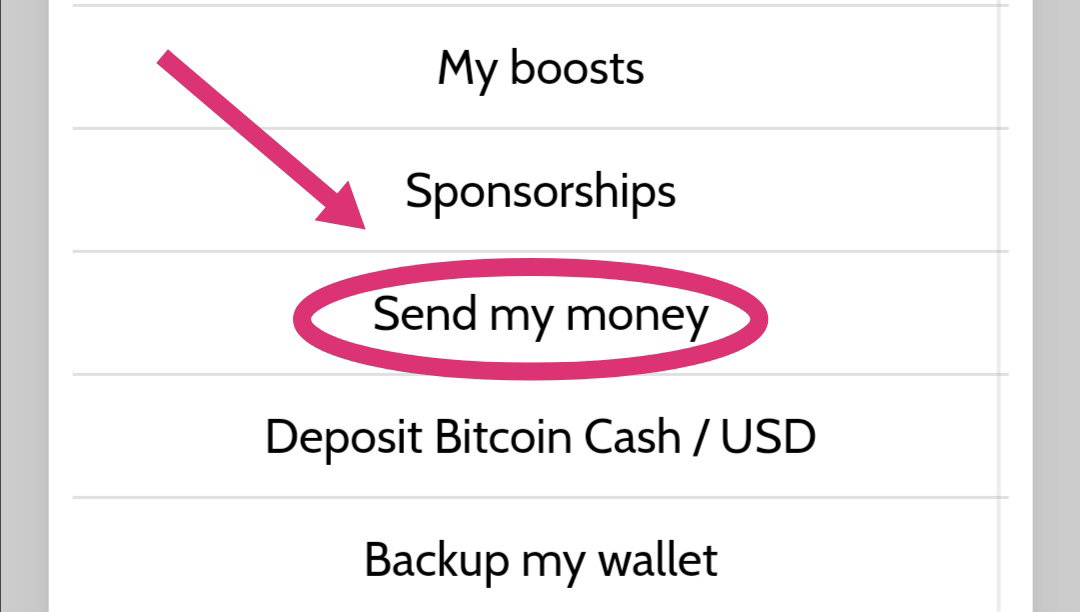
And then, you can now decide how much money or "$" you want to withdraw. Put that in the **"Amount, USD"**. You can also see the **"To address"**, there you can paste the wallet address which you copied earlier from your coins.ph account.
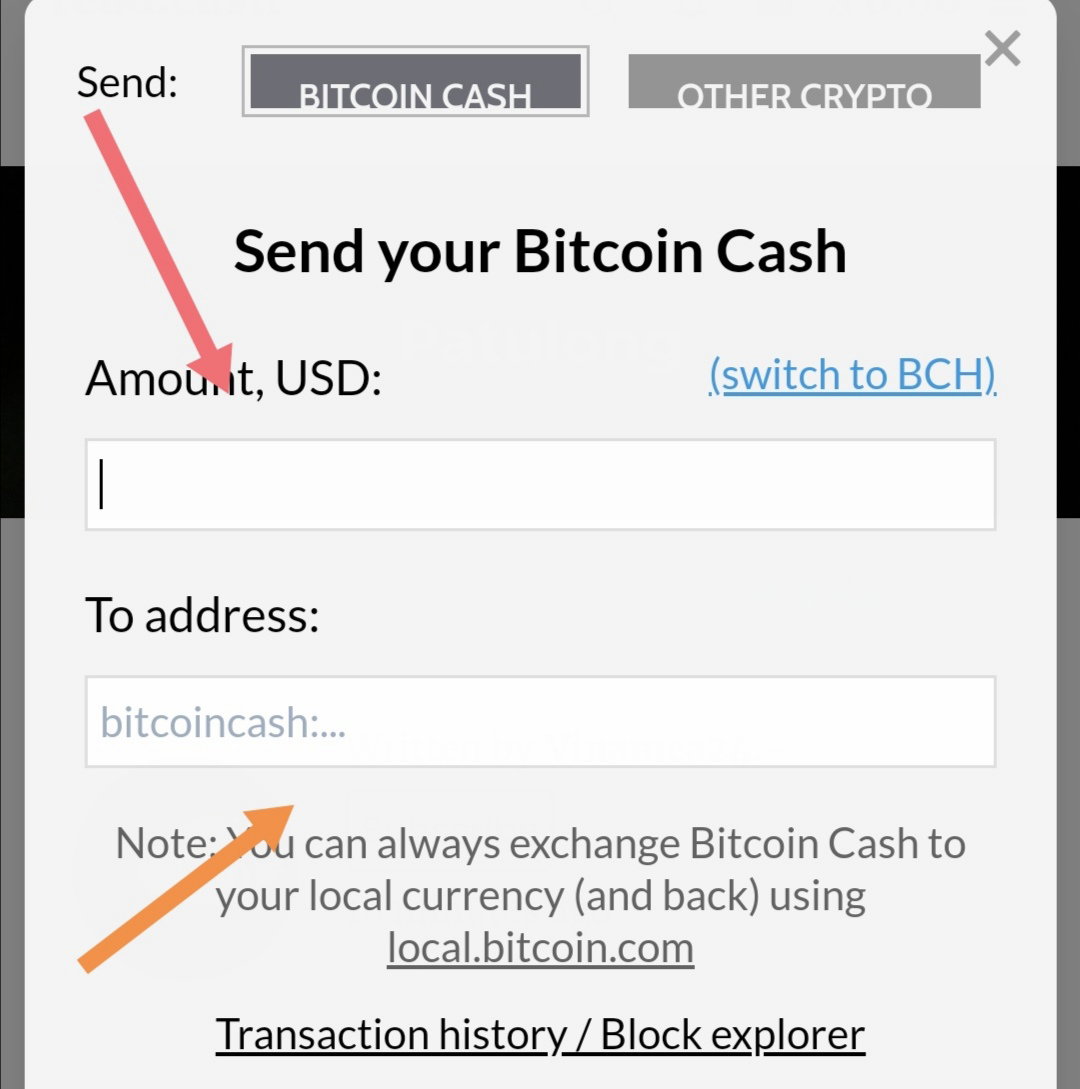
So that's it. All you need to do is wait, 'coz it takes an hour before it arrives. I hope it helps. 😉
9 comments
This is good for newbies. Wish someone decided to do something like this when i first came here
Yes. I also struggled when I'm new here. That's why I created this article to help the newbies at least.
Thank you for this. I'm a newbie to read cash and have no idea on BHC. It helps a lot.
Yw. I'm happy to help by writing an article like this. I hope you enjoy gaining points/bch here. 😊 And welcome to read.cash, my dear.
so far I love this site, I can share my emotions here freely. Thank you ;)
Yeah. You can do that. 😍
What if I choose BCH instead of $?
What do you mean?
Thank you! It's such a good help for us newbie here. I thought I'm the only one who's payment takes long time to receive.