 @MyHero
more from that month
@MyHero
more from that month
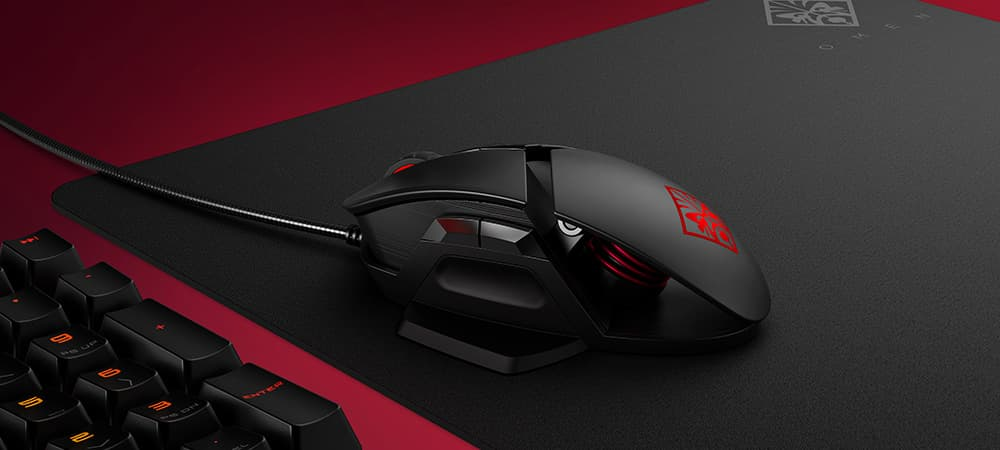
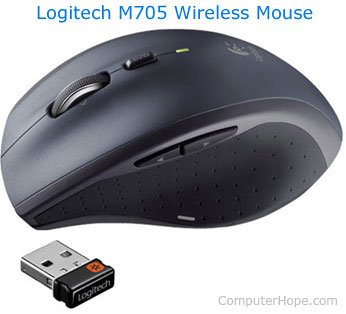
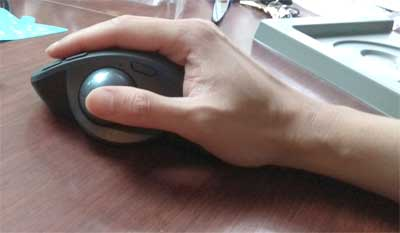
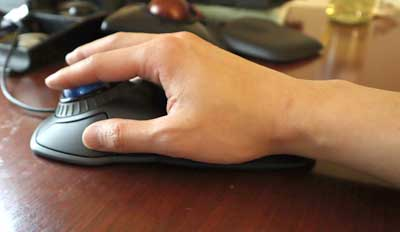
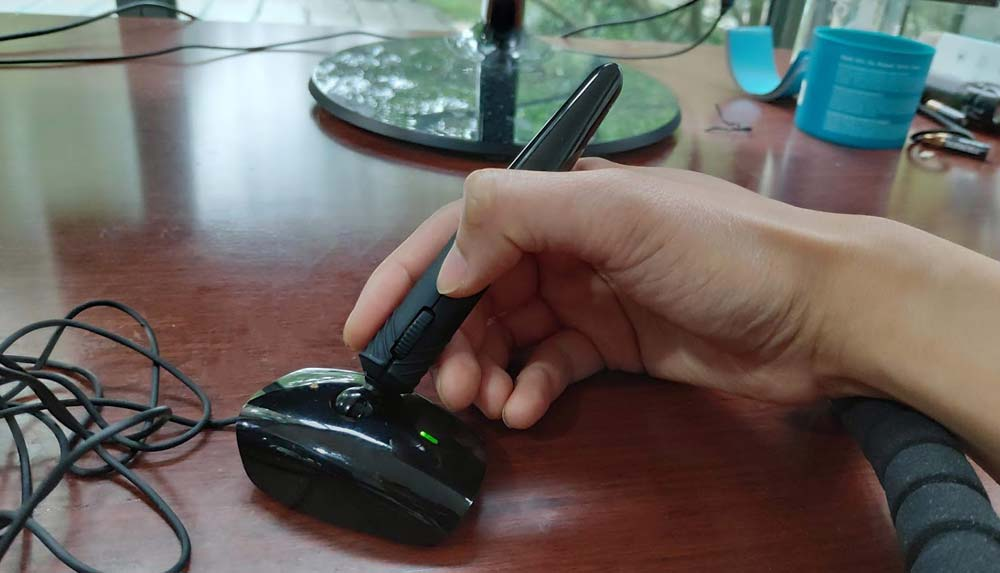
Earlier I posted about ball mouse (mechanical mouse). https://noise.cash/post/l63x59rx Lets have a take a look of different types of computer mouse. 1. Mechanical Mouse (example image - check the above link) -> Also called ball mouse and contains a metal or rubber ball inside for spinning the direction of mouse. The sensors inside the mouse detect the motion and move the on-screen mouse pointer accordingly. Note: You need to do a regular cleaning of the mouse because dust particles inside will preventing the mouse from working. 2. Optical and Laser Mice (Image1) -> This is the common computer mouse use today. Optical mouse detect the user’s movements using the reflected light of light-emitting diodes (LEDs) while Laser mouse use laser light. These two areare more reliable than a mechanical mouse in terms of accurate and sensitive. Note: Optical mouse sometimes don’t work on shiny surfaces. 3. Wireless Mouse (Image 2) -> Also called cordless mouse. A mouse that connects to the computer without a cord (no wires). There are two types of wireless mouse 3.1 Bluetooth Mouse - a wireless mouse using Bluetooth technology that most modern computers have. 3.2 RF Mouse- a wireless mouse utilize RF (Radio Frequency) signals to make them function correctly Note: RF mouse need dongle while Bluetooth Mouse have a higher latency and delay when pairing up with computer 4. Trackball Mouse -> A compueter mouse with a large ball on the top or left side panel. You can rotate the ball using your fingers, thumb, or palm to control the cursor on the screen. There are two types of Trackball Mouse 4.1 Thumb Operated Trackball (Image 3) - designed for right hand users only. 4.2 Fingers Operated Trackball (image 4) - control a large ball on the top using your index and middle fingers 5. Pen Mouse (Image 5) -> A computer mouse with the use of pen form factor. Its is more decent point and left-click accuracy and works fine for drag and drop operations but there is an issue of the small buttons and awkward button placements. 6. Stylus Mouse -> Also called Pen mouse is a computer mouse used directly on a touch screen device or a pressure sensitive pad and used commonly for pen computing. 7. Joystick Mouse -> A computer which same control device in console game and it used the thumb for clicking and your palm for maneuvering a stick. It was most used by people with cerebral palsy and other similar conditions. Note : Main issue with this mouse form is precision. Left-handed versions are rare as well. Other Computer Mice -> Roller Bar Mouse -> Trackpoint Mouse -> Finger Mouse @Image came from hp.com and ergonomictrends.com Source Link : https://ergonomictrends.com/types-of-computer-mice/
No comments yet