 @MyHero
more from that month
@MyHero
more from that month
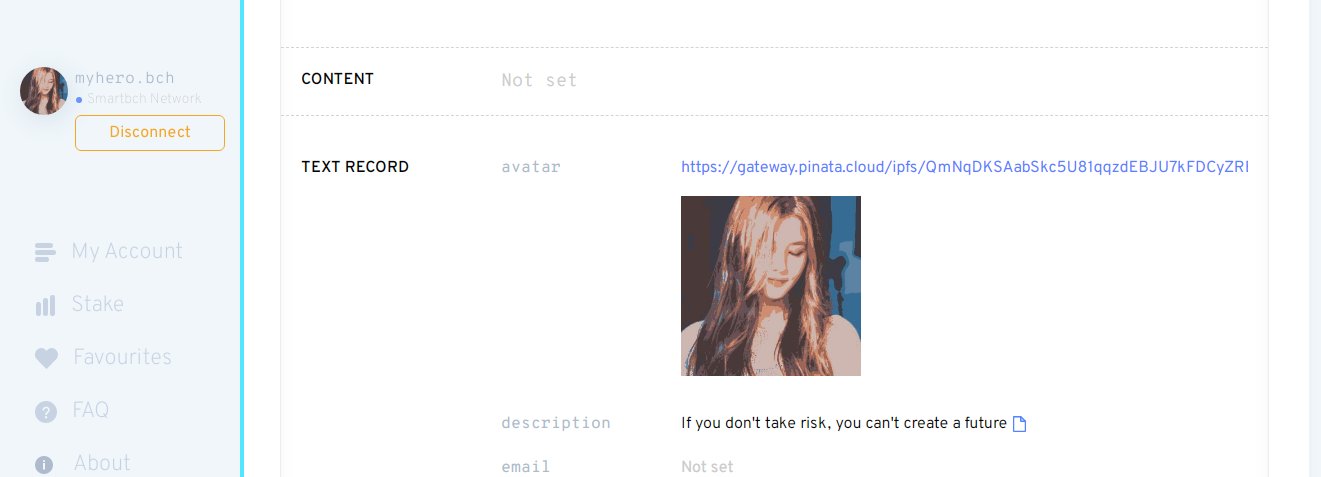
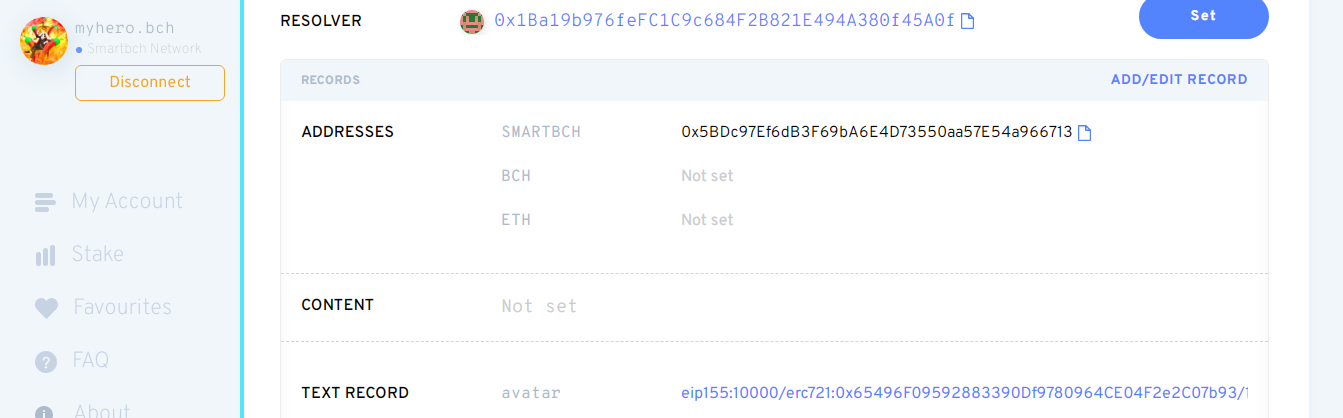
Avatar on LNS BCH Domain Yesterday I set up my avatar for my LNS BCH Domain. I search on google on how to set up an avatar on ENS since LNS is a fork of ENS. Here's how to set up an avatar on LNS. 1. Connect your Metamask or any compatible smartBCH wallet to the LNS website: https://app.bch.domains/ 2. If you don't have LNS, you should first register a BCH domain. If you already have one, go to "My Account" and click the BCH domain you want to add an avatar 3. Scroll down and click "Add/Edit Record." Select "Text" and then "Avatar" from the drop-down menu. 4. Enter your Avatar. You can choose to set NFT or IPFS link as an avatar a. IPFS: You can use IPFS using Pinata.cloud website. Upload an image and get the link. Example: - https://gateway.pinata.cloud/ipfs/QmNqDKSAabSkc5U81qqzdEBJU7kFDCyZRBpNuZkNNaY2qd - https://ipfs.io/ipfs/QmNqDKSAabSkc5U81qqzdEBJU7kFDCyZRBpNuZkNNaY2qd b. NFT: Use this format eip155:10000/[NFT standard]:[NFT contract address]/[token ID or the number of the NFT collection] Example - eip155:10000/erc721:0x65496F09592883390Df9780964CE04F2e2C07b93/128 5. After you enter the avatar, it will show check icon if its ok and Click Save button 6. Scroll down and click Confirm. It will display a confirmation message and click confirm button again. Metamask will appear and click Confirm.
No comments yet