 @MyHero
more from that month
@MyHero
more from that month
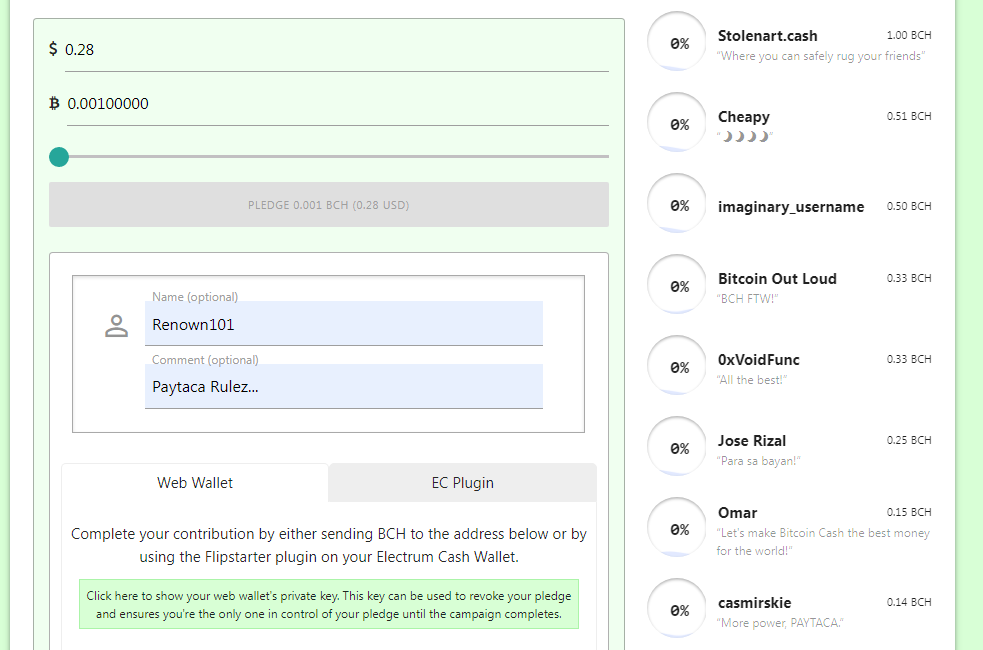
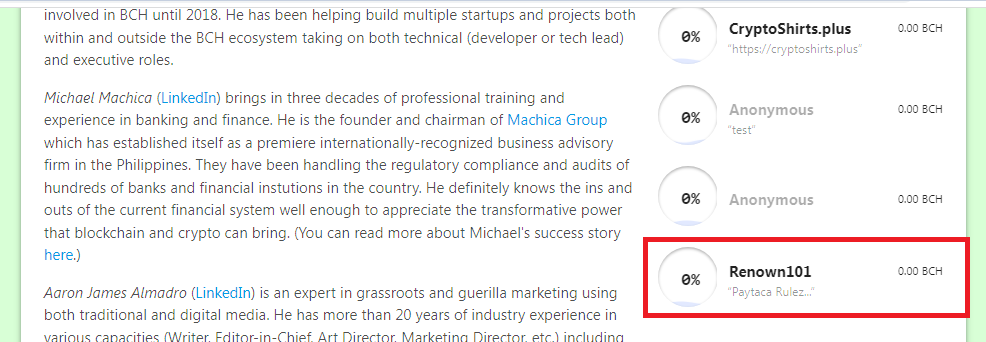
Flipstarter: Web Wallet Pledge I just tried out Flipstarter's new Web wallet pledging. You can pledge by scanning the QR code or sending BCH to the address. Previously, I used Electron Cash to contribute to a Flipstarter campaign. You must install the plugin and complete some steps. This is for desktop version only. Since there's a web wallet for the contribution which is easier and more convenient, I tested it with the Paytaca Flipstarter Campaign. How does it work? 1. Go to the Flipstarter Campaign where you want to pledge. Example: https://flipstarter.paytaca.com/en 2. Input or slide up the amount you want the pledge (Based on USD and BCH). Click Pledge Button - It will display the form and choose Web Wallet. Name and comment are optional 3. Scan QR code or send BCH to the address below. Wait until it will contribute successfully Notes: 1. You need to keep data transaction or web wallet's private key if you want to revoke your pledge at any time before the campaign completes 2. If the campaign expires, your funds will be automatically returned. Paytaca Flipstarter Campaign is still ongoing. Please support this campaign. If you have a small amount of BCH you can pledge using the Web wallet Feature. The minimum pledge amount is 0.001 BCH.
No comments yet