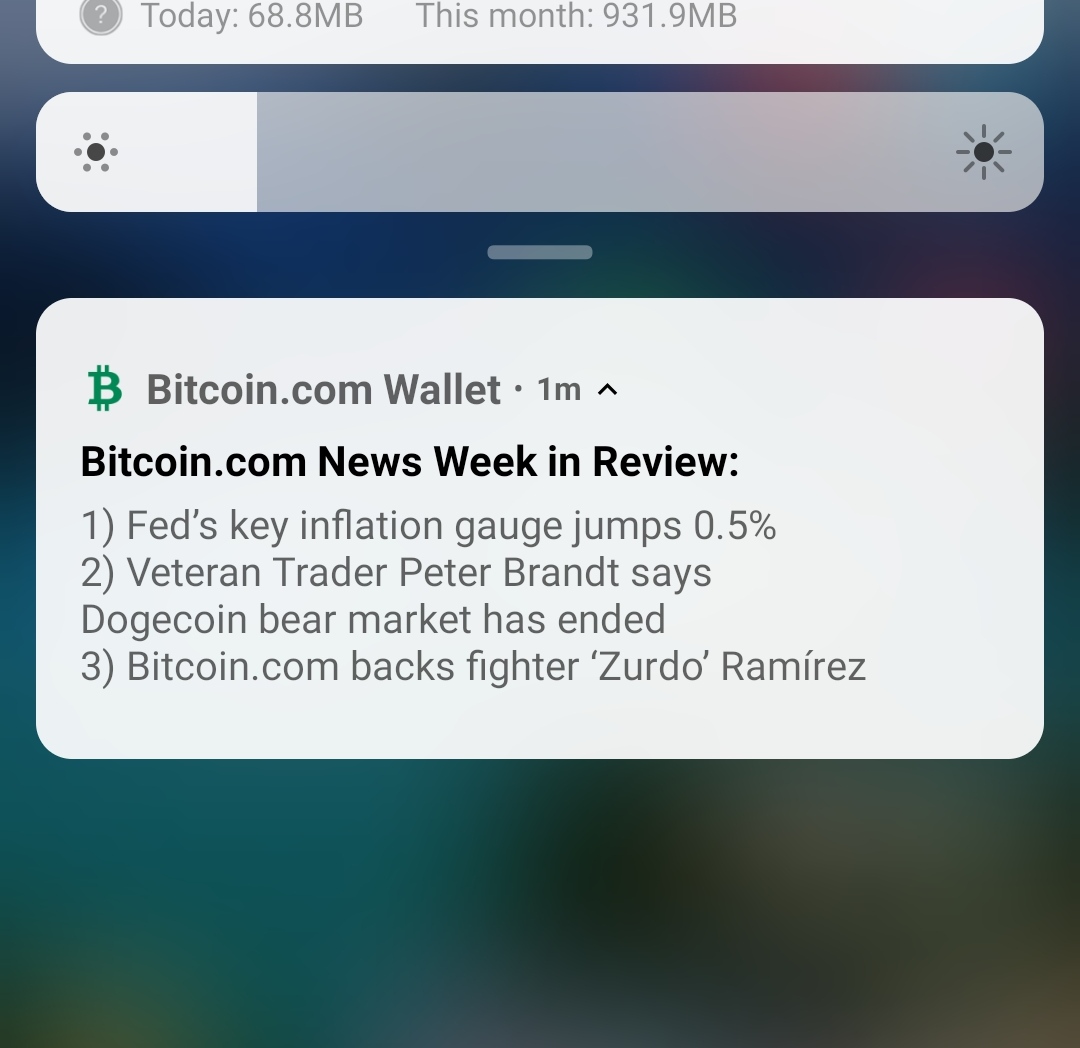
Bitcoin.com wallet users! Please advise. I'm not getting wallet transaction notifications! I tried everything. I only get regular notifications like the one in screenshot. Is it even possible to activate them? If so please tell me too Device info: Phone: Xiaomi Os: Android
13 comments
Don't know of this helps. Go to settings on the app. Click on app preference. Then notification and then notification settings. See how it goes
I've tried it. It takes me to the default androind settings. Eveything there is "on" except for "Miscellaneous" and "Actions". Turned them on now. Let's see if this helps. Thanks a lot
https://noise.app/Kamhus/9p5m4z1p/comments/pl2znggp This one worked! I didn't imagine it'd be under these 2 categories. Thanks
Idk. My Bitcoin.com app acting weird lately. I get notifs of transactions I receive but the transaction history fails to update for a day or two
Tbh, I remember turning them off maybe a year ago. When I switched from Trust Wallet to bitcoin.com wallet for receiving tips at noise.cash because that time too many small transactiosn were annoying. Now doesn't seem to have a separate option to manage these
I do Get transaction notification not sure if i changed setting manually for this but from someday after update it isn't showing transaction history correctly. Lemme see if I did it manually for transaction notification!
I hope you manage to fix this!
Thanks. Do you use this wallet? Do you get notifs?
Im not using it, but following with interest to set one up.
Did you used to get them and now you don't? Or you have never gotten them? I have a Android as well and I am getting transaction notifications or I was....
This is how what happened: 1. About a year ago I started using bitoin.com wallet for noise cash tips 2. That time tips were not being consolidated and it was annoying to see a beep for every cent. So I manually turned them off somehow. 3. Now I want to turn them back on, but can't see the option in the menu
ah gotchya, I see everyone posting suggestions about notifications. What about backup your account (obviously) uninstall the app and then reinstall it and set back up your account.
Actually it's fixed now. Sorry I didn't want to make double post just because of it since we don't have edit option here yet. So basically it turns out that either "miscellaneous" or "actions" in the app's notification setting was responsible of this (was turned off).