 @Itsmetannie
How to Capture a Star using a Mobile Phone? *Yesterday I posted my star photography, and I decided to make an article on how to capture galaxy-like photos or stars using a mobile phone. So guys I'll give you some little tips.* *It's my first time giving tips in photography I'm hoping that* ***you'll*** *like it😃.* Let's start.
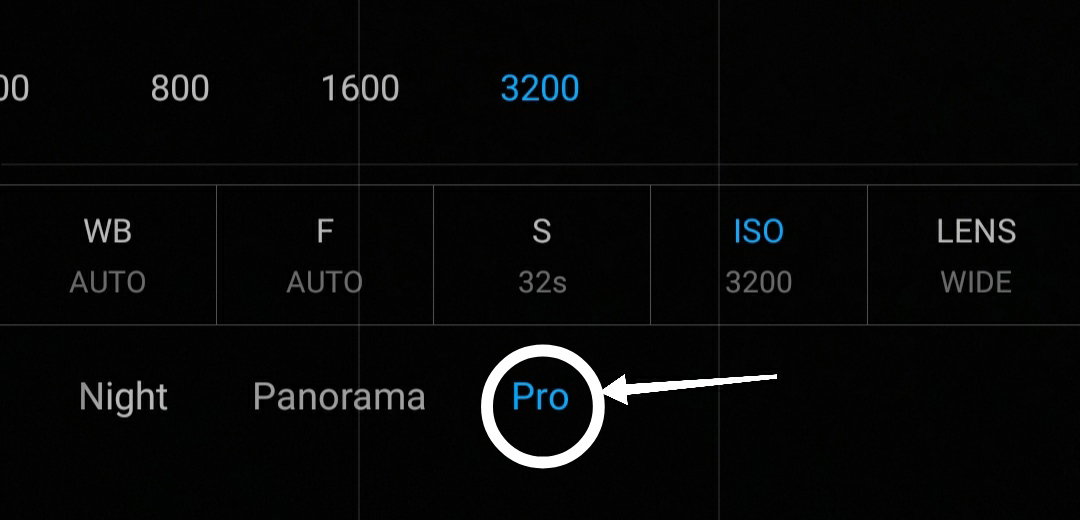
*-Use the pro mode in your camera.*
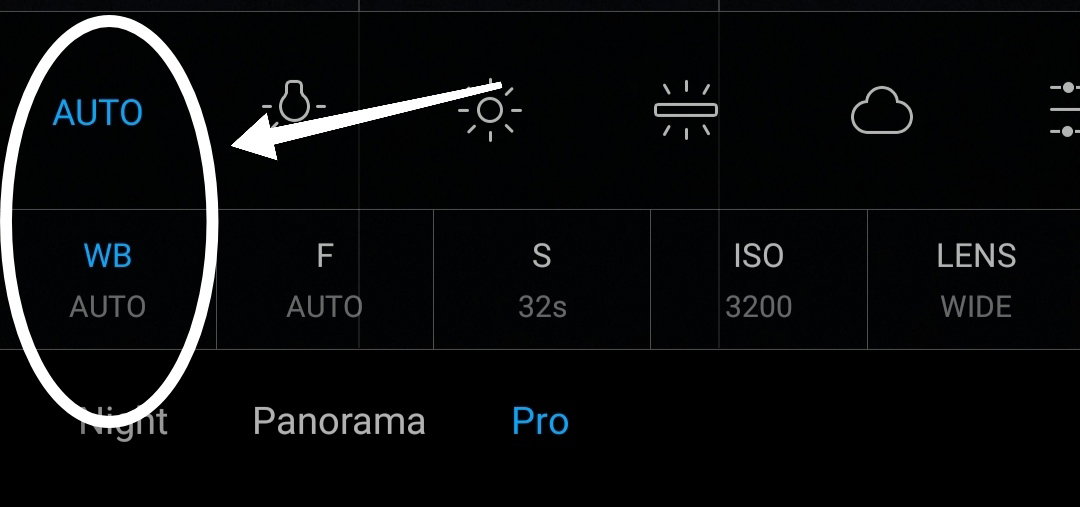
*FIRST: Click the WB/ White balance and make it in auto mode.* *But if you want to operate it by yourself I'll teach how to use it.* *If you want it to look cool and blue your background, make it* *2000 - 3200**. Thus, if you want a warmth or orange background make it* *3800 - 8000**.*
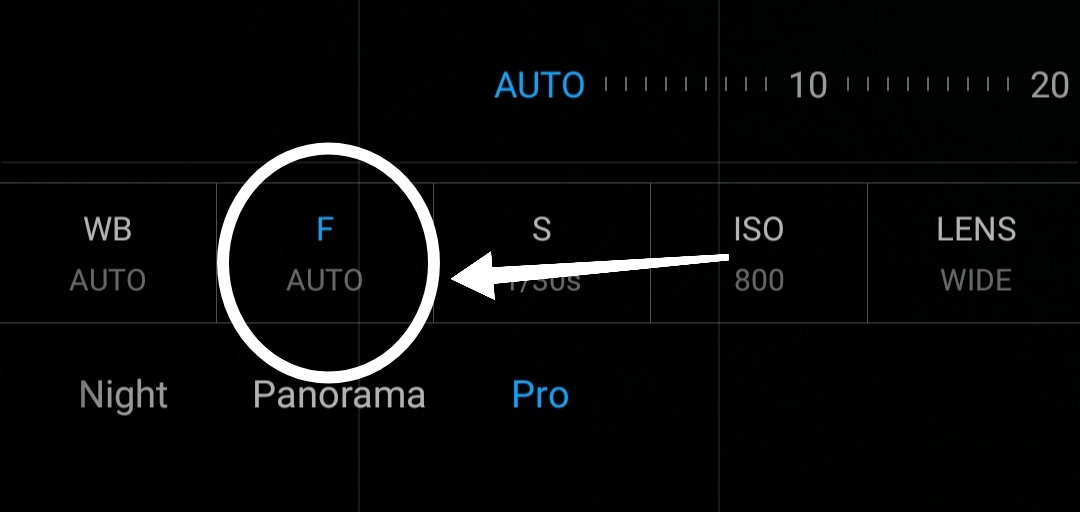
*SECOND: Click the F/ Focus mode and click auto. If you want to know how to use focus mode I'll also give you some little tips.* *•First if you want to focus it in very near or like a macro mode make it 10 - 40.* *•If you want to* ***focus your camera*** *a little far or medium mode make it 50 - 80.* *•To* ***focus*** *it very far or if you capturing a galaxy or mountains make it* *90 - 100**.*
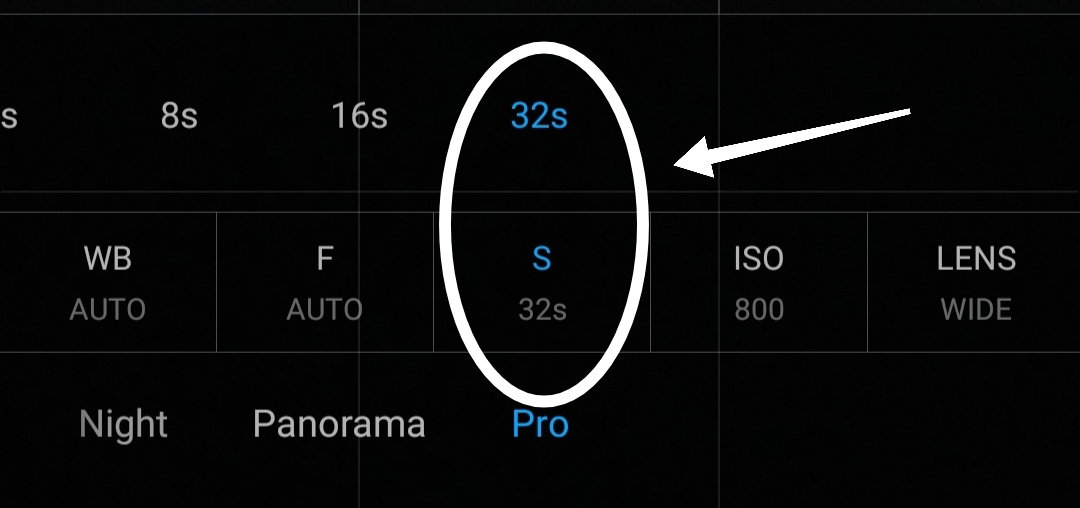
*Third*: Using a Tim**er or** Seconds. *To capture a Galaxy or Stars make it 32 seconds* ***Note: If you want to use timer or seconds use a tripod to make your photo clear. And don't move your phone if the timer didn't stop.*** How to use a timer or seconds: Day: 1/1000**s - 1/25s** Slightly Dark: 1s - 4s Very Dark: 8s - 32
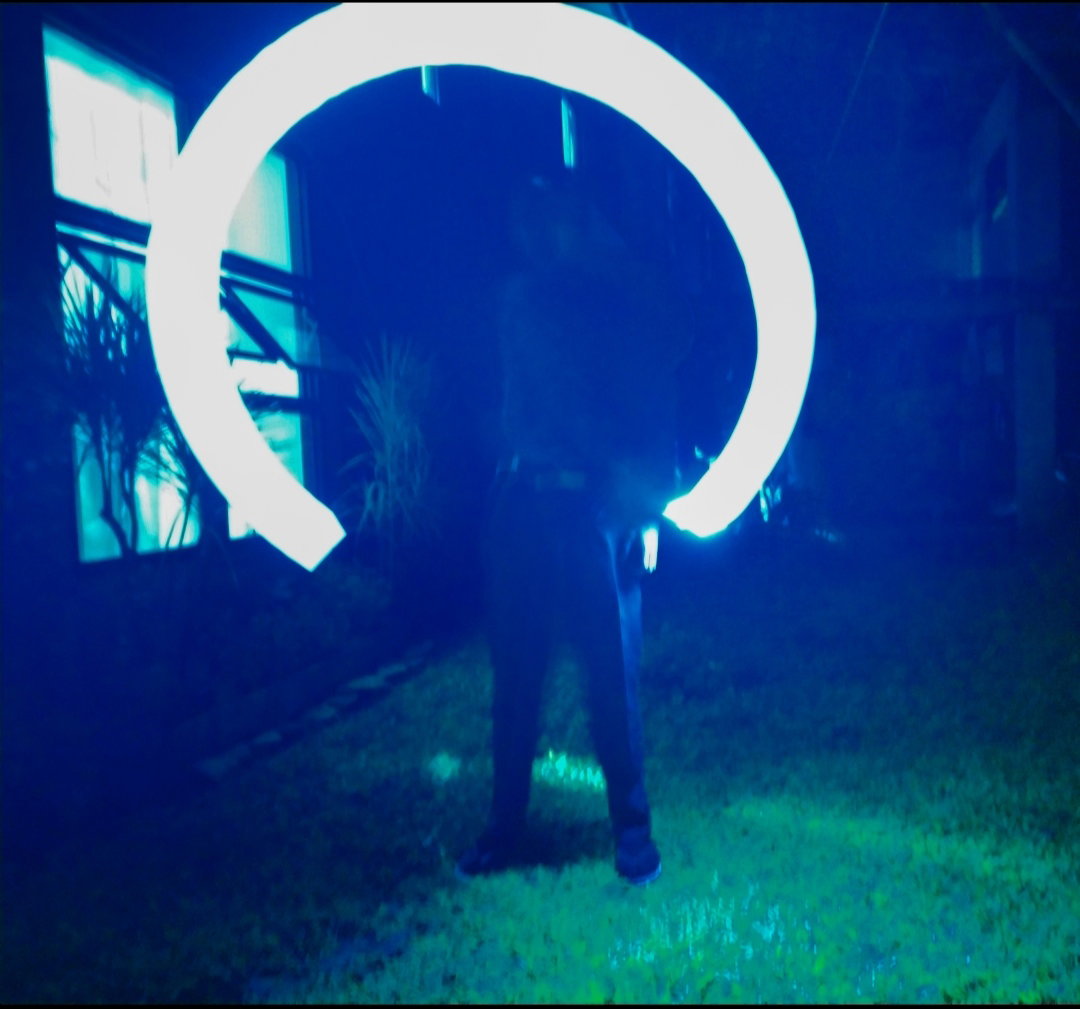
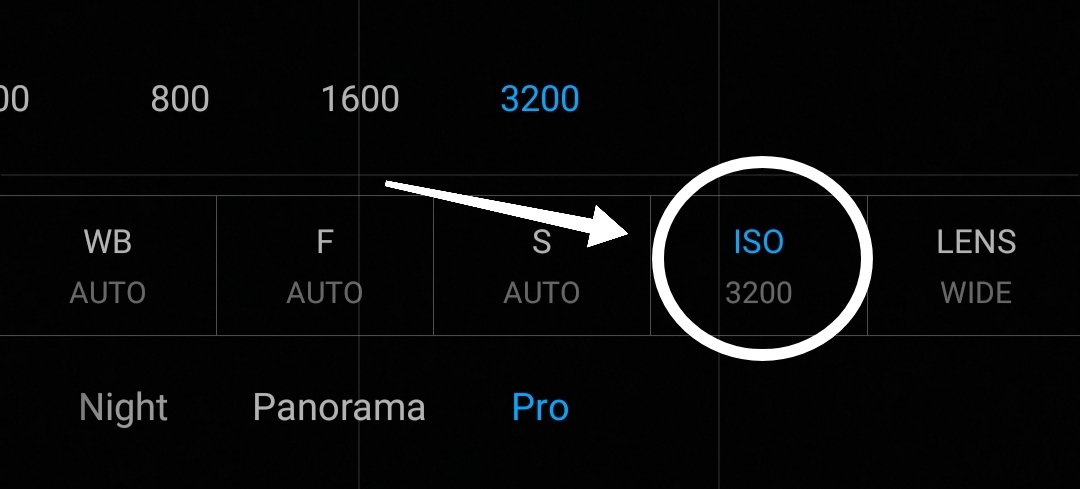
LAST: ISO used to make your photo darker or brighter. To make your photos brighter make it 800 - 1600 and to make it darker use 200 - 100. And if you capturing a galaxy use 1600.
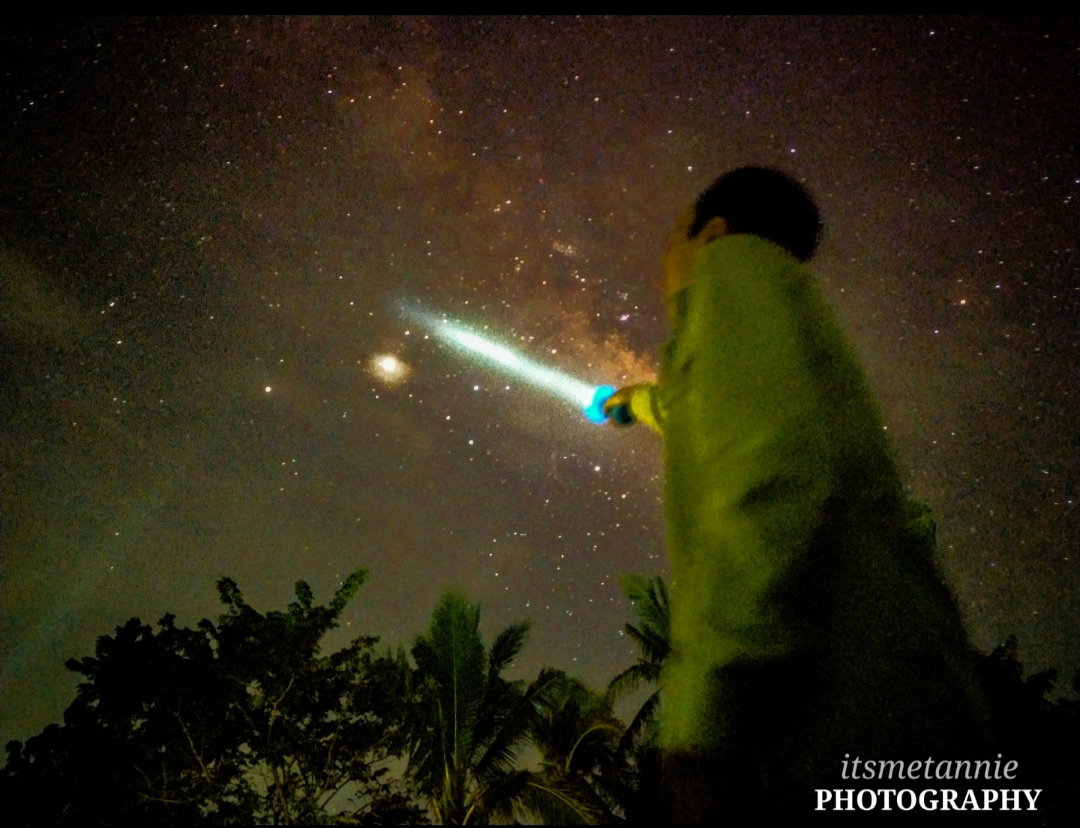
To see more photos just **click here****.** https://read.cash/@Itsmetannie/stars-photography-1e1c15e4 You can also visit my account to see some of my photography📷. If you want to ask me about this article feel free comment down👇. Thank you for reading this😁🤞💕. **STAY SAFE EVERYONE**❤

6 comments
ganon pala yon HAHHAHAHAHA thanks for the tips tunnel
HAHAHA welcome dyemi kung may dika pa alam tanong kalang sakin hahaha
mas maganda pa din kasi camera mo🙂👍
Haha tapon mo na phone mo
pano pag pinatay ko yung tubig na naka kabit sainyo?🙂👍mabubuhay pa kaya mga isda nyo?🙂
Hahahha cge nga baka pati kayo mawalan🤭😆