 @Darian
more from that month
@Darian
more from that month
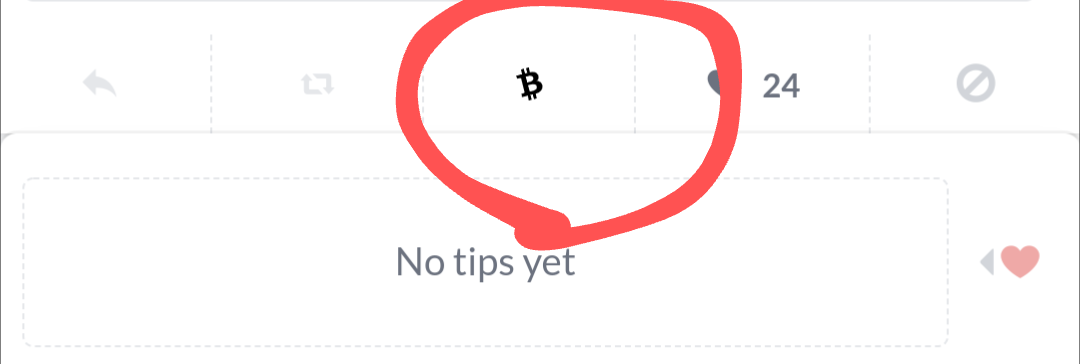
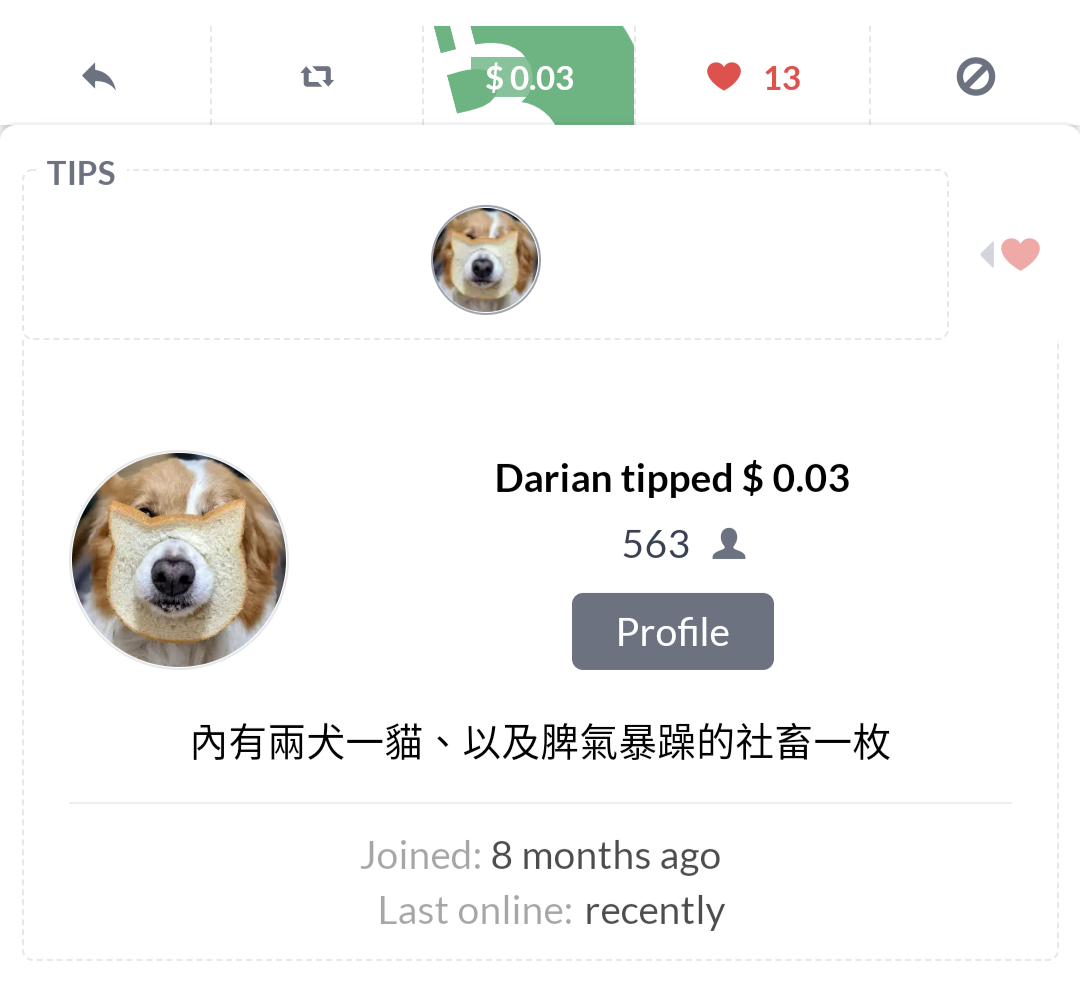
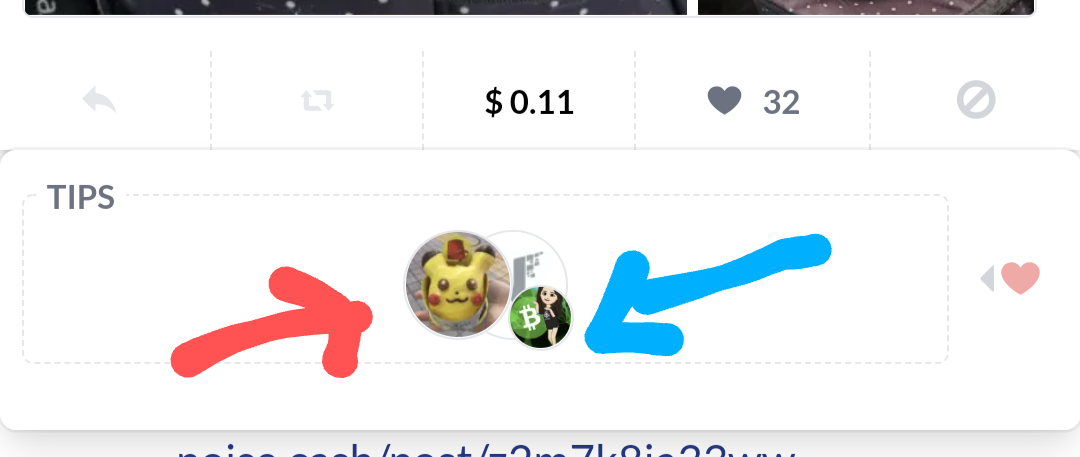
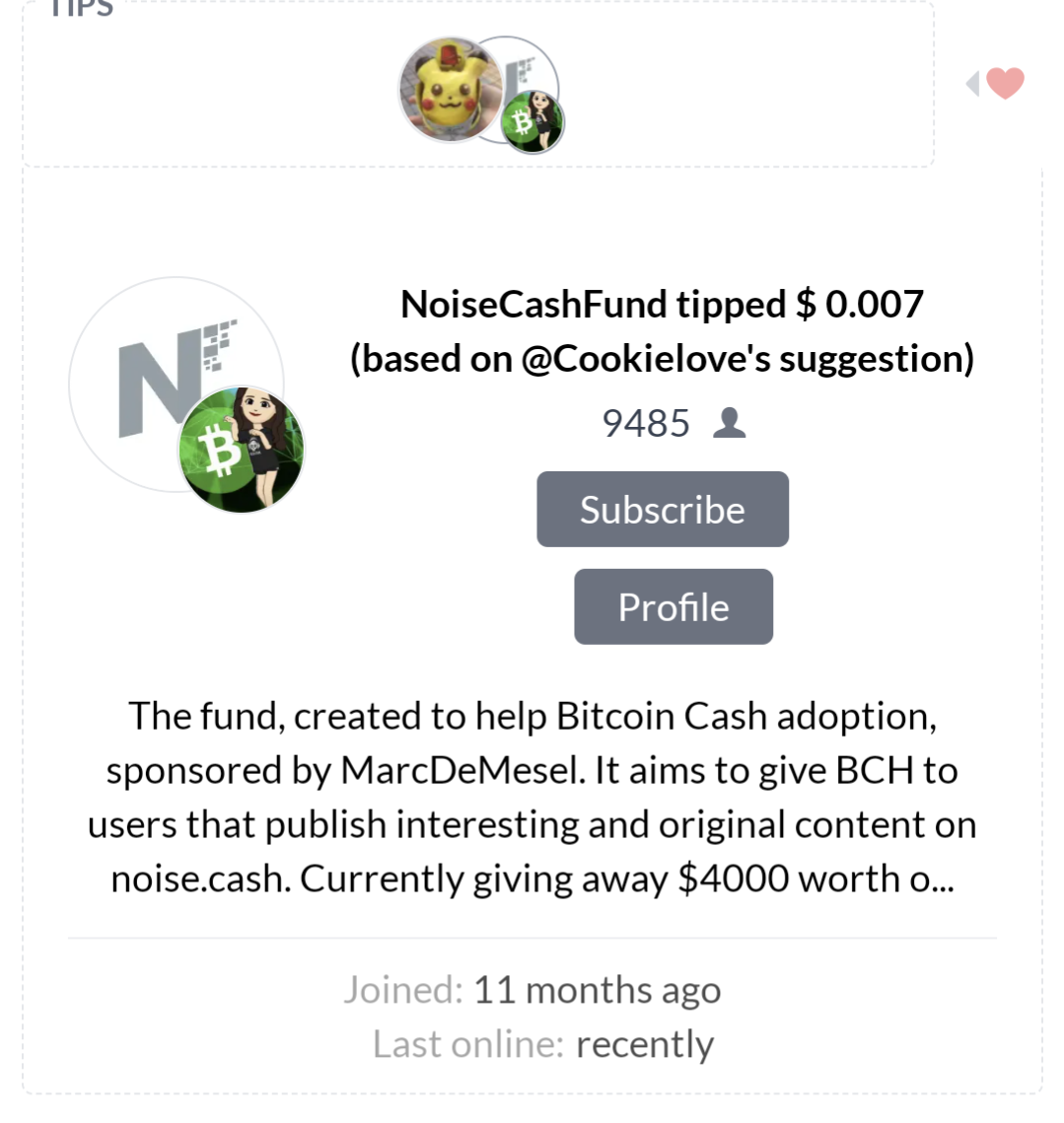
嗨嗨大家 有鑒於板上新人眾多,我又來騙錢(教學)了 English version below. 自昨天Free Tips (FT)回歸後 noise.cash/post/v552075hzz99 版上似乎又開始熱絡起來,有拿到FT的瘋狂抖內 這就讓人想知道 到底怎麼分辨對方是用FT抖內你、還是私人贊助呢 之前FT還沒回歸時 點愛心就會有站方的錢錢,但不會知道數字(圖一) 如果私人抖內,便會出現對方的頭像,點進頭像後會顯示該用戶個人資料以及抖內金額(圖二) 現在FT回歸後 私人抖內者依舊是自己的圖像以及金額(圖三紅色箭頭) 用FT抖內的,會在頭像旁邊加上noise.cash的符號(圖三藍色箭頭) 點進頭像則會顯示金額,而這個金額是扣除對方設定回饋給自己多少%後(Percentage to yourself)剩下的金額 (based on @cookielove's suggestion,就是 @cookielove大自己設定的Percentage to yourself。有關Percentage to yourself是什麼,可看文章前端我的另一篇文) 因此會看到很多小數點 這樣應該就可以知道哪些是私人贊助、哪些是用FT 站方應該也會希望大家不只用FT,看到喜歡文章時也能自己掏錢贊助 大家一起支持好文章、順便加強BCH流動性跟使用度吧! 英文超簡潔版 Since free tips back, some user might want to know How to distinguish tips between free tips and user tips? The original version, every time you ❤️someone, the author gets tips from Noise.cash, but you won't know exactly how much.(pic 1) If someone really likes your post, they can tip you with their own , then you can see who and how much he/she tips you (pic 2) Now with user tips and free tips together User tips remains the original version, (pic 3 with red arrow) while free tips shows Noise.cash mark (pic 3 with blue arrow) That's the easy way to tell free tips from user tips. Enjoy noise.cash!
7 comments
媽~偶上電視惹XDD 新人騙錢(教學)讚一個! 但是.... (based on @erika1906's suggestion,就是 @Erika 1906大自己設定的Percentage to yourself。有關Percentage to yourself是什麼,可看文章前端我的另一篇文) 因此會看到很多小數點 那個贊助設定的Percentage to yourself的倫是@Cookielove大大啦XDD
居然! 感謝通知,馬上改 打文章時大概鬼遮眼了 你身為小孽畜的忠實盲粉 一定要cue一下你的
大大的講解真是清清楚楚,感謝教我這個門外漢
哇,又是一個成長 真棒
Noise錢淹腳目~
Noise發大財~
優質優文~XD 讓我來瞧瞧我甚麼時候會開啟~