 @ColinTalksCrypto
more from that month
@ColinTalksCrypto
more from that month
If you've been unable to make EOS transactions using your Ledger in Windows, the solution is here!
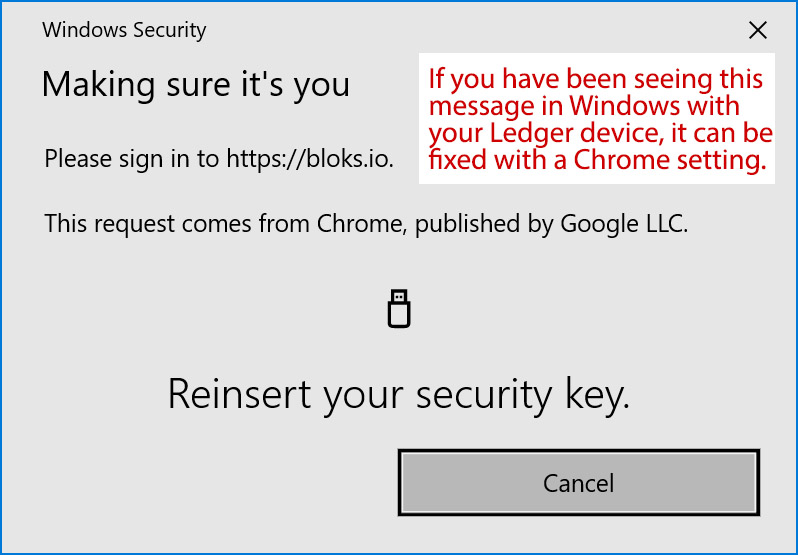
https://steemitimages.com/640x0/https://cdn.steemitimages.com/DQmfHxXWYceYyY3qE85aCvyKg4hUBiTaPETBahrCQm6j1RN/Ledger%20Windows%20issue.png It's a very simple fix: https://jafri.io/ledger-on-windows/ Basically, go here in Chrome on Windows: chrome://flags/#enable-experimental-web-platform-features Enable "experimental features". Then, on websites that use the Ledger (such as bloks.io), make sure to click "connect HID" instead of "connect USB". Thank you to Syed Jafri of EOS Cafe for sharing this solution!! https://twitter.com/ColinTCrypto/status/1218522763612377088
No comments yet