 @ChristinaMadart
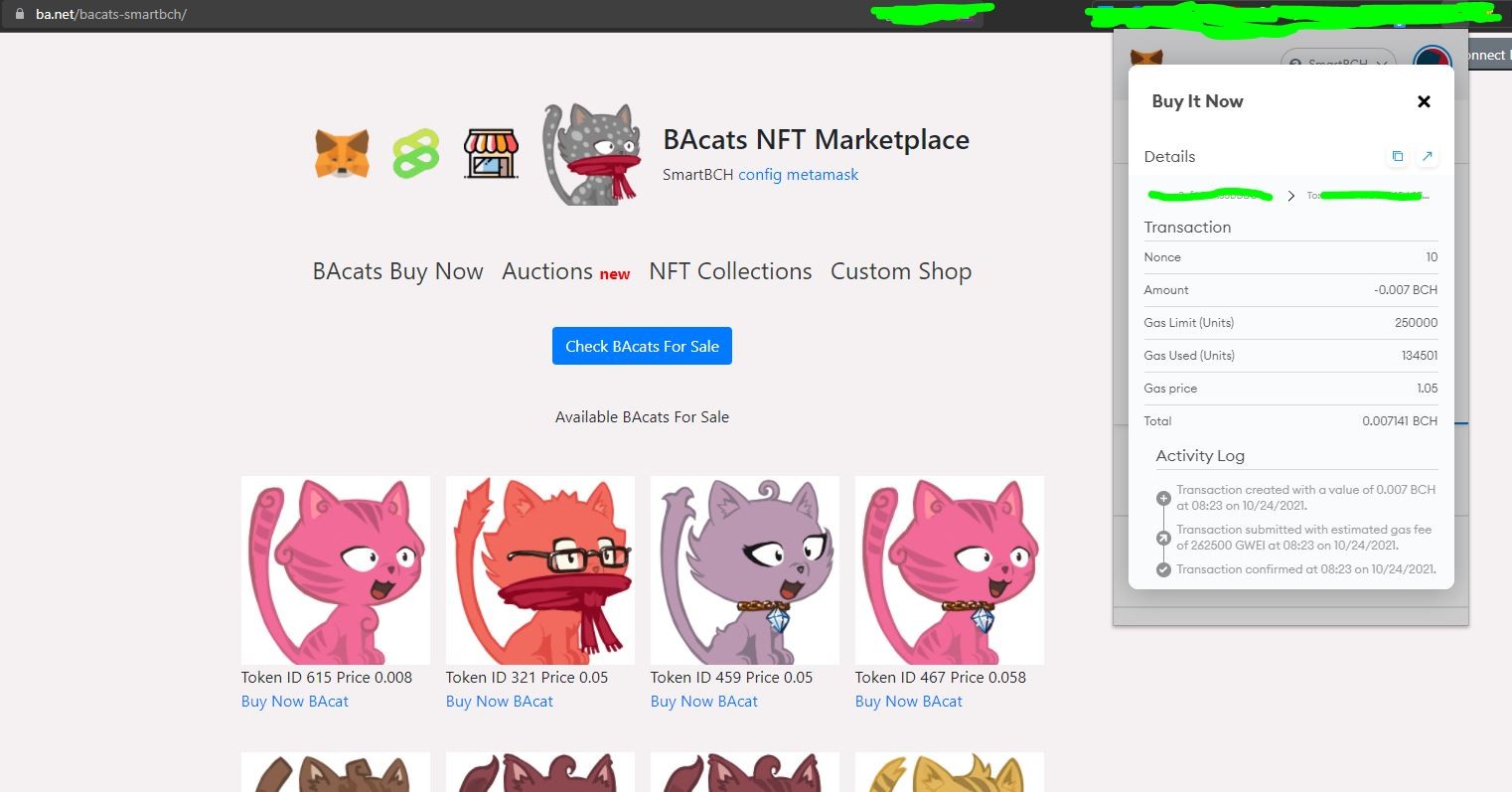
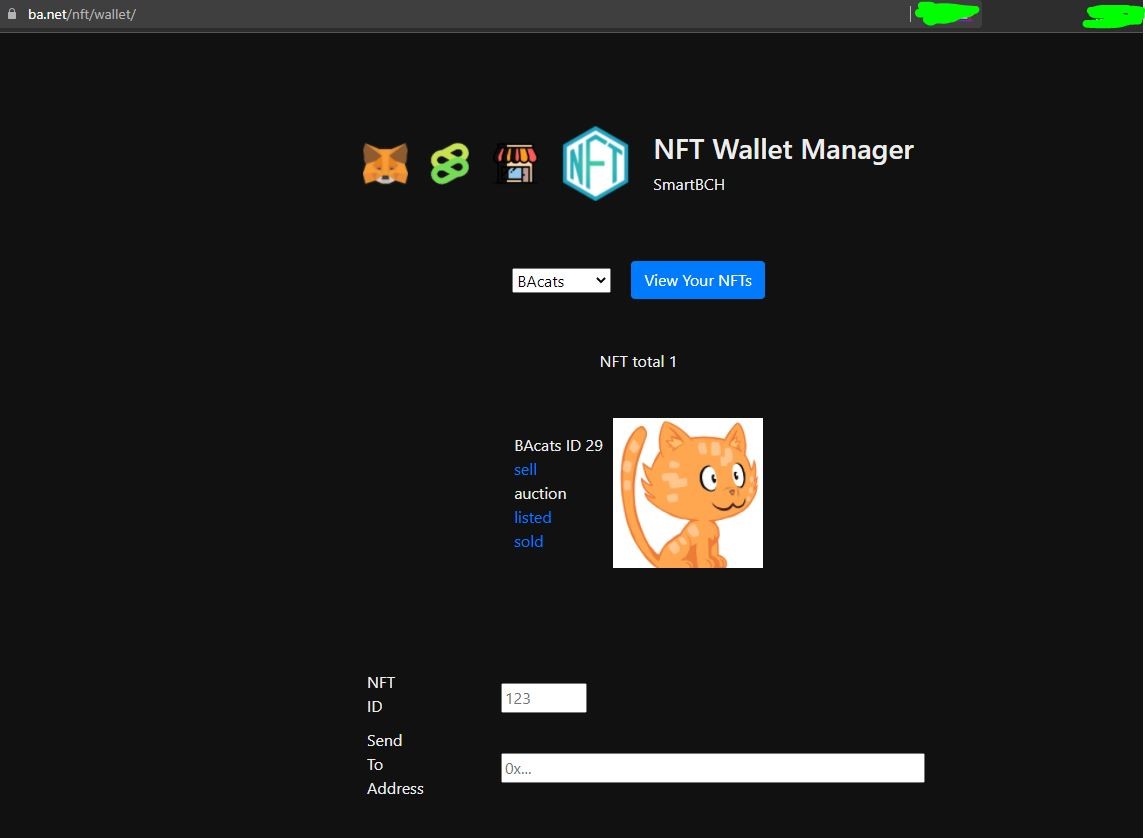
Bought my first NFT on the SmartBCH Network a while ago! A cute kitty from the BAcats NFT Marketplace ( https://ba.net/bacats-smartbch/ ) ! 🌞😺💛 Thanks to the challenges of the previous days for transferring BCH to the SmartBCH Network I have some SmartBCH on my MetaMask wallet and I thought now was the time to start my NFT collection on that network too and start exploring! Immediately after purchasing it I got a little fright (mostly on the thought that I would have to spend a lot of time to find a solution, rather than fearing that something didn't go well), because I couldn't find where to view my newly acquired NFT! My MetaMask extension on the browser doesn't have a tab "Collectibles". I tried importing the token BACats, whose Contract Address and info I will mention at the end of my post, but the PC extension does not support this and I am having trouble importing all my accounts and Networks on the mobile app (I managed to import only the initial Ethereum one).. Luckily, I found the solution! There is a wallet for SmartBCH collectibles, https://ba.net/nft/wallet/ , and if you select the collection in which your NFT belongs from the dropdown, you will be able to see it! BACats Contract Address: 0x4082804067BC25D37a9444f4D4AE277f7Ba7C36E Decimal: 0 Niaou! 🌞😺💛 Update: I managed to see it on my android MetaMask app as well, I just had to add from scratch the SmartBCH Network, the tokens I wanted and choose Import NFT in the Collectibles tab, then give the collection's contract address (BACats Contract Address) and my NFT's ID! #SmartBCH #SmartBCHNFT #NFTs #NFT #BACats #MetaMask #BANET #NftDiscussionTime
1 comment
Cool. Pantera gave some info about the contract address and list of informations , i need to find it again.