 @Bragato18
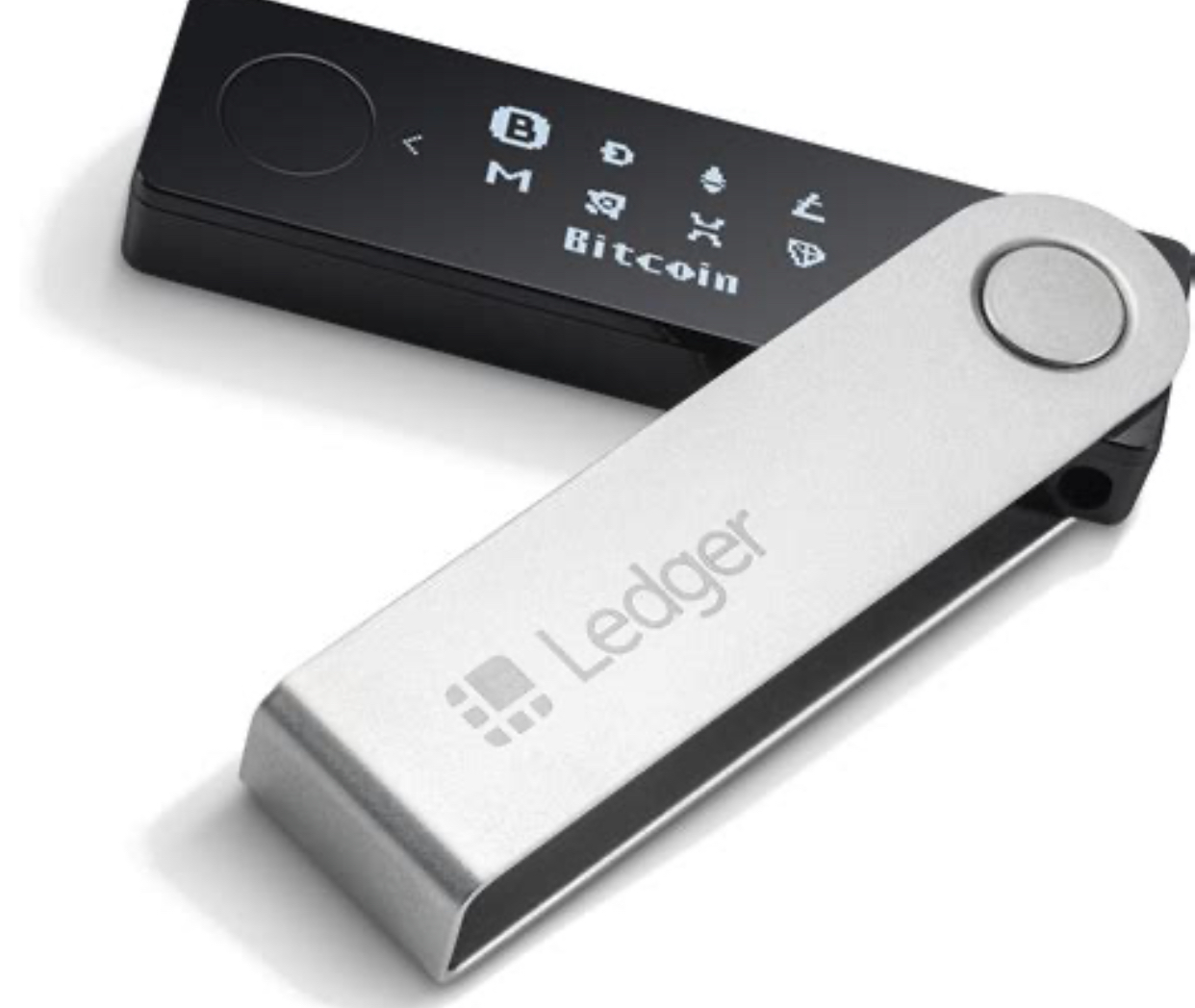
Yesterday spent 2 hours with the new B18CCS client. Mrs Y had a Ledger Nano S and recently bought a new Nano X to store separately some funds she was hoping to receive soon. Took awhile to work out what she had done. When she set-up the Nano X Mrs Y inadvertently used the the same Ledger Live app and ended up linking the two devices. That is they have the same seed recovery phrase, which is what you do if you want to use one as a back-up device. To set-up as seperate devices, one needs to create a seperate account/profile/user on your computer. Open the Ledger Live app. Select new device and it will generate a seperate seed recovery phrase. To make matters more confusing she had tried to reset the seed recovery phrase on the Ledger X The hardest part was trying to explain what she had done, she was convinced she had not. And wanted to do another reset. I think will have to contact ledger to see if our fix is correct or is there a more permanent remedy. Also showed her how to auto-lock Ledger Live. - Settings - General - Auto-Lock - turn on - create secure password That may sound very basic to you but to some people it can be confusing. Normally I give them Step by Step User Guide but she was only paying for 2 hours of one on one, so had to make do with her taking notes. It can take 2-4 hours to create the Step by Step User Guide (for dummies). As I can use the document multiple times, I only charge half the hourly rate for guides and reports.
No comments yet