 @Blind
more from that month
@Blind
more from that month
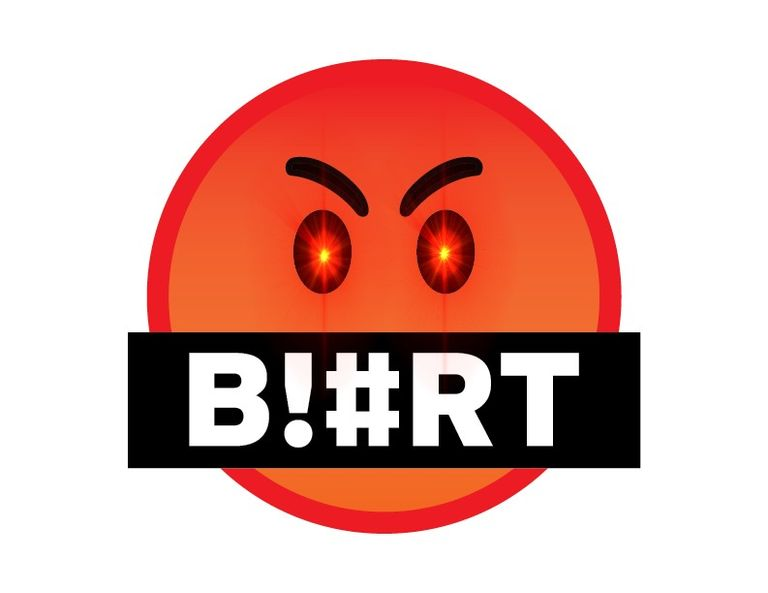
How to create your own Laser Eyes Image. In this article, I will be using the Blurt PFP I created as an example to show how you can make a custom Laser Eyes image for your own use. I wanted to create a custom PFP that both defines my position within the crypto belief system as well as a member of the BLURT blockchain. The only thing that intersects both the themes would be the BLURT logo and the infamous laser eyes. I am more than happy to share how I created this. You could follow the same steps or just use mine. But make sure you give credit where it's due and also know that it will only make the logo so much more common. Staying individualistic is a pretty valuable trait in the cryptoverse. **FIRST**, you'll need the BLURT logo. You can head to the BLURT official discord page by clicking here and head to the `#media-kit` room. Over there you will find the official BLURT logo in PNG. https://discord.gg/fyTCXaUfkf Once you have that you can head to `KAPWING`, which is an online editor tool. There is a preset template for laser eyes so you don't have to scour the internet for free-to-use laser PNGs. Click here to be redirected to the preset. https://www.kapwing.com/explore/laser-eyes-meme-maker
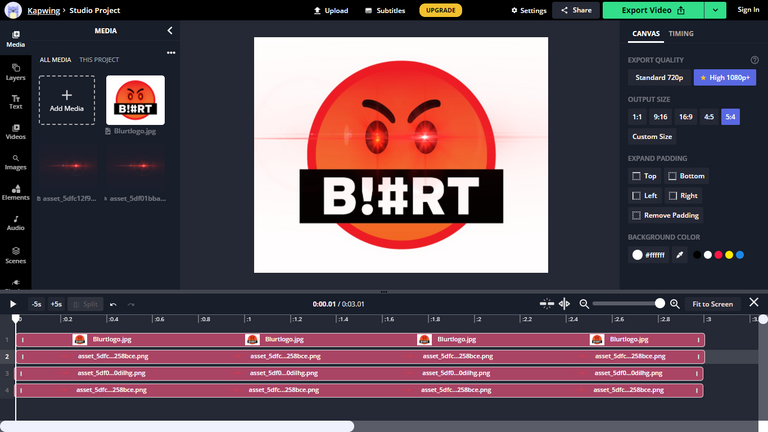
Once in the tool, all you have to do is add the BLURT logo and stitch the laser eyes as per your wish and add a plain background. You can make the lasers bigger or smaller or brighter or dimmer. It is all up to you. I decided to go with a more tame look to preserve the original logo. Once you have successfully completed your own BLURT laser eyes, all you have to do is click the arrow next to `Export Video` on the top right hand corner and select the `Save as image` option. Voila, you now have your own personal laser eyes BLURT logo!
2 comments
Wow! This is good. Your description is short and we'll explained. But I hope it won't give me stress when I try to to do this... Have a nice time friend
you have to try it to know if it stresses you or not.