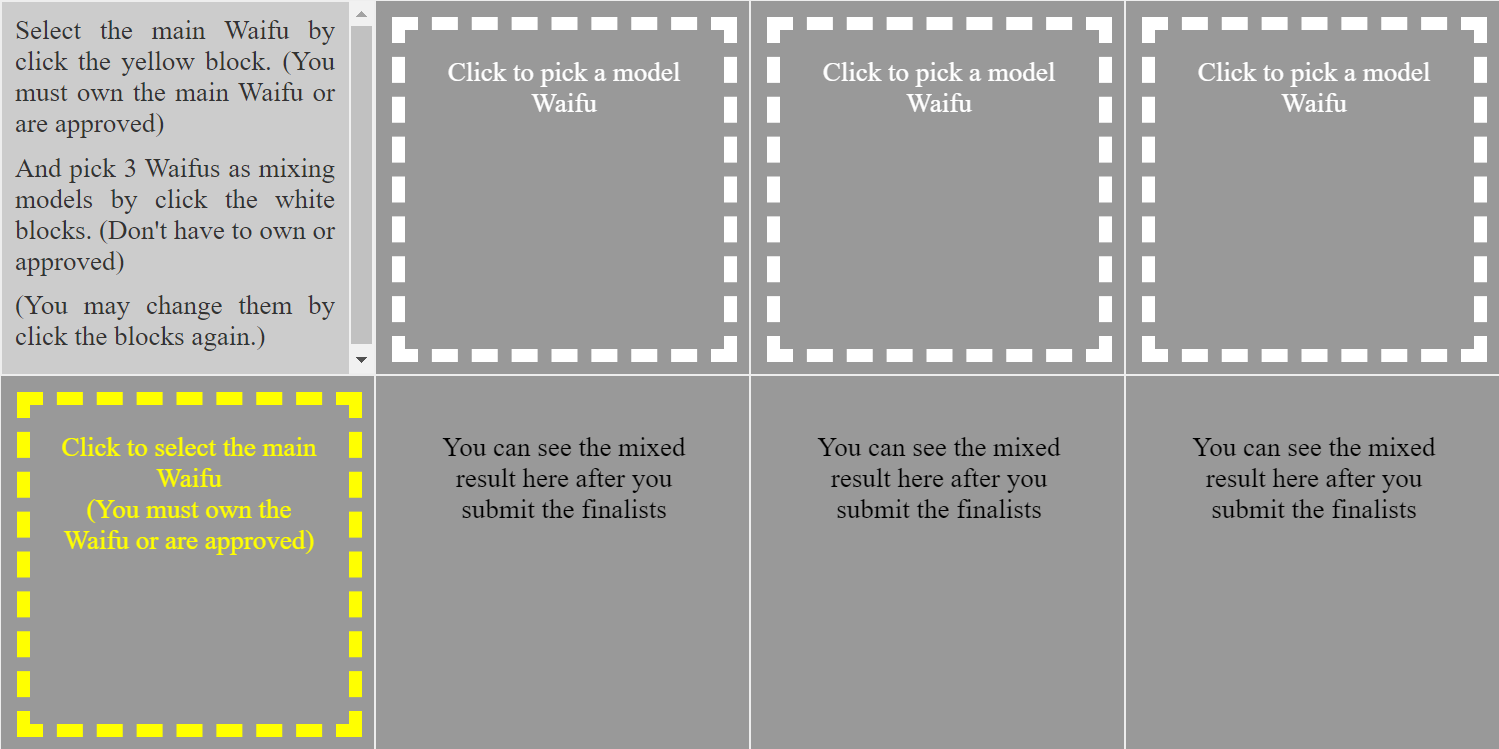
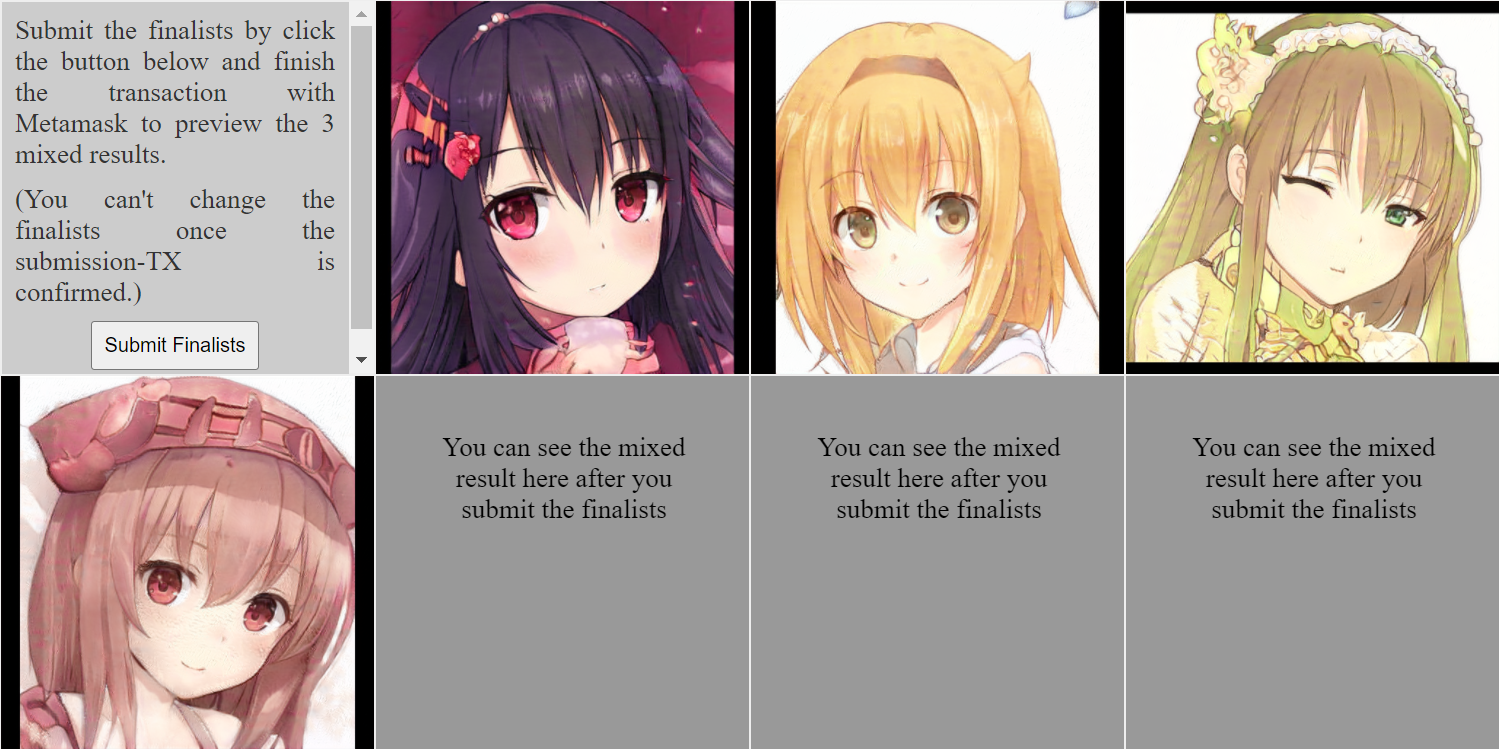
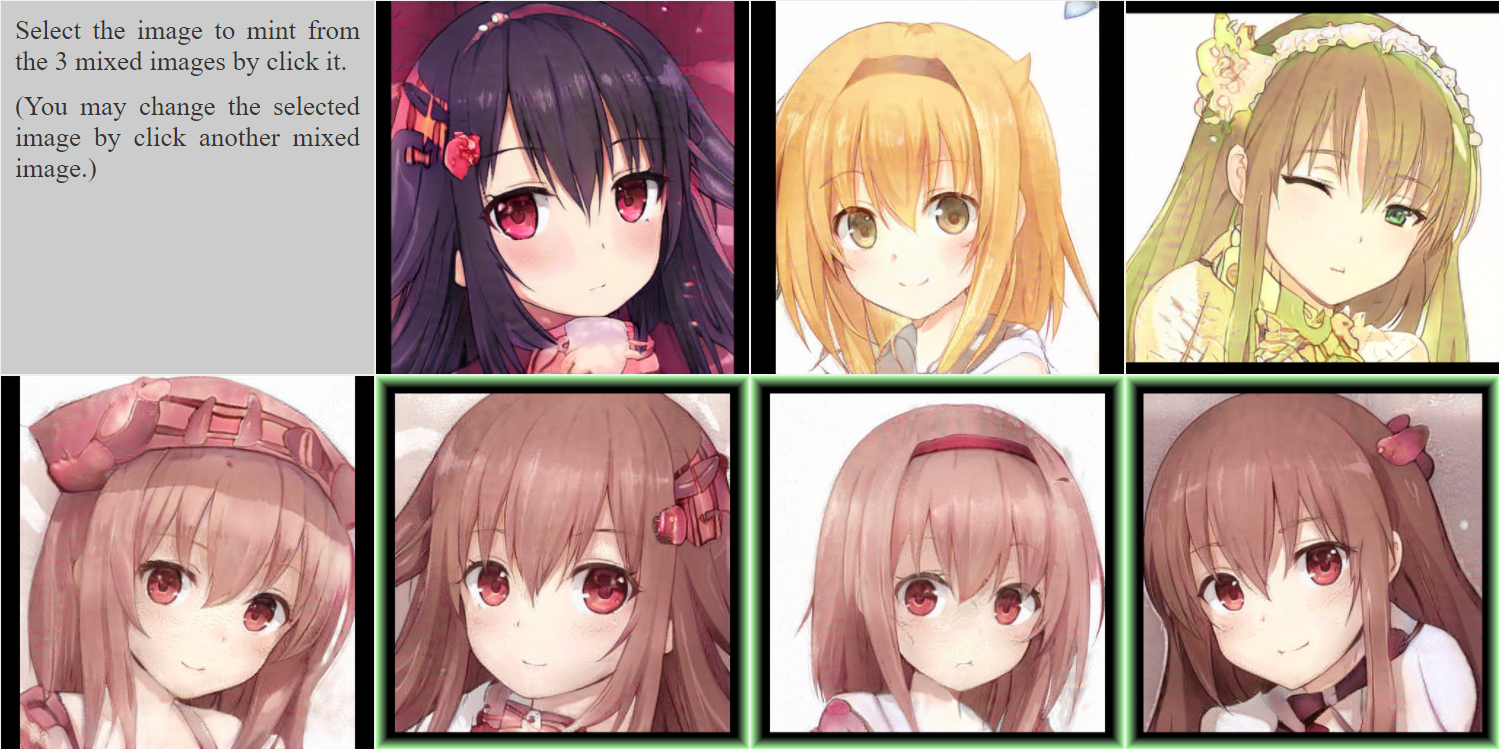
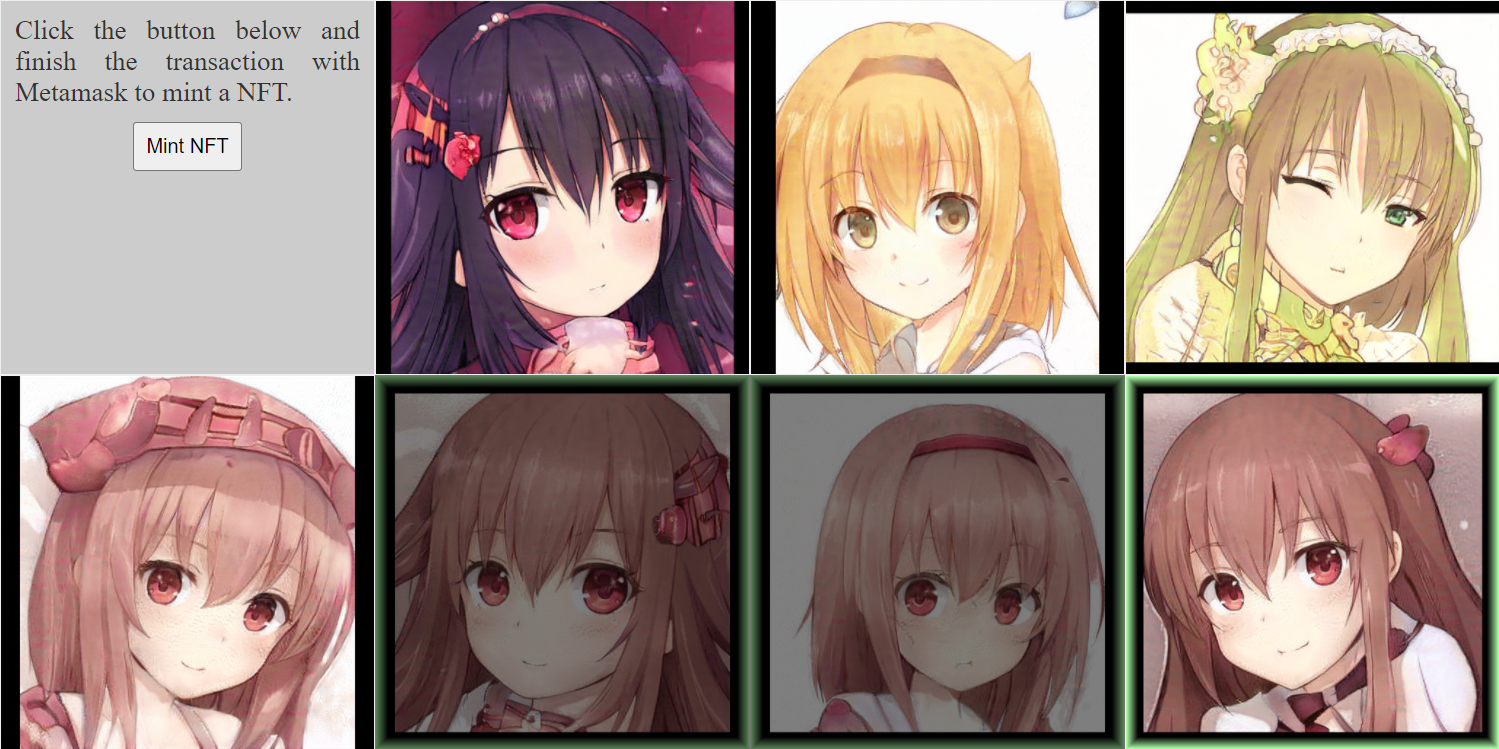
#SmartWaifu Preview of Smart Waifu mixing UI Smart Waifu合成界面預覽 流程(暫定) 是選定Main Waifu和3個Model候選者後按下Submit鈕發送交易到鏈上,上鏈後就不能更改Model了,然後可以開出3張合成圖,從3張之中選1張後按下Mint鈕把那張鑄造成NFT。 == 英文說明文字感覺問題很多,希望能有人幫忙修一下,目前文字內容如下: English description text that needs to be modified: Click to select the main Waifu (You must own the Waifu or are approved) Click to pick a model Waifu You can see the mixed result here after you submit the finalists Select the main Waifu by click the yellow block. (You must own the main Waifu or are approved) And pick 3 Waifus as mixing models by click the white blocks. (Don't have to own or approved) (You may change them by click the blocks again.) Submit the finalists by click the button below and finish the transaction with Metamask to preview the 3 mixed results. (You can't change the finalists once the submission-TX is confirmed.) Select the image to mint from the 3 mixed images by click it. (You may change the selected image by click another mixed image.) Click the button below and finish the transaction with Metamask to mint a NFT.
3 comments
簡單修一些文法問題: You must own the Waifu or are approved -> You must own the Waifu or be approved Don't have to own or approved -> Don't have to own the Waifu or be approved You must own the main Waifu or are approved -> You must own the main Waifu or be approved You may change the selected image by click another mixed image-> You may change the selected image by clicking another mixed image Click the button below and finish the transaction with Metamask to mint a NFT -> Click the button below and finish the transaction with Metamask to mint an NFT
昨天忘記寫到by click都要換成by clicking,因為太多就沒有都列出來~
OK. 多謝 ^^